


OpenAI to LinkedIn, posts and images published
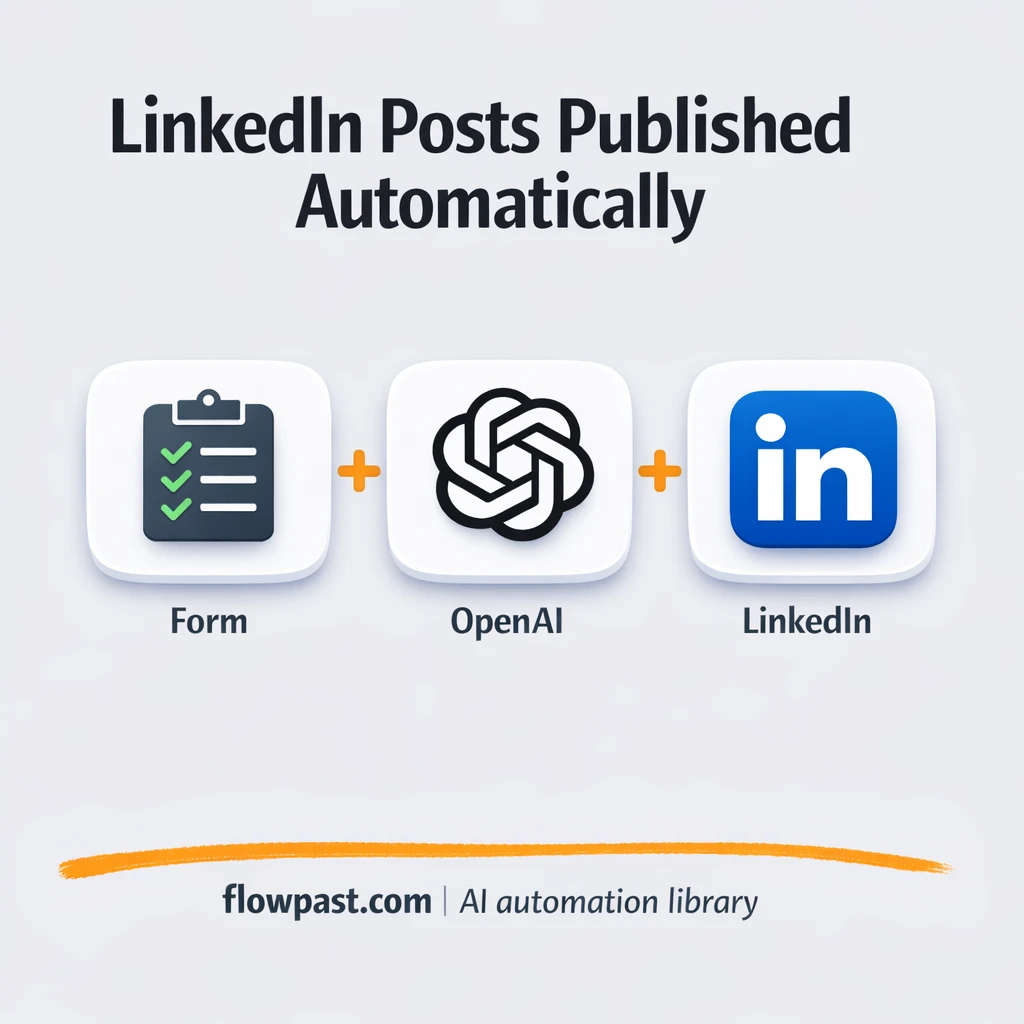

Posting on LinkedIn sounds simple until you’re doing it consistently. You start with an idea, then it’s writing, rewriting, finding an image, making it look “on brand,” exporting the right size, and finally publishing.
This is exactly what OpenAI LinkedIn automation is good at. Marketing managers trying to keep a content cadence, founders building personal brand momentum, and consultants who need to show up weekly all hit the same wall. The workflow below turns one submitted idea into a finished post and image, then publishes it for you.
You’ll see how the automation flows, what you need to connect, and where you can tweak prompts so the output actually sounds like you (not like generic AI).
How This Automation Works
Here’s the complete workflow you’ll be setting up:
n8n Workflow Template: OpenAI to LinkedIn, posts and images published
flowchart LR

    subgraph sg0["Post Idea Flow"]
        direction LR
        n0["<div style='background:#f5f5f5;padding:10px;border-radius:8px;display:inline-block;border:1px solid #e0e0e0'><img src='https://flowpast.com/wp-content/uploads/n8n-workflow-icons/form.svg' width='40' height='40' /></div><br/>Post Idea"]
        n1@{ icon: "mdi:robot", form: "rounded", label: "Generate Post Text", pos: "b", h: 48 }
        n2@{ icon: "mdi:robot", form: "rounded", label: "Visual Creation", pos: "b", h: 48 }
        n3["<div style='background:#f5f5f5;padding:10px;border-radius:8px;display:inline-block;border:1px solid #e0e0e0'><img src='https://flowpast.com/wp-content/uploads/n8n-workflow-icons/linkedin.svg' width='40' height='40' /></div><br/>Post on LinkedIn"]
        n0 --> n1
        n2 --> n3
        n1 --> n2
    end

    %% Styling
    classDef trigger fill:#e8f5e9,stroke:#388e3c,stroke-width:2px
    classDef ai fill:#e3f2fd,stroke:#1976d2,stroke-width:2px
    classDef aiModel fill:#e8eaf6,stroke:#3f51b5,stroke-width:2px
    classDef decision fill:#fff8e1,stroke:#f9a825,stroke-width:2px
    classDef database fill:#fce4ec,stroke:#c2185b,stroke-width:2px
    classDef api fill:#fff3e0,stroke:#e65100,stroke-width:2px
    classDef code fill:#f3e5f5,stroke:#7b1fa2,stroke-width:2px
    classDef disabled stroke-dasharray: 5 5,opacity: 0.5
    class n0 trigger
    class n1,n2 ai
    classDef customIcon fill:none,stroke:none
    class n0,n3 customIcon
Why This Matters: Consistent LinkedIn Content Without the Daily Grind
LinkedIn rewards consistency, but consistency is usually the first thing to die when you get busy. The real time sink is not “writing one post.” It’s switching contexts five times: jotting the idea, drafting, polishing tone, designing a matching visual, then posting (plus fixing formatting when it looks weird). Multiply that by three posts a week and you’re suddenly spending a full afternoon on something that should have been a quick habit. Worse, the posts become inconsistent because you’re rushing, which means the brand voice drifts and the visuals look like they came from five different companies.
The friction compounds. Here’s where it breaks down for most teams and solo operators.
- You end up with a backlog of half-written drafts because “I’ll finish it later” keeps losing to client work and meetings.
- Design becomes the bottleneck, especially when the only “available” option is recycling old templates or grabbing random stock images.
- On-brand writing is hard to do quickly, so posts swing between overly formal and too casual from week to week.
- Publishing is surprisingly error-prone, because you’re copying text between tools and trying to keep image sizes and formatting clean.
What You’ll Build: Idea → Post + Image → Published on LinkedIn
This workflow turns LinkedIn publishing into a simple input-and-done routine. It starts with a form submission where you drop in a post idea (a topic, a rough bullet list, a quick lesson, or even a messy paragraph). From there, OpenAI generates a LinkedIn-ready post in a professional, engaging style based on the prompt rules you set. Next, OpenAI generates a matching image so you’re not hunting for visuals or opening a design tool just to keep your feed looking consistent. Finally, the LinkedIn node publishes the post text and image directly to your LinkedIn account, so the whole thing goes live without you copy-pasting or exporting anything.
The flow is straightforward. The form trigger captures your idea, OpenAI handles the writing and the visual, and LinkedIn publishes the finished content. If you want guardrails, the workflow can also log drafts to Google Sheets or route exceptions via Gmail so you’re not flying blind.
What You’re Building
| What Gets Automated | What You’ll Achieve |
|---|---|
|
|
Expected Results
Say you publish three times a week, and each post takes about 30 minutes to write plus about 15 minutes to find or make a decent image. That’s roughly 2 hours a week, and it often lands on the busiest days. With this workflow, you spend about 5 minutes submitting the idea and a couple minutes scanning the output, then it publishes. Even if you keep a quick review step, most teams get back about an hour or two every week and end up posting more consistently.
Before You Start
- n8n instance (try n8n Cloud free)
- Self-hosting option if you prefer (Hostinger works well)
- OpenAI for post writing and image generation
- LinkedIn to publish posts with images
- OpenAI API key (get it from the OpenAI API dashboard)
Skill level: Beginner. You’ll connect accounts, paste a prompt, and map a few fields from the form into OpenAI and LinkedIn.
Want someone to build this for you? Talk to an automation expert (free 15-minute consultation).
Step by Step
An idea gets submitted. The workflow starts with an n8n form trigger (or a similar intake). You enter the topic, a few points, and any must-include details like a link, offer, or CTA.
The workflow shapes the input. n8n cleans up fields and prepares a structured prompt. If you’re logging or batching, this is where nodes like Google Sheets, Merge, If conditions, or Split in Batches help keep things organized.
OpenAI generates the post and the image. One OpenAI step writes the LinkedIn copy in your chosen style. A second OpenAI step creates an image aligned with the same idea and brand cues (like colors, vibe, and topic).
LinkedIn publishes it. The final LinkedIn node posts the text and attaches the generated image. If something fails, you can route alerts through Gmail/IMAP so you know immediately.
You can easily modify the prompt fields to reflect a different tone, product line, or posting format based on your needs. See the full implementation guide below for customization options.
Troubleshooting Tips
- LinkedIn credentials can expire or need specific permissions. If things break, check your LinkedIn app/API access and the connected account inside n8n credentials first.
- If you’re using Wait nodes or external rendering, processing times vary. Bump up the wait duration if downstream nodes fail on empty responses.
- Default prompts in AI nodes are generic. Add your brand voice early or you’ll be editing outputs forever.
Quick Answers
About 30 minutes if your OpenAI and LinkedIn accounts are ready.
No. You’ll connect your accounts and edit a couple prompts and mapped fields.
Yes. n8n has a free self-hosted option and a free trial on n8n Cloud. Cloud plans start at $20/month for higher volume. You’ll also need to factor in OpenAI API costs, which are usually a few cents per post depending on your model and image settings.
Two options: n8n Cloud (managed, easiest setup) or self-hosting on a VPS. For self-hosting, Hostinger VPS is affordable and handles n8n well. Self-hosting gives you unlimited executions but requires basic server management.
Yes, and you should. Most customization happens in the two OpenAI nodes (the “Message Model” step for text and the “Image Generation” step for the visual) and in the Set/Edit Fields node where you inject variables like business name, founder name, brand colors, and tone. Common tweaks include switching from “professional” to “punchy,” adding a strict hook framework for the first two lines, and enforcing a standard CTA at the end. You can also route outputs to Google Sheets for review before publishing if you want more control.
Usually it’s expired credentials or missing API permissions on the LinkedIn side. Reconnect the LinkedIn credential in n8n and confirm the account has the right access for posting with media. If it still fails, check the LinkedIn node’s error output for scope or asset upload errors, which can happen when LinkedIn changes requirements or when the image payload isn’t accepted.
For most small teams, dozens of posts a week is fine.
Often, yes, because n8n handles multi-step logic, branching, and self-hosting without turning every extra step into a higher bill. This workflow isn’t just “send text from A to B.” You’re generating copy, generating an image, optionally logging to Google Sheets, and posting to LinkedIn with media handling. Zapier or Make can do it, but the moment you add variations (approval, batching, fallbacks via Gmail), it gets fiddly and can get expensive. If you want help choosing, Talk to an automation expert.
Once this is running, LinkedIn stops being a “someday” task. You submit ideas, the workflow publishes, and your feed stays active without constant context switching.
Need Help Setting This Up?
Our automation experts can build and customize this workflow for your specific needs. Free 15-minute consultation—no commitment required.
