


YouTube to Slack, 3 line Japanese video summaries
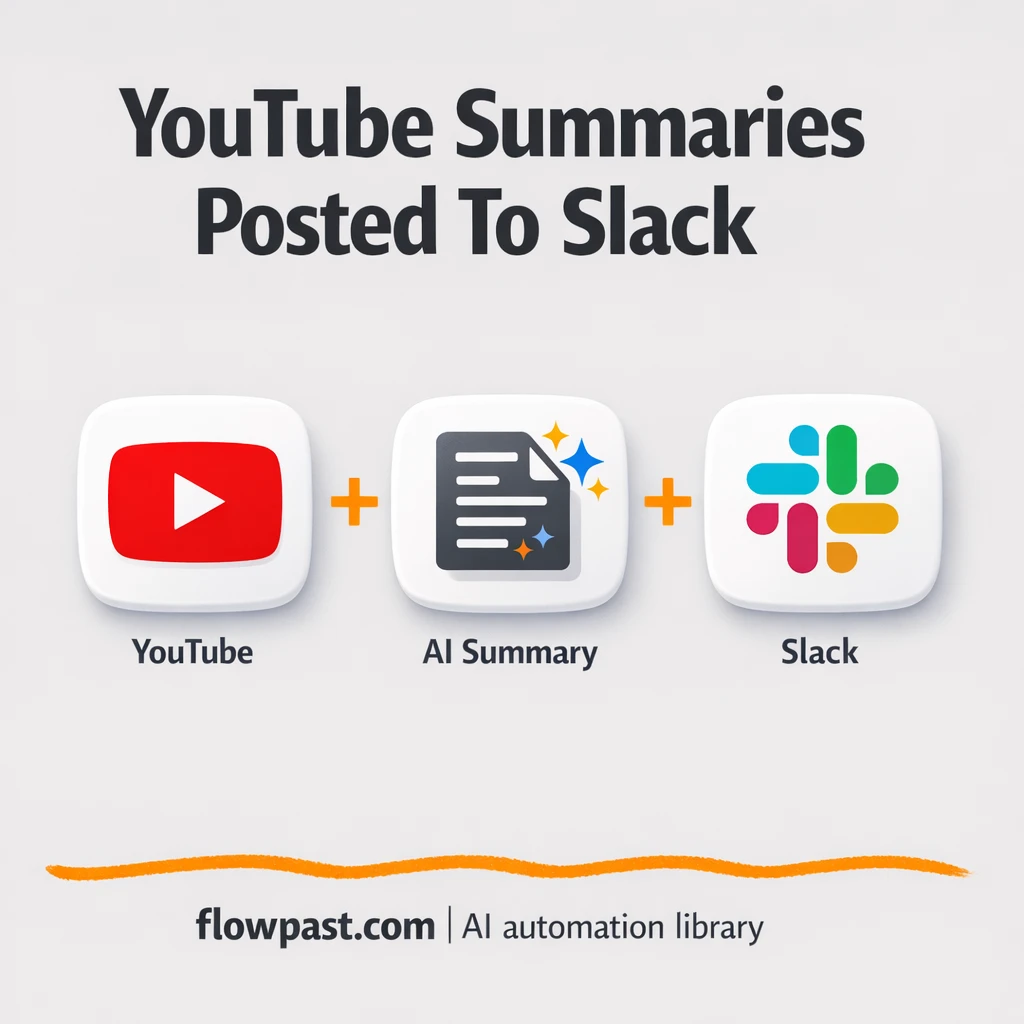

Your team keeps saying “we should watch that later,” and then nobody does. Important YouTube uploads pile up, context gets lost, and the one person who did watch ends up translating the key points in Slack from memory.
Marketing leads feel it when competitor videos drop. Knowledge managers feel it when training content updates. And ops folks trying to keep a distributed team aligned feel it too. This YouTube Slack summaries automation turns every new upload into a short Japanese update your team will actually read.
Below you’ll see exactly how the workflow runs, what it replaces day-to-day, and how to customize the summary so it matches your internal style.
How This Automation Works
The full n8n workflow, from trigger to final output:
n8n Workflow Template: YouTube to Slack, 3 line Japanese video summaries
flowchart LR

    subgraph sg0["YouTube RSS Trigger (Channel 1) Flow"]
        direction LR
        n0["<div style='background:#f5f5f5;padding:10px;border-radius:8px;display:inline-block;border:1px solid #e0e0e0'><img src='https://flowpast.com/wp-content/uploads/n8n-workflow-icons/slack.svg' width='40' height='40' /></div><br/>Send Summary to Slack (#yout.."]
        n1@{ icon: "mdi:play-circle", form: "rounded", label: "YouTube RSS Trigger (Channel..", pos: "b", h: 48 }
        n2["<div style='background:#f5f5f5;padding:10px;border-radius:8px;display:inline-block;border:1px solid #e0e0e0'><img src='https://flowpast.com/wp-content/uploads/n8n-workflow-icons/httprequest.dark.svg' width='40' height='40' /></div><br/>Get YouTube Transcript via R.."]
        n3["<div style='background:#f5f5f5;padding:10px;border-radius:8px;display:inline-block;border:1px solid #e0e0e0'><img src='https://flowpast.com/wp-content/uploads/n8n-workflow-icons/code.svg' width='40' height='40' /></div><br/>Combine Transcript Text (Code)"]
        n4@{ icon: "mdi:robot", form: "rounded", label: "Generate Japanese Summary (O..", pos: "b", h: 48 }
        n3 --> n4
        n1 --> n2
        n4 --> n0
        n2 --> n3
    end

    %% Styling
    classDef trigger fill:#e8f5e9,stroke:#388e3c,stroke-width:2px
    classDef ai fill:#e3f2fd,stroke:#1976d2,stroke-width:2px
    classDef aiModel fill:#e8eaf6,stroke:#3f51b5,stroke-width:2px
    classDef decision fill:#fff8e1,stroke:#f9a825,stroke-width:2px
    classDef database fill:#fce4ec,stroke:#c2185b,stroke-width:2px
    classDef api fill:#fff3e0,stroke:#e65100,stroke-width:2px
    classDef code fill:#f3e5f5,stroke:#7b1fa2,stroke-width:2px
    classDef disabled stroke-dasharray: 5 5,opacity: 0.5
    class n1 trigger
    class n4 ai
    class n2 api
    class n3 code
    classDef customIcon fill:none,stroke:none
    class n0,n2,n3 customIcon
The Problem: Teams Miss Videos (Or Waste Time Watching Them)
Keeping up with YouTube sounds easy until it becomes part of the job. A creator posts a 25-minute video, someone drops the link in Slack, and it sinks like a stone. Later, in a meeting, people reference “that part about the new feature,” but half the room never saw it. If your team works in Japanese, the gap widens: now you’re not just watching, you’re translating and summarizing too. The cost isn’t only time. It’s slow decisions, duplicated effort, and that constant low-level stress of feeling behind.
It adds up fast. Here’s where it usually breaks down inside real teams.
- Someone has to notice the upload, remember to share it, and get the channel link right.
- Watching “just to pull the highlights” turns into an hour of pausing, scrubbing, and note-taking.
- Manual summaries come out inconsistent, so people stop trusting them and go back to watching the full video.
- If you follow multiple channels, the sheer volume makes the whole habit collapse after a busy week.
The Solution: New Upload → Transcript → 3-Line JP Summary → Slack
This workflow watches a specific YouTube channel for new uploads and reacts the moment something new appears. When a video is posted, it pulls the transcript through RapidAPI (so you’re not manually copying captions or hunting for a transcript tool). Next, it cleans up the transcript by merging segmented text into one readable block. Then GPT-4o-mini turns that content into a natural-sounding, three-line Japanese summary that’s short enough for Slack but still specific. Finally, it posts the video title, link, and Japanese summary directly into your chosen Slack channel, so the update lands where your team already works.
The workflow starts with a YouTube RSS feed monitor tied to a channel ID. After transcript retrieval and cleanup, OpenAI generates a consistent Japanese summary. Slack receives a formatted message in something like #youtube-summary, ready to forward or pin.
What You Get: Automation vs. Results
| What This Workflow Automates | Results You’ll Get |
|---|---|
|
|
Example: What This Looks Like
Say your team follows 3 creators and each posts 2 videos a week. If someone watches each video for “just 20 minutes” and then spends another 10 minutes writing a Japanese recap, that’s about 3 hours a week of pure upkeep. With this workflow, the human part becomes basically zero: the RSS trigger runs automatically, transcript + summary processing happens in the background, and Slack gets the post as soon as it’s ready. You still choose what to act on, but you stop paying the “watch everything” tax.
What You’ll Need
- n8n instance (try n8n Cloud free)
- Self-hosting option if you prefer (Hostinger works well)
- YouTube RSS feed to monitor a specific channel.
- RapidAPI to fetch YouTube transcripts reliably.
- OpenAI API key (get it from the OpenAI API dashboard).
- Slack workspace access to post into your chosen channel.
Skill level: Intermediate. You’ll connect credentials, paste an API key, and edit one prompt safely.
Don’t want to set this up yourself? Talk to an automation expert (free 15-minute consultation).
How It Works
A new YouTube upload triggers the workflow. n8n monitors the channel’s RSS feed, so you don’t rely on someone noticing the video or remembering to share it.
The transcript gets pulled and cleaned. An HTTP Request node calls the youtube-transcript3 endpoint on RapidAPI, then a small code step assembles the segmented transcript into one clean string.
OpenAI generates the Japanese summary. Using GPT-4o-mini, the workflow creates a natural three-line Japanese summary that’s meant to be skimmed quickly, not treated like a full translation.
Slack receives a ready-to-share update. The Slack node posts the title, link, and summary to your selected channel (often #youtube-summary), which means it’s instantly visible to the whole team.
You can easily modify the summary length and tone based on your needs. See the full implementation guide below for customization options.
Step-by-Step Implementation Guide
Step 1: Configure the RSS Feed Trigger
Set up the workflow trigger to monitor a YouTube channel feed for new videos.
- Add the YouTube Feed Monitor node as your trigger.
- Set Feed URL to
https://www.youtube.com/feeds/videos.xml?channel_id=and append your channel ID. - Under Poll Times, keep the interval as
everyXwith1to check every minute.
Step 2: Connect the YouTube Transcript API
Fetch the transcript for each new YouTube video and prepare the text payload for AI summarization.
- Add Retrieve Video Transcript after YouTube Feed Monitor.
- Set URL to
=https://youtube-transcript3.p.rapidapi.com/api/transcript?videoId={{$json["id"].replace("yt:video:", "")}}. - Enable Send Headers and add headers: x-rapidapi-key with
[CONFIGURE_YOUR_API_KEY]and x-rapidapi-host withyoutube-transcript3.p.rapidapi.com. - Add Assemble Transcript Text after Retrieve Video Transcript to combine transcript segments into one string.
- Keep the JS Code as provided to build
full_text,title, andlinkfrom the transcript and RSS data.
[CONFIGURE_YOUR_API_KEY] unchanged, the request will fail.Step 3: Set Up Create JP Summary
Generate a concise Japanese summary from the assembled transcript text.
- Add Create JP Summary after Assemble Transcript Text.
- Credential Required: Connect your openAiApi credentials.
- Set Model to
gpt-4o-mini. - In Messages, set the prompt content to
=Summarize the following YouTube video transcript into **3 concise sentences in Japanese.**\n{{$json["full_text"]}}\n.
Step 4: Configure Post Summary to Slack
Send the Japanese summary and video details to your Slack channel.
- Add Post Summary to Slack after Create JP Summary.
- Credential Required: Connect your slackOAuth2Api credentials.
- Set Select to
channeland choose your target channel in Channel. - Set Text to
=🎥 *New YouTube Video Summary*\n\n🕒 Posted: {{ $('YouTube Feed Monitor').item.json.pubDate }}\n🧩 Title: {{ $('YouTube Feed Monitor').item.json.title }}\n🔗 Link: {{ $('YouTube Feed Monitor').item.json.link }}\n📝 Summary: {{$json["message"]["content"]}}\n.
Step 5: Test and Activate Your Workflow
Validate the full execution chain from feed detection to Slack delivery.
- Click Execute Workflow and trigger YouTube Feed Monitor with a recent video entry.
- Confirm Retrieve Video Transcript returns a transcript array and Assemble Transcript Text outputs
full_text. - Verify Create JP Summary outputs a message content with three Japanese sentences.
- Check Slack to ensure Post Summary to Slack posts the formatted message with title, link, and summary.
- Toggle the workflow Active once testing succeeds to enable automatic monitoring.
Common Gotchas
- RapidAPI credentials can expire or need specific permissions. If things break, check your RapidAPI dashboard subscription and the request headers in the HTTP Request node first.
- If you’re using Wait nodes or external rendering, processing times vary. Bump up the wait duration if downstream nodes fail on empty responses.
- Default prompts in AI nodes are generic. Add your brand voice early or you’ll be editing outputs forever.
Frequently Asked Questions
About 30 minutes if your keys and Slack access are ready.
No. You’ll paste an API key, connect Slack, and tweak one prompt.
Yes. n8n has a free self-hosted option and a free trial on n8n Cloud. Cloud plans start at $20/month for higher volume. You’ll also need to factor in RapidAPI usage fees and OpenAI API costs (usually pennies per summary).
Two options: n8n Cloud (managed, easiest setup) or self-hosting on a VPS. For self-hosting, Hostinger VPS is affordable and handles n8n well. Self-hosting gives you unlimited executions but requires basic server management.
Yes, and it’s the part you should actually spend time on. Update the prompt inside the “Create JP Summary” OpenAI node to change the length (3 lines, 5 bullets, one paragraph) and add instructions like “use polite Japanese” or “keep it casual.” Many teams also add a short template that forces structure, like “要点 / 学び / 次のアクション.” If you monitor multiple channels, duplicate the RSS trigger and merge them before the transcript step so everything still lands in one Slack feed.
Usually it’s an expired OAuth token or the app not being allowed to post to that channel. Reconnect Slack credentials in n8n, then double-check the channel selection in the Slack message node and confirm the bot is invited to the channel.
Plenty for a normal team watchlist.
Often, yes, because the transcript cleanup + AI summarization is where simple automations get awkward. n8n handles the logic cleanly, branching is flexible, and self-hosting avoids the “every step costs extra” feeling when volume grows. Zapier or Make can still work if you just want a basic RSS-to-Slack link drop, with no transcript processing. The moment you care about consistent Japanese summaries, n8n tends to be the smoother fit. Talk to an automation expert if you want a quick recommendation for your setup.
Once this is running, YouTube updates stop being a chore your team feels guilty about. You get clean Japanese summaries in Slack, consistently, and you move on.
Need Help Setting This Up?
Our automation experts can build and customize this workflow for your specific needs. Free 15-minute consultation—no commitment required.
