


Prompts
Build a Trade Journal Template with this AI Prompt
Trades feel random - use this AI Prompt to build an intraday trade journal template…
Automate receipt capture, OCR, and expense logging so you stop chasing paperwork. Route approvals, sync to Sheets or QuickBooks, and keep records audit-ready in minutes.
A workflow collects receipts from places you already use, like Gmail, Google Drive, or an n8n Form. It then runs OCR to read the receipt and uses AI (often OpenAI) to pull out fields like merchant, date, total, tax, currency, and category. Next, it validates rules you set, flags duplicates, and routes approvals if needed. Finally, it logs the expense to Google Sheets or pushes it into accounting tools, keeping the original file attached for audit trails.
Usually no. Most workflows are plug-and-play: connect your accounts, map a few fields, and you’re live.
For many teams, it cuts receipt admin in half. Instead of manually downloading attachments, typing totals, and chasing missing info, receipts are captured and logged as they arrive. Approvals also move quicker because the right person gets a ping with the key details. If you handle about 50 receipts a month, you can often win back about 2 hours at minimum, and month-end becomes far less stressful.
You’ll need an n8n workspace and access to the apps you want to connect (for example Gmail, Google Drive, and Google Sheets). If the workflow uses AI extraction, you will also need an OpenAI API key or a compatible provider. Have a simple chart of categories ready (travel, ads, software, meals), plus your approval rules. From there, you import the workflow, test with about 5 sample receipts, then turn on the trigger.
Trades feel random - use this AI Prompt to build an intraday trade journal template…
Flag risky bank transactions and alert your team in Slack while logging every event in…
Log Binance funding fees and token prices into Airtable automatically. No missed exports or messy…
Transactions land in Google Sheets, then a report is drafted in Google Docs and shared…
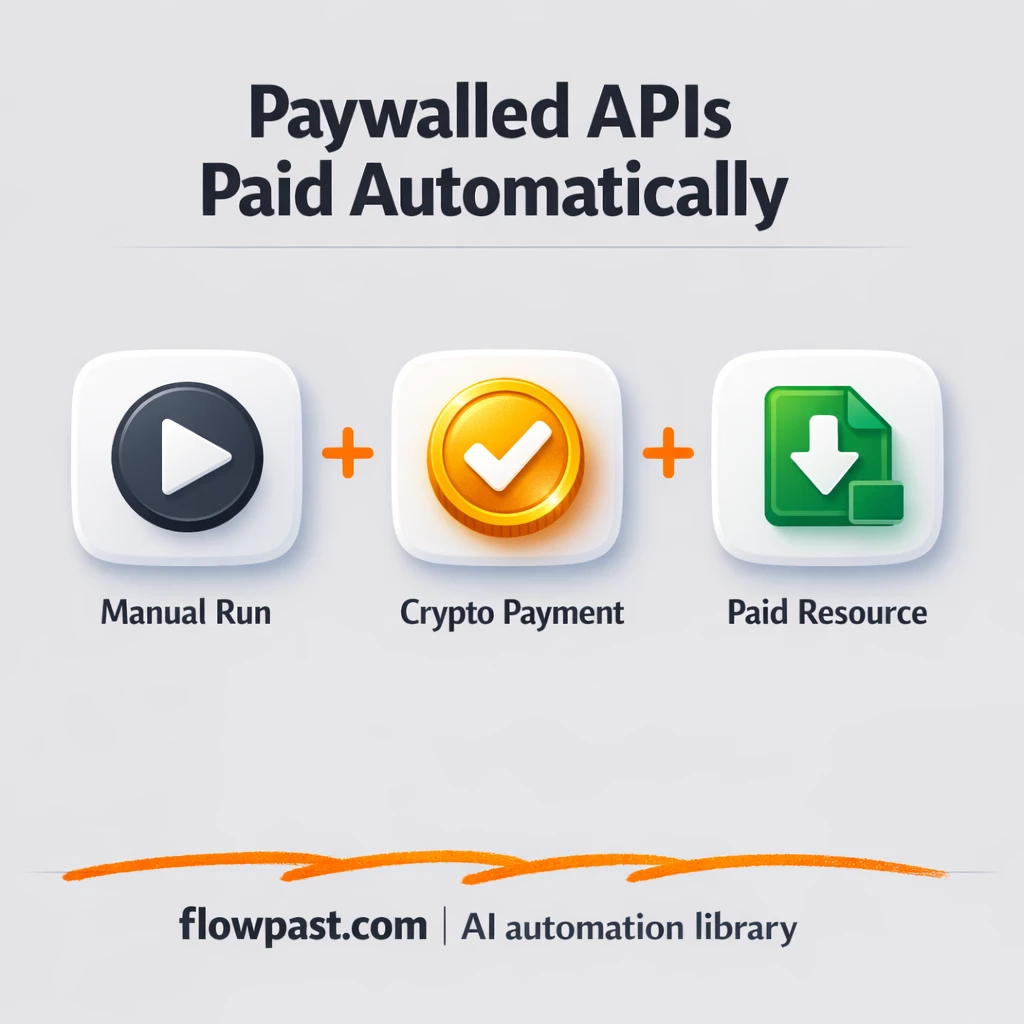
AgentGatePay handles 402 payments while Slack keeps you in the loop. Keep budgets controlled, reduce…
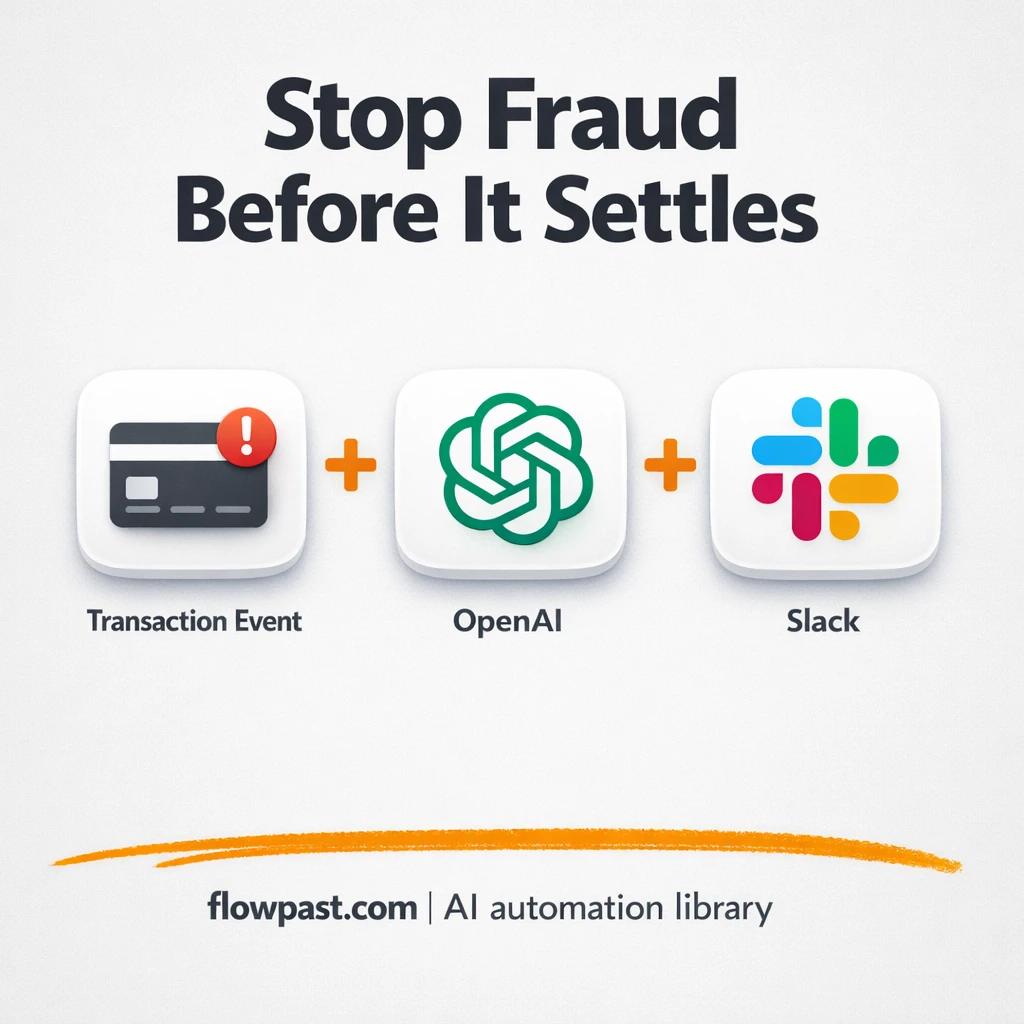
Flag risky transactions and notify your team in Slack while logging every case to Google…
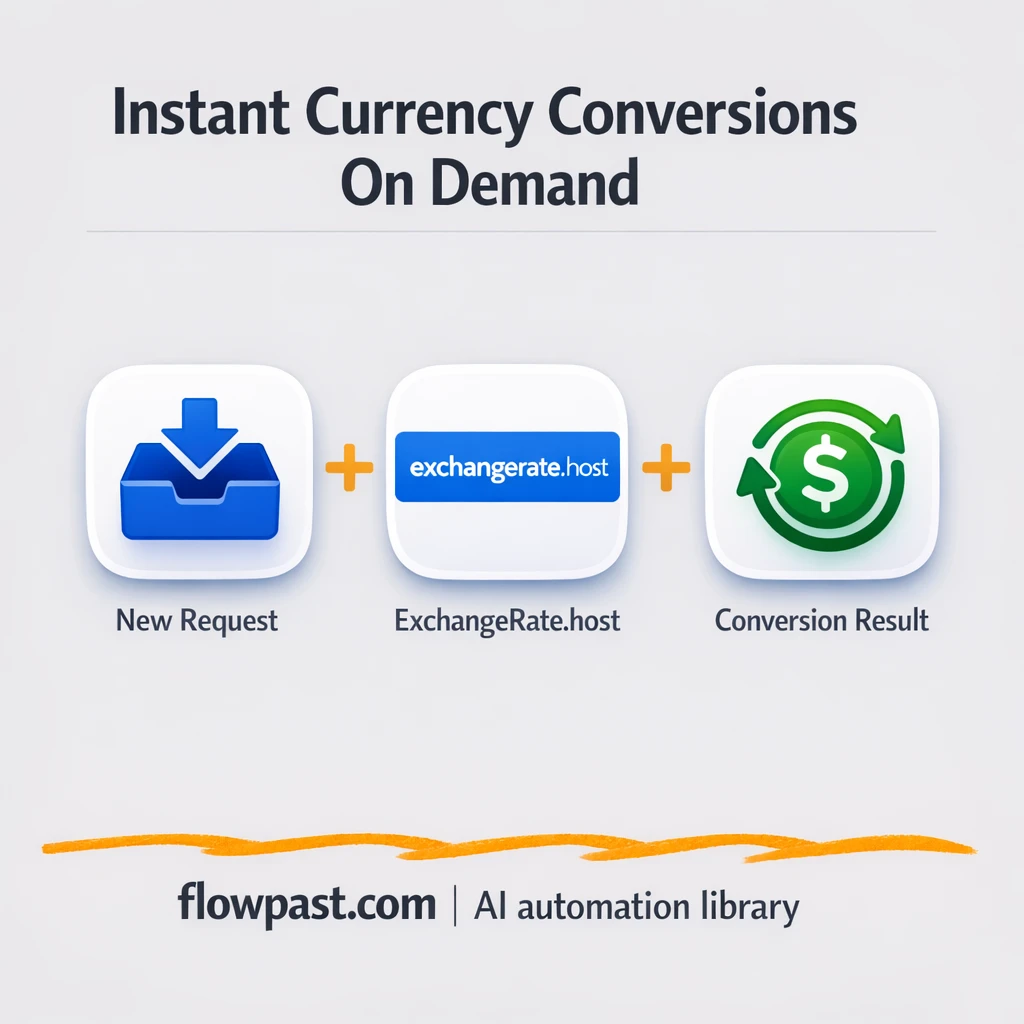
Get consistent currency conversions via ExchangeRate.host and log results in Google Sheets. Fewer rate mismatches,…
Get instant access to every AI workflow and prompt. One email, full access.
Join 5,000+ automation pros. No spam.
Tell us what you need and we'll get back to you within one working day.
Get instant access to the template and step-by-step guide
Full access unlocked. Here's what you can do now:
Tell us what you'd like to automate — we'll show you what's possible for your team.