


n8n
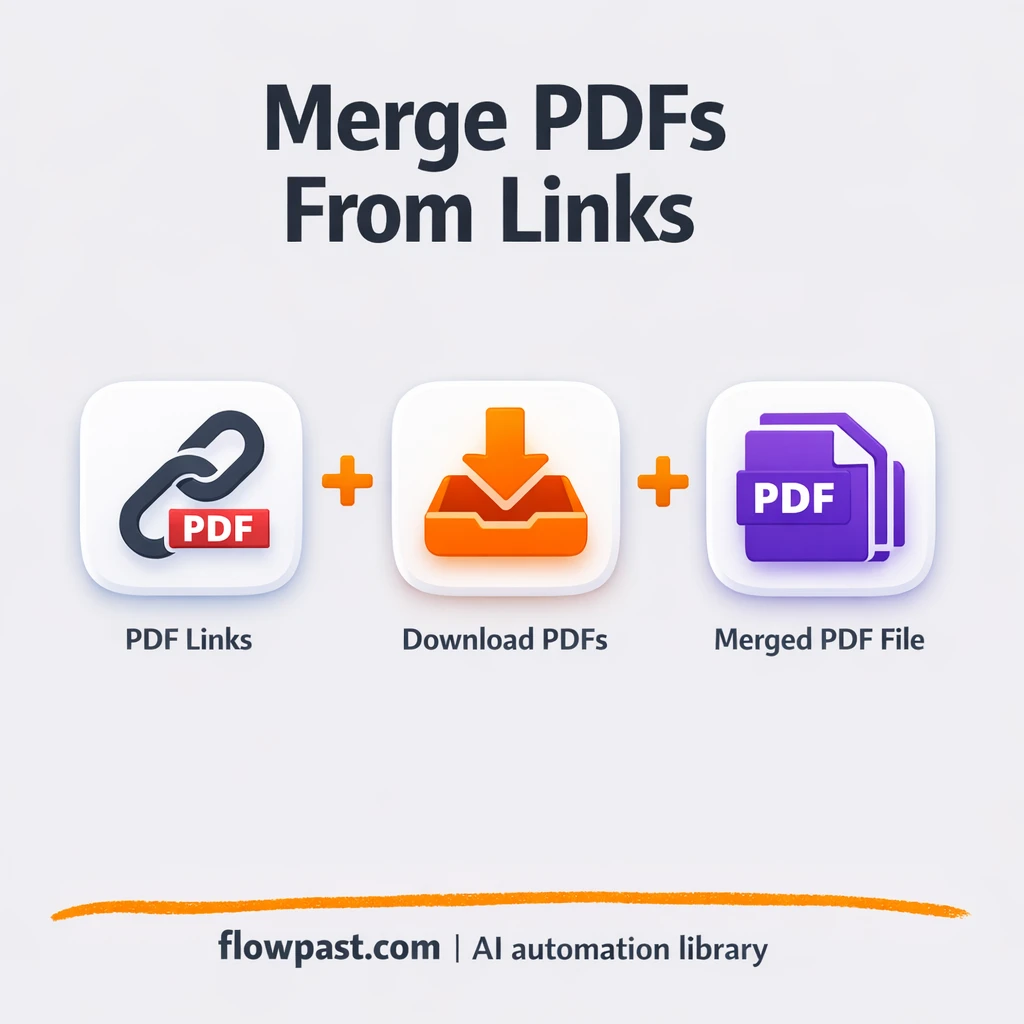
CustomJS + Google Drive: merged PDFs, ready to share
Pull PDF links, merge them into one clean file with CustomJS, then store the final…
Keep SOPs, runbooks, and client docs consistent across tools. Sync updates automatically, notify teams, and reduce “which version is right?” confusion and rework.
A workflow listens for a trigger, like a Google Doc edit, a new Notion page, or a merged GitHub PR. It then pulls the latest content, applies rules (formatting, templates, approvals), and pushes updates to your other sources of truth. Many teams also add an AI step to summarize changes and create a clean changelog. Finally, it notifies the right channel in Slack and stores a backup in Drive, so nothing gets lost.
Not usually. Most Flowpast workflows are plug-and-play: connect your accounts, pick the doc locations, and you’re live in about 15 minutes.
If you’re manually updating the same SOP in two places, you’re paying the “double work tax” every time. Automation removes that repetition and cuts the busywork in half for many teams. For agencies, the bigger win is fewer client escalations caused by outdated deliverables or onboarding docs. Over a month, saving even about 2 hours per person adds up quickly, especially when you factor in fewer mistakes and less back-and-forth in Slack.
You’ll need an n8n instance (cloud or self-hosted) and access to the tools you want to sync, like Notion, Google Docs/Drive, Slack, or GitHub. Decide your “source of truth” first; that keeps sync rules simple. Then choose triggers (edit, new page, PR merge) and set guardrails like approvals, naming conventions, and destination folders. If you have sensitive docs, enable least-privilege permissions and log every sync event for auditing.
Pull PDF links, merge them into one clean file with CustomJS, then store the final…
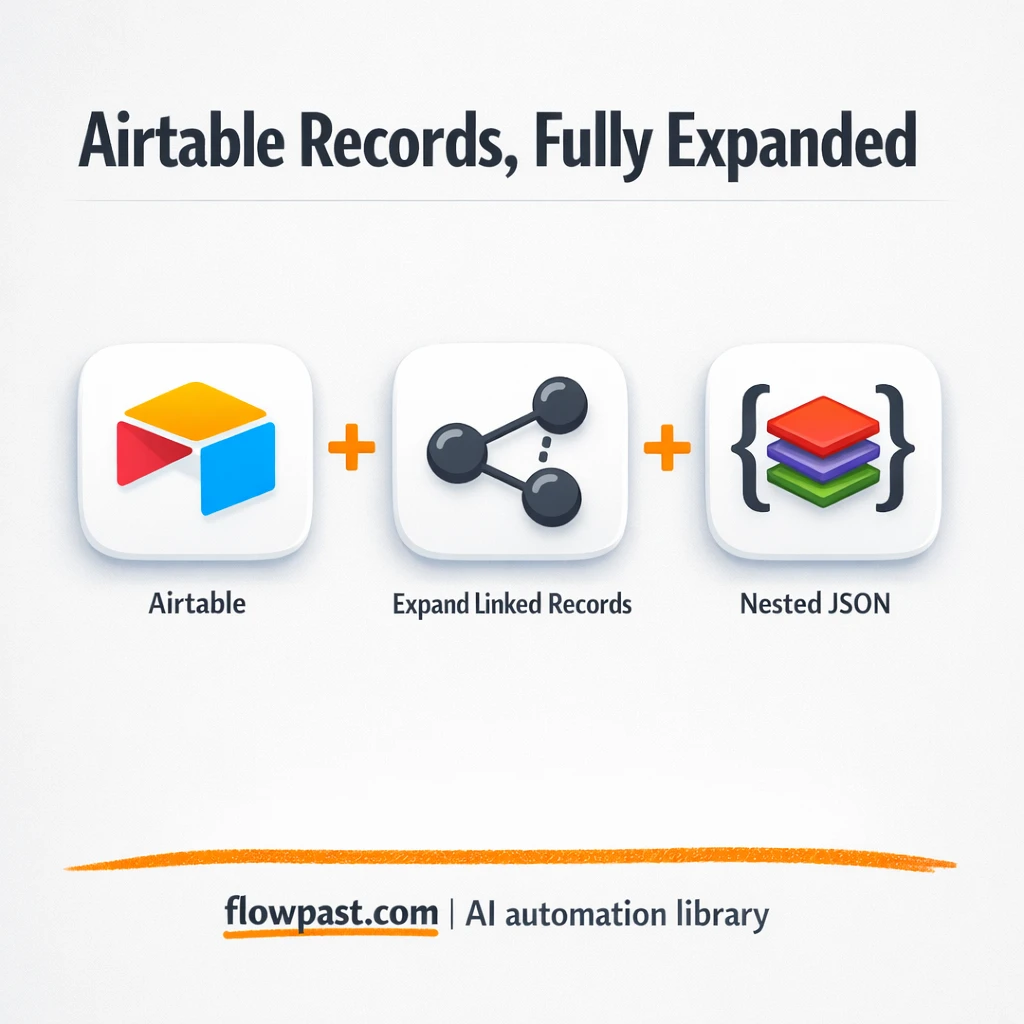
Turn Airtable linked records into one clean hierarchy for Webflow. No clicking through children or…
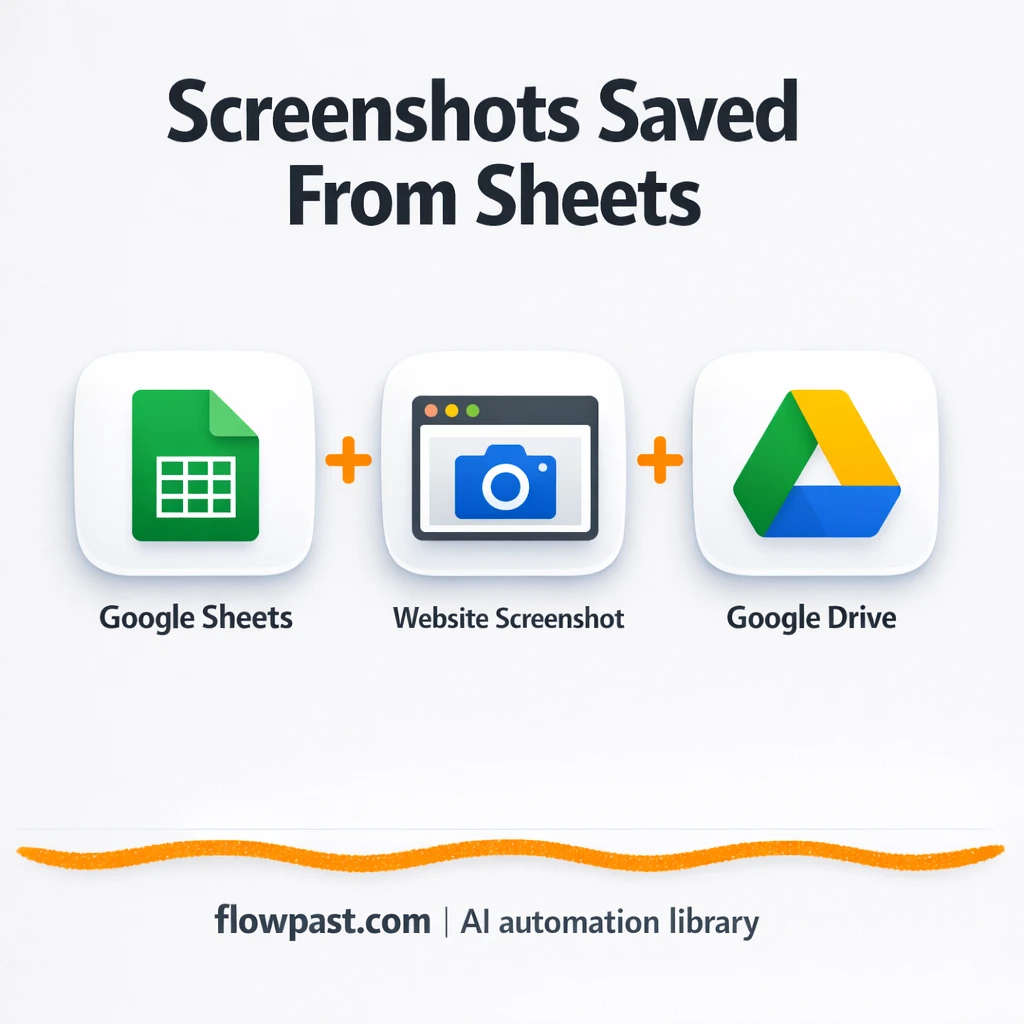
Add URLs to Google Sheets and get website screenshots saved in Google Drive automatically. No…
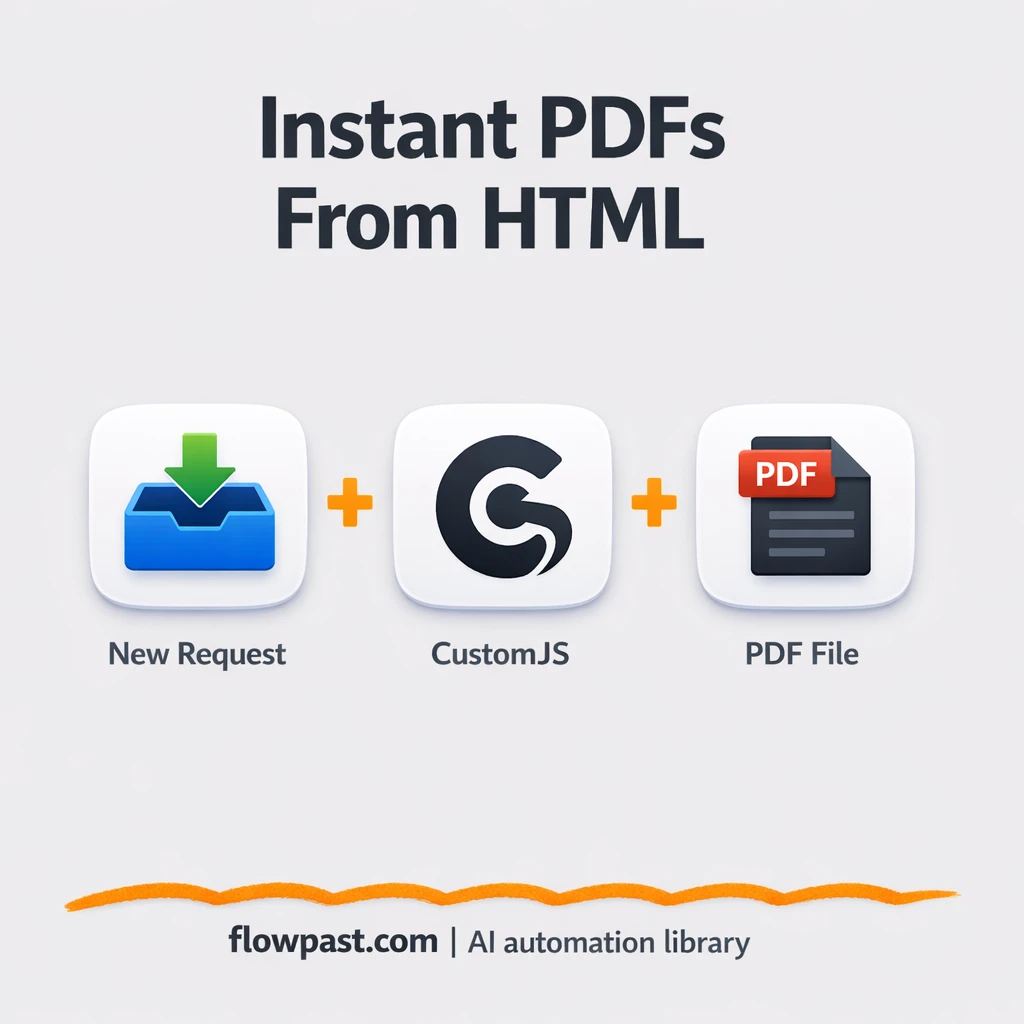
Turn styled HTML into consistent PDFs using CustomJS, then store or share via Google Drive.…
Every Gmail attachment is saved to a chosen Google Drive folder automatically. Keep invoices and…
Get instant access to every AI workflow and prompt. One email, full access.
Join 5,000+ automation pros. No spam.
Tell us what you need and we'll get back to you within one working day.
Get instant access to the template and step-by-step guide
Full access unlocked. Here's what you can do now:
Tell us what you'd like to automate — we'll show you what's possible for your team.