


Prompts
Executive-Ready Paragraph Rewrite AI Prompt
Soft drafts lose credibility - a ready-to-use AI Prompt that rewrites one paragraph into crisp,…
Stop inbox chaos. Use ready-made n8n workflows to triage emails, send smart auto-replies, route requests to the right person, and log conversations—so nothing slips and you respond fast.
A workflow watches your inbox (Gmail or Outlook) for new messages, then applies rules and AI steps. It can detect intent like “lead,” “support,” or “invoice,” pull out details (name, company, deadline), and choose an action. Common actions include labeling, assigning, sending an auto-reply, or drafting a response for approval. Many teams also push a summary to Slack and log the thread to Google Sheets. Honestly, it’s like having a first-line inbox assistant that never sleeps.
No. On Flowpast you can start with a proven n8n workflow template, connect your accounts, and tweak a few fields like your brand voice and routing rules. If you can set up a filter in Gmail, you can run most of these.
For most teams, it saves about 2 hours a day once triage and routine replies are automated. The big wins come from removing repeat work: sorting, tagging, copying details into trackers, and sending the same “got it—here’s next steps” reply. It also cuts down context switching, which is what really drains you. If you handle sales inquiries or support requests, faster first responses often means more booked calls and fewer unhappy follow-ups. Your inbox becomes a pipeline, not a to-do list.
You’ll need an n8n workspace (self-hosted or cloud), access to your email account (Gmail or Microsoft Outlook), and any destinations you want to update, like Slack or Google Sheets. If you use AI drafting, add an OpenAI API key (or another supported model provider). Start with one mailbox and one use case, like “new lead auto-reply + Slack alert.” Then expand to routing, logging, and approval steps once it’s stable.
Soft drafts lose credibility - a ready-to-use AI Prompt that rewrites one paragraph into crisp,…
Proposals go quiet - this AI Prompt builds a 3-touch follow-up cadence with subjects, timing,…
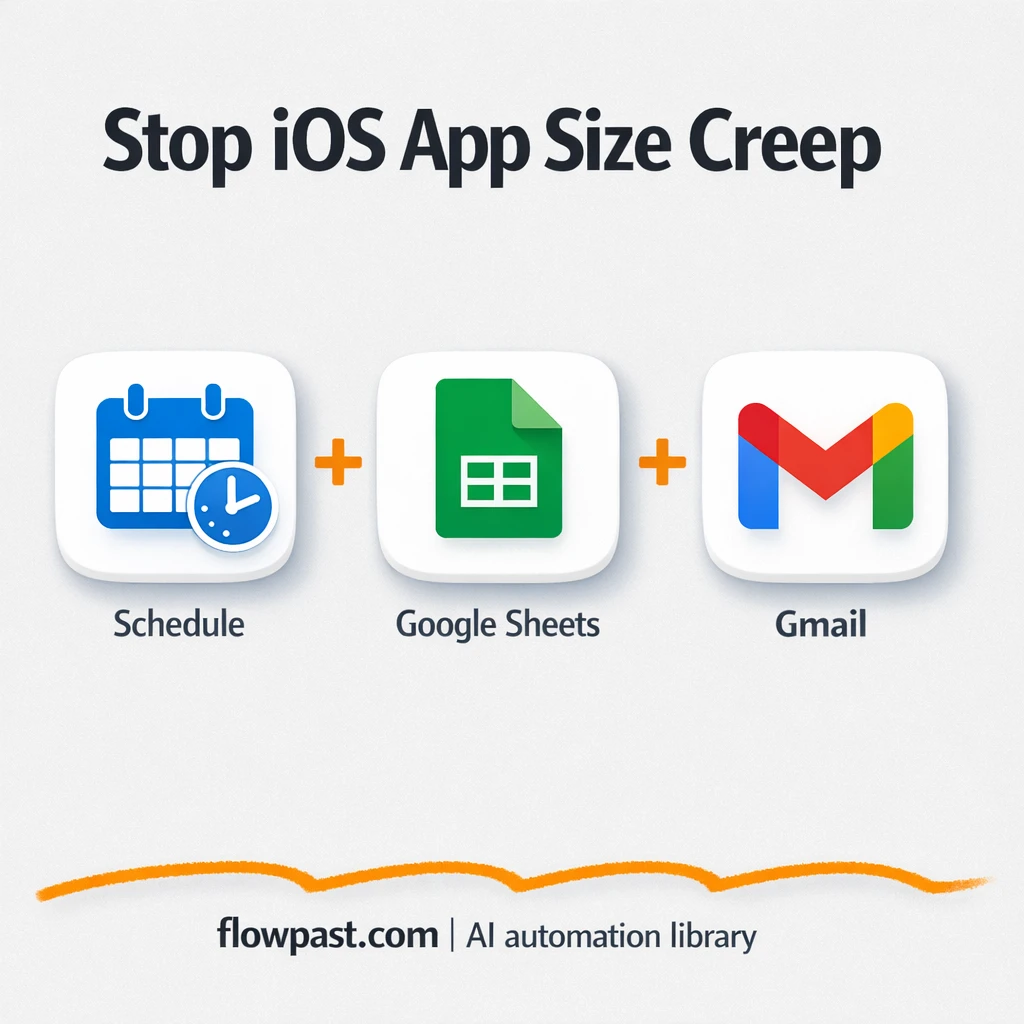
Log IPA size changes in Google Sheets and get Gmail alerts when builds jump. No…
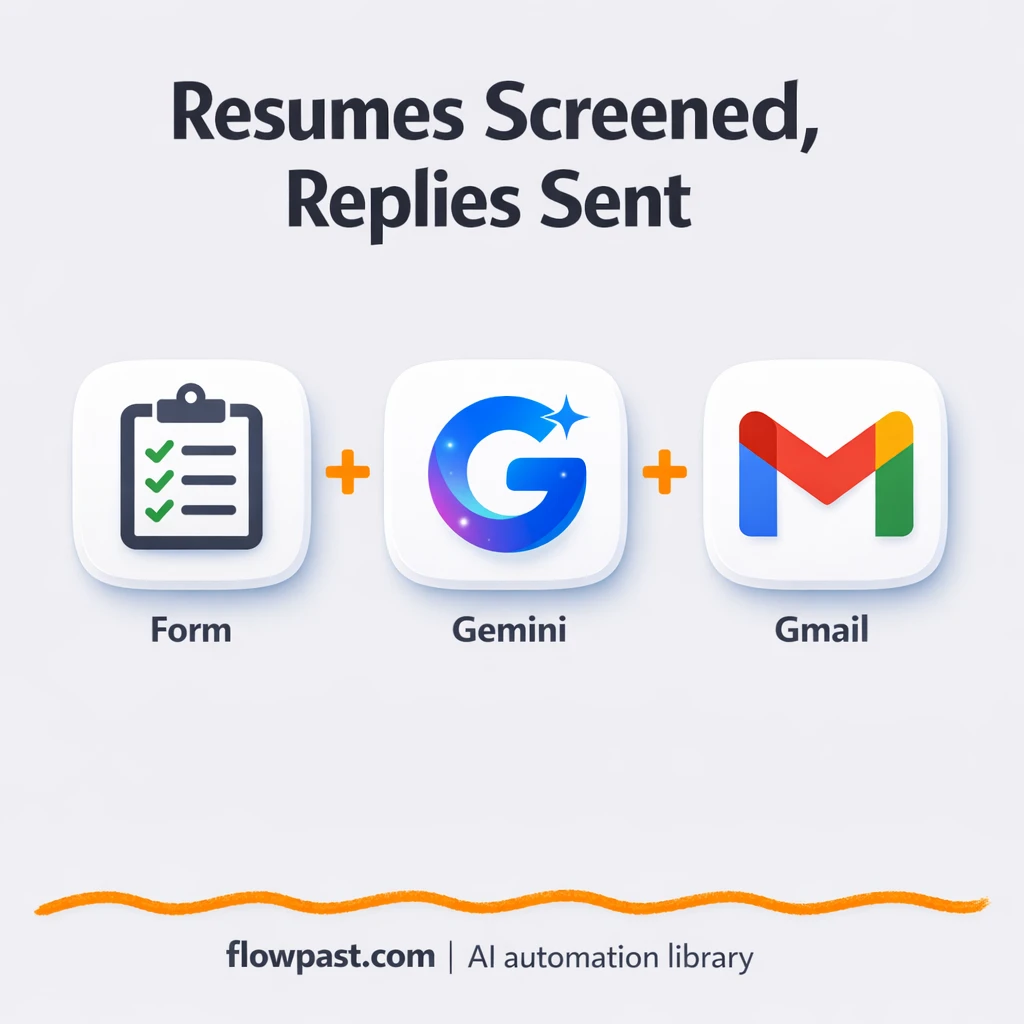
Score PDF resumes with Gemini, then send accept or reject emails in Gmail and log…
Track policy expiry and missing owners from Google Sheets via Gmail. Catch renewals early, reduce…
Route new risks from Google Sheets into assigned tasks and email escalations via Gmail. Clear…
Auto-fill security questionnaires in Google Sheets using approved answers and evidence links. Notify reviewers via…
OpenAI turns messy security findings into a consistent incident brief sent via Gmail. Cut decision…
Invoice emails in Gmail become clean rows in Google Sheets with files stored neatly. Reduce…
Log geofence punch in and punch out events into Google Sheets automatically. Email flags errors…
Get instant access to every AI workflow and prompt. One email, full access.
Join 5,000+ automation pros. No spam.
Tell us what you need and we'll get back to you within one working day.
Get instant access to the template and step-by-step guide
Full access unlocked. Here's what you can do now:
Tell us what you'd like to automate — we'll show you what's possible for your team.