


API Ninjas + Google Sheets: recipes logged clean

Your team asks for “quick dinner ideas,” someone searches, someone pastes, and suddenly you’ve got three different formats, missing ingredients, and zero way to reuse what you found last week. It’s not hard work. It’s just constant.
Marketing managers building a small community, agency owners creating client lead magnets, and ops-minded business owners all run into the same thing: a messy recipe capture process. This recipe logging automation gives you one clean system that people can actually use again.
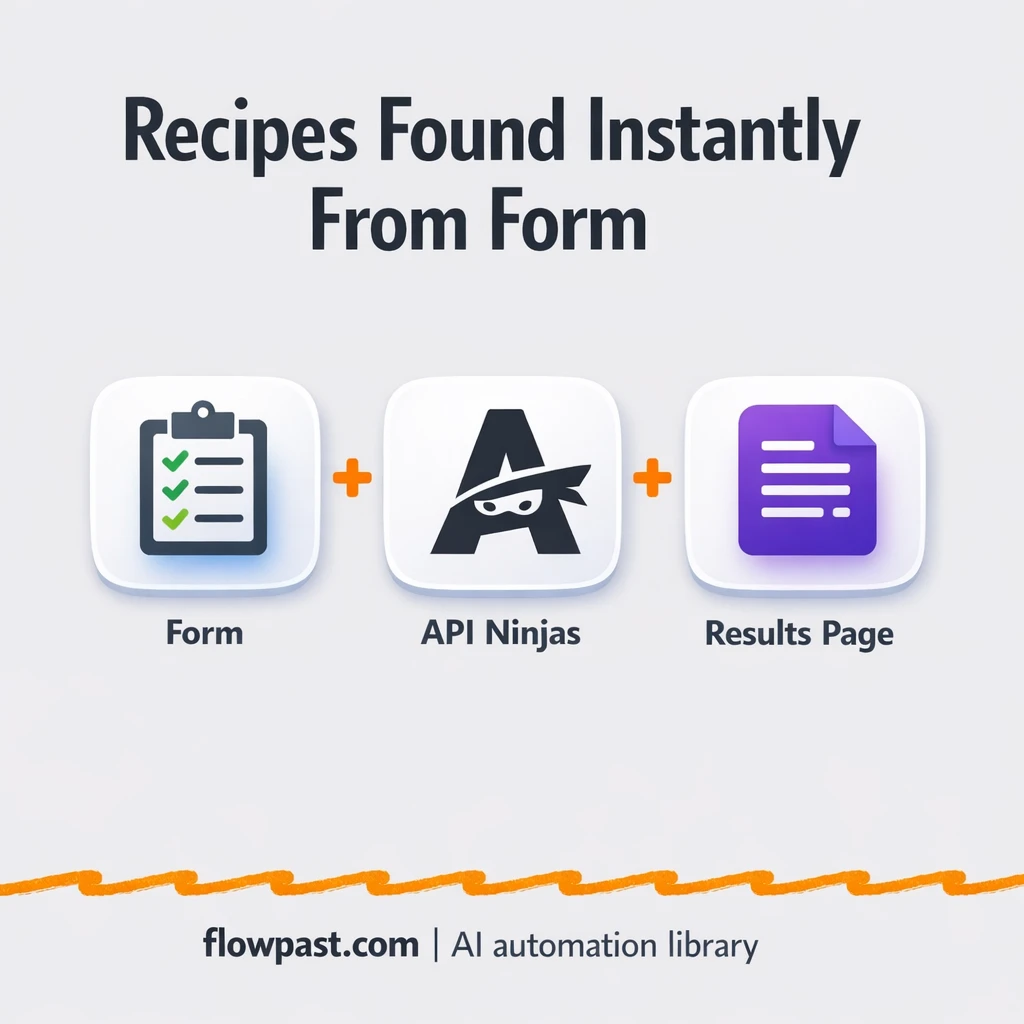
You’ll set up a simple public form that searches the API Ninjas Recipe API, returns a formatted result page, and can be extended to log every request into Google Sheets for a tidy, searchable library.
How This Automation Works
Here’s the complete workflow you’ll be setting up:
n8n Workflow Template: API Ninjas + Google Sheets: recipes logged clean
flowchart LR

    subgraph sg0["On form submission Flow"]
        direction LR
        n0["<div style='background:#f5f5f5;padding:10px;border-radius:8px;display:inline-block;border:1px solid #e0e0e0'><img src='https://flowpast.com/wp-content/uploads/n8n-workflow-icons/form.svg' width='40' height='40' /></div><br/>Form"]
        n1["<div style='background:#f5f5f5;padding:10px;border-radius:8px;display:inline-block;border:1px solid #e0e0e0'><img src='https://flowpast.com/wp-content/uploads/n8n-workflow-icons/form.svg' width='40' height='40' /></div><br/>On form submission"]
        n2["<div style='background:#f5f5f5;padding:10px;border-radius:8px;display:inline-block;border:1px solid #e0e0e0'><img src='https://flowpast.com/wp-content/uploads/n8n-workflow-icons/httprequest.dark.svg' width='40' height='40' /></div><br/>HTTP Request"]
        n2 --> n0
        n1 --> n2
    end

    %% Styling
    classDef trigger fill:#e8f5e9,stroke:#388e3c,stroke-width:2px
    classDef ai fill:#e3f2fd,stroke:#1976d2,stroke-width:2px
    classDef aiModel fill:#e8eaf6,stroke:#3f51b5,stroke-width:2px
    classDef decision fill:#fff8e1,stroke:#f9a825,stroke-width:2px
    classDef database fill:#fce4ec,stroke:#c2185b,stroke-width:2px
    classDef api fill:#fff3e0,stroke:#e65100,stroke-width:2px
    classDef code fill:#f3e5f5,stroke:#7b1fa2,stroke-width:2px
    classDef disabled stroke-dasharray: 5 5,opacity: 0.5
    class n1 trigger
    class n2 api
    classDef customIcon fill:none,stroke:none
    class n0,n1,n2 customIcon
Why This Matters: Recipe Requests Get Messy Fast
Recipe search sounds simple until you’re the person doing it repeatedly. One teammate wants “high-protein,” another wants “gluten-free,” and someone else just types “chicken.” You open a few tabs, copy ingredients into a note, paste instructions into Slack or email, and hope you didn’t miss a step. Then next week, you do it all over again because nothing was saved in a consistent way. The real cost is the mental load and the rework. It’s tiny effort, nonstop.
The friction compounds. Here’s where it usually breaks down.
- Manual copy-paste creates inconsistent formatting, so your “recipe library” becomes unsearchable.
- Requests arrive in too many places (DMs, email, Slack), which means recipes get lost in threads.
- People can’t self-serve, so the same person becomes the bottleneck for every new query.
- Even when you find a good recipe, there’s no clean handoff or record for later reuse.
What You’ll Build: A Public Recipe Finder That Can Log to Sheets
This workflow turns recipe searching into a single, repeatable flow. It starts with a public n8n form where someone types what they want (like “salmon air fryer” or “vegetarian tacos”). That submission triggers an HTTP request to API Ninjas’ Recipe API using your API key in the headers. n8n receives the results, pulls out the useful parts (recipe title, ingredients, instructions), then renders a clean completion page that’s easy to read and share. No hunting through raw JSON. No reformatting. And because it’s n8n, you can extend it to automatically log every request and result into Google Sheets for a searchable archive.
The workflow begins at the form. Then it queries the API Ninjas endpoint and transforms the response into a human-friendly page. Finally, you can add a logging step so every search and its best match land in Google Sheets, ready for reuse.
What You’re Building
| What Gets Automated | What You’ll Achieve |
|---|---|
|
|
Expected Results
Say you collect 10 recipe requests a week from a community or internal team. Manually, you might spend about 10 minutes per request searching, picking a decent option, and reformatting ingredients and steps, which is roughly 1.5 hours weekly. With this workflow, the user submits the query in under a minute and gets a formatted result page right away. If you add Google Sheets logging, you also stop re-answering repeats because you can search what you’ve already delivered.
Before You Start
- n8n instance (try n8n Cloud free)
- Self-hosting option if you prefer (Hostinger works well)
- API Ninjas for recipe search results via API.
- Google Sheets to store and share logged recipes.
- API Ninjas API key (get it from your API Ninjas dashboard)
Skill level: Beginner. You’ll paste an API key, customize a form, and test a request.
Want someone to build this for you? Talk to an automation expert (free 15-minute consultation).
Step by Step
A user submits a recipe query through a public form. You control the form fields and labels, so requests come in the same structure every time.
n8n calls the API Ninjas Recipe API with your key. The workflow sends the search term through an HTTP Request and authenticates via a header (the common “X-Api-Key” style).
The response is turned into clean recipe content. Instead of dumping raw data, the workflow extracts the pieces people care about: title, ingredients, and cooking instructions.
A formatted results page is shown instantly. The completion page becomes the “single source of truth” you can share, and it’s also the perfect place to add a “save to Google Sheets” step if you want a long-term log.
You can easily modify the form fields to capture things like dietary preference or cook time based on your needs. See the full implementation guide below for customization options.
Step-by-Step Implementation Guide
Step 1: Configure the Form Trigger
This workflow starts with a public form that collects a recipe query and passes it into the API request.
- Add the Recipe Search Trigger node to your canvas.
- Set Form Title to
Find a recipe. - Under Form Fields, add one field and set Field Label to
query. - Set Response Mode to
lastNodeso the form returns the final completion result.
Step 2: Connect the Recipe API Service
The form input is sent to an external recipe API via an HTTP request.
- Add the Recipe API Call node and connect it after Recipe Search Trigger.
- Set URL to
https://api.api-ninjas.com/v1/recipe. - Enable Send Query and add a query parameter with Name
queryand Value={{ $json.query }}. - Set Authentication to
genericCredentialTypeand Generic Auth Type tohttpHeaderAuth. - Credential Required: Connect your httpHeaderAuth credentials.
Step 3: Configure the Response Rendering
The API response is formatted and returned to the user as a completion page.
- Add the Render Recipe Response node and connect it after Recipe API Call.
- Set Operation to
completion. - Set Completion Title to
={{ $json.title }}. - Set Completion Message to
=<h3>Ingredients</h3>
{{ $json.ingredients }}
<h3>Instructions</h3>
{{ $json.instructions }}
.
Step 4: Configure Output Flow
Ensure the execution path matches the intended sequence: the trigger collects input, the API returns data, and the form renders the result.
- Connect Recipe Search Trigger → Recipe API Call.
- Connect Recipe API Call → Render Recipe Response.
Step 5: Test and Activate Your Workflow
Validate the form-to-API flow and then enable it for production use.
- Click Execute Workflow and open the form URL from Recipe Search Trigger.
- Enter a test value (for example,
pasta) and submit the form. - Confirm that Recipe API Call returns data and Render Recipe Response shows the recipe title, ingredients, and instructions.
- Toggle the workflow to Active so the form is live for end users.
Troubleshooting Tips
- API Ninjas credentials can expire or be copied wrong. If things break, check the Header Auth value in the HTTP Request node first.
- If you’re using Wait nodes or external rendering, processing times vary. Bump up the wait duration if downstream nodes fail on empty responses.
- Default prompts in AI nodes are generic. Add your brand voice early or you’ll be editing outputs forever.
Quick Answers
About 30 minutes if you already have your API Ninjas key.
No. You’ll configure the form and paste your API key into an n8n credential.
Yes. n8n has a free self-hosted option and a free trial on n8n Cloud. Cloud plans start at $20/month for higher volume. You’ll also need to factor in API Ninjas API costs based on your request volume.
Two options: n8n Cloud (managed, easiest setup) or self-hosting on a VPS. For self-hosting, Hostinger VPS is affordable and handles n8n well. Self-hosting gives you unlimited executions but requires basic server management.
Yes, pretty easily. You can swap the Recipe API Call (HTTP Request) to point at a different endpoint, then adjust the Render Recipe Response step to display the new fields. Common tweaks include adding dietary filters on the form, saving results into Google Sheets, and sending a Telegram notification when a new query comes in. If you want AI-written summaries, you can also add an OpenAI Chat Model step before the final render.
Usually it’s the header auth setup. Make sure your HTTP Request is sending the exact header name API Ninjas expects (often “X-Api-Key”), and that the key value matches what’s in your API Ninjas dashboard. Also check that you didn’t accidentally include extra spaces when pasting the key. If you’re testing a lot, you might also be hitting a rate limit, so slow down the frequency and try again.
If you self-host n8n, there’s no execution cap (it mostly depends on your server and API limits). On n8n Cloud, your monthly executions depend on plan, and this workflow counts roughly one execution per form submission. Practically, most small teams can handle hundreds of recipe requests a month without thinking about it, then adjust as usage grows.
Often, yes. This pattern relies on direct HTTP calls and parsing the response, which n8n handles comfortably without forcing you into expensive “premium” steps. You also get a self-hosting option, which matters if your form gets popular and you don’t want every submission to feel like a meter running. Zapier or Make can still be fine for lightweight needs, especially if you only want to drop results into a sheet. If you’re unsure, Talk to an automation expert and we’ll point you to the simplest option.
Once this is live, recipe requests stop being a distraction and start becoming an asset you can reuse. Set it up, share one link, and let the workflow do the repetitive part.
Need Help Setting This Up?
Our automation experts can build and customize this workflow for your specific needs. Free 15-minute consultation—no commitment required.
