


Email + WhatsApp: send polished itineraries fast
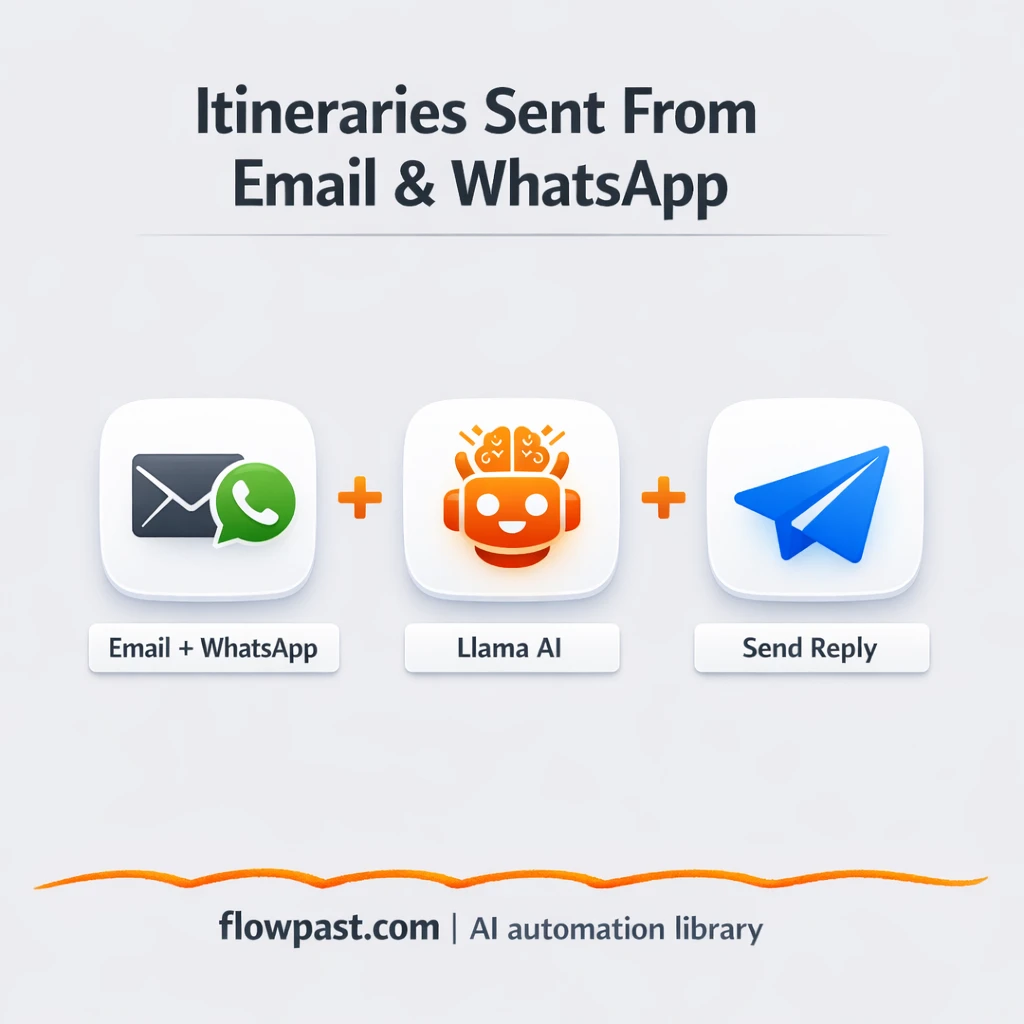

Your inbox fills up with “Can you plan Dubai for 5 days?” and “We’re 3 friends, mid-range budget, want beaches.” Then WhatsApp pings with the same thing. You end up rewriting the same itinerary formats, hunting for ideas, and polishing tone like it’s a full-time job. This Email WhatsApp itineraries automation stops the copy-paste spiral.
Travel agents feel it first. A small tour operator juggling leads feels it too. And if you run an agency, you already know the pain: slow replies quietly kill bookings.
This workflow takes requests from email or WhatsApp, has AI draft a friendly, personalized itinerary, checks the output is complete, then sends it back on the right channel. You’ll see what it does, what you need, and where teams usually trip up.
How This Automation Works
The full n8n workflow, from trigger to final output:
n8n Workflow Template: Email + WhatsApp: send polished itineraries fast
flowchart LR

    subgraph sg0["Get Query from WhatsApp Flow"]
        direction LR
        n0@{ icon: "mdi:robot", form: "rounded", label: "Itinerary Creator Agent", pos: "b", h: 48 }
        n1@{ icon: "mdi:robot", form: "rounded", label: "Agent", pos: "b", h: 48 }
        n2@{ icon: "mdi:message-outline", form: "rounded", label: "Get Query from Email", pos: "b", h: 48 }
        n3["<div style='background:#f5f5f5;padding:10px;border-radius:8px;display:inline-block;border:1px solid #e0e0e0'><img src='https://flowpast.com/wp-content/uploads/n8n-workflow-icons/whatsapp.svg' width='40' height='40' /></div><br/>Get Query from WhatsApp"]
        n4@{ icon: "mdi:swap-vertical", form: "rounded", label: "Check Proper Data", pos: "b", h: 48 }
        n5@{ icon: "mdi:swap-horizontal", form: "rounded", label: "Check where to send Answer", pos: "b", h: 48 }
        n6@{ icon: "mdi:message-outline", form: "rounded", label: "Sending Itinery from Email", pos: "b", h: 48 }
        n7["<div style='background:#f5f5f5;padding:10px;border-radius:8px;display:inline-block;border:1px solid #e0e0e0'><img src='https://flowpast.com/wp-content/uploads/n8n-workflow-icons/whatsapp.svg' width='40' height='40' /></div><br/>Send  Itinery from message"]
        n1 -.-> n0
        n4 --> n5
        n2 --> n0
        n3 --> n0
        n0 --> n4
        n5 --> n6
        n5 --> n7
    end

    %% Styling
    classDef trigger fill:#e8f5e9,stroke:#388e3c,stroke-width:2px
    classDef ai fill:#e3f2fd,stroke:#1976d2,stroke-width:2px
    classDef aiModel fill:#e8eaf6,stroke:#3f51b5,stroke-width:2px
    classDef decision fill:#fff8e1,stroke:#f9a825,stroke-width:2px
    classDef database fill:#fce4ec,stroke:#c2185b,stroke-width:2px
    classDef api fill:#fff3e0,stroke:#e65100,stroke-width:2px
    classDef code fill:#f3e5f5,stroke:#7b1fa2,stroke-width:2px
    classDef disabled stroke-dasharray: 5 5,opacity: 0.5
    class n3 trigger
    class n0,n1 ai
    class n5 decision
    classDef customIcon fill:none,stroke:none
    class n3,n7 customIcon
The Problem: Travel Requests Come in Everywhere
Travel planning requests don’t arrive neatly. A lead emails two sentences with no dates. Another drops a WhatsApp voice-note style message with five preferences mixed together. You read it, clarify, draft a day-by-day plan, soften the tone, add transport tips, then rewrite it again so it feels “human” instead of templated. Meanwhile, the next request comes in, and your response time stretches from minutes to hours. Honestly, the worst part is the mental load. You’re doing creative work under a stopwatch.
It adds up fast. Here’s where it breaks down in real operations.
- Switching between email and WhatsApp slows you down because you keep rebuilding context from scratch.
- Itineraries end up inconsistent, so the “great” version depends on which team member wrote it.
- Missing details (group size, trip length, vibe, budget) means extra back-and-forth before you can even start.
- When replies go out late, the lead often books elsewhere and you never hear why.
The Solution: AI-Written Itineraries Sent Back Automatically
This n8n workflow listens for travel planning requests coming in through two channels: email and WhatsApp. When a message arrives, it pulls out the useful details from whatever the traveler typed (destination, duration, group type, preferences). Then an AI agent generates a full itinerary in a warm, friendly voice, including a day-by-day plan plus practical extras like transport tips and accommodation ideas. Before anything goes back to the customer, the workflow checks the itinerary is properly structured and includes the essentials, so you’re not sending half-finished drafts. Finally, it responds on the same channel the traveler used, which keeps the experience smooth and personal.
The flow starts with an email or WhatsApp message. AI turns that request into a polished itinerary, then a validation check confirms it’s complete. Last, a simple routing decision sends the reply via email or WhatsApp without you doing anything.
What You Get: Automation vs. Results
| What This Workflow Automates | Results You’ll Get |
|---|---|
|
|
Example: What This Looks Like
Say you get 10 itinerary requests a week, split across email and WhatsApp. Manually, a decent first draft takes about 30 minutes, plus another 10 minutes to rewrite tone and format, which means roughly 7 hours weekly. With this workflow, you spend about 5 minutes skimming the AI draft (or approving it), while the rest happens automatically in the background. That’s about 6 hours back each week, without letting leads sit unanswered.
What You’ll Need
- n8n instance (try n8n Cloud free)
- Self-hosting option if you prefer (Hostinger works well)
- Email (IMAP/SMTP) for receiving and sending itinerary emails.
- WhatsApp Business API to receive and reply to WhatsApp messages.
- OpenAI API key (get it from your OpenAI dashboard).
Skill level: Intermediate. You’ll connect inbox/WhatsApp credentials and adjust an AI prompt safely.
Don’t want to set this up yourself? Talk to an automation expert (free 15-minute consultation).
How It Works
A traveler messages you. The workflow can start from an incoming email (IMAP) or an incoming WhatsApp request, so leads don’t need to change their habits.
The request gets cleaned up and combined. n8n extracts the trip details from the message text, and merge/switch logic keeps both channels flowing into one “itinerary creation” path.
AI drafts the itinerary in your voice. The Itinerary Creator Agent uses an OpenAI chat model and simple memory to produce a day-by-day plan plus suggestions like activities, hotel ideas, and transport notes.
Quality checks and delivery happen automatically. A validation step confirms the output includes the important fields, then the workflow chooses email or WhatsApp and sends the itinerary back to the traveler.
You can easily modify the itinerary tone and structure to match your brand, then send different templates for couples vs. groups based on your needs. See the full implementation guide below for customization options.
Common Gotchas
- Email (IMAP/SMTP) credentials can expire or need specific permissions. If things break, check your mailbox security settings and the n8n credential test first.
- If you’re using Wait nodes or external rendering, processing times vary. Bump up the wait duration if downstream nodes fail on empty responses.
- Default prompts in AI nodes are generic. Add your brand voice early or you’ll be editing outputs forever.
Frequently Asked Questions
About 45 minutes if your email and WhatsApp access are ready.
No coding required. You’ll connect accounts and edit a few prompts and message templates.
Yes. n8n has a free self-hosted option and a free trial on n8n Cloud. Cloud plans start at $20/month for higher volume. You’ll also need to factor in OpenAI API usage, which is usually a few cents per itinerary depending on length.
Two options: n8n Cloud (managed, easiest setup) or self-hosting on a VPS. For self-hosting, Hostinger VPS is affordable and handles n8n well. Self-hosting gives you unlimited executions but requires basic server management.
Yes, and it’s mostly prompt work. Update the Itinerary Creator Agent instructions to enforce a “luxury” profile (hotel tier, dining style, private transfers, experiences), then tighten the Check Proper Data rules so the itinerary always includes those elements. Many teams also add a short “questions first” mode when budget is missing, so the AI asks for budget range before drafting the full plan.
Usually it’s the WhatsApp Business API token expiring or the provider requiring a specific webhook configuration. Recheck your WhatsApp integration settings, then confirm n8n is receiving inbound messages (not just sending). If inbound works but replies fail, it can be template restrictions or messaging limits on the WhatsApp side. One more thing: some providers block messages that look too “bulk,” so keep the first line friendly and personal.
On most setups, dozens a day is fine.
It depends on how picky you are about quality and routing. Zapier/Make can trigger on messages and send replies, but n8n is better when you want validation checks, branching logic, memory, and deeper control over the AI prompt without paying extra for every path. n8n also gives you a self-host option, which is handy if you expect a lot of inquiries and don’t want per-task pricing stress. If you only need a basic “auto-reply,” other tools can be quicker to click together. If you’re unsure, Talk to an automation expert and you’ll get a straight recommendation.
When inquiries get answers quickly, they stop going cold. Let the workflow handle the repetitive drafting so you can spend your time closing the trip.
Need Help Setting This Up?
Our automation experts can build and customize this workflow for your specific needs. Free 15-minute consultation—no commitment required.
