


Gmail + Google Sheets: verified signups, clean lists
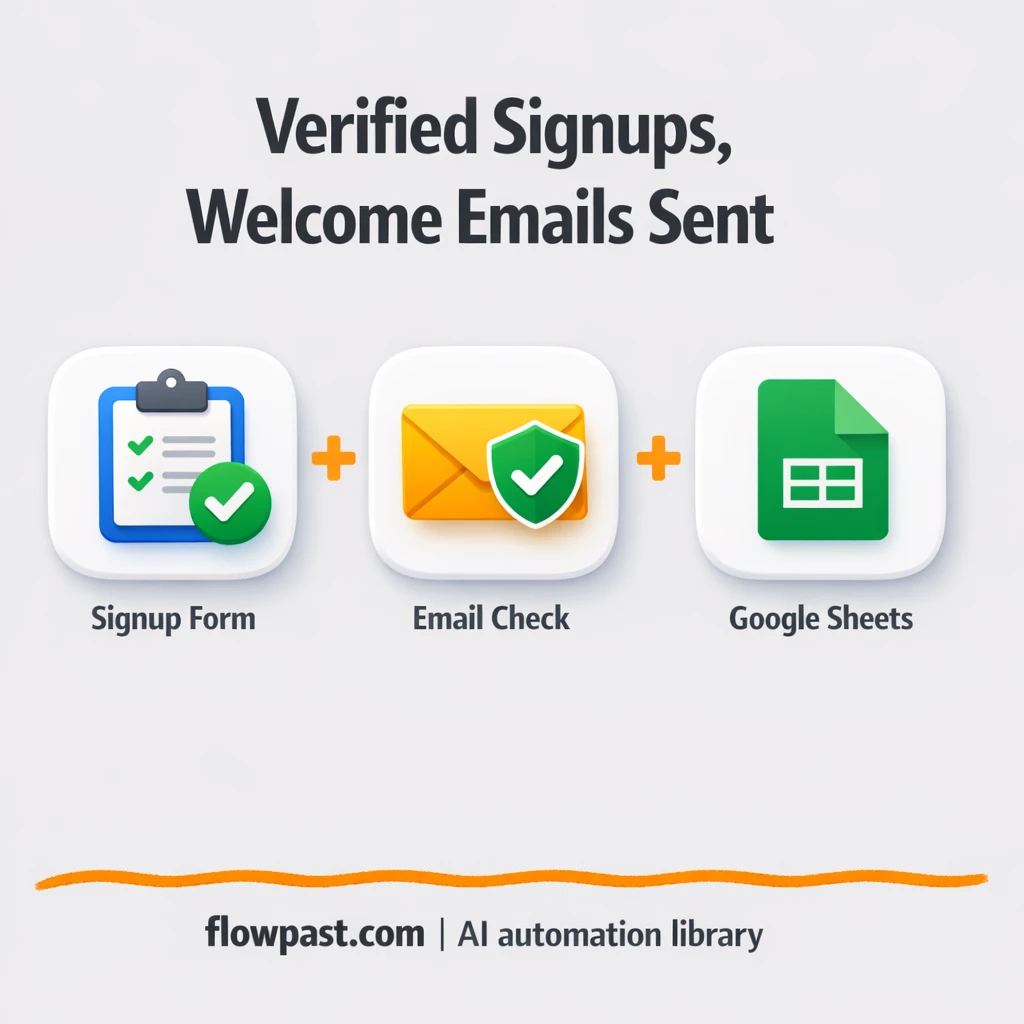

Your newsletter form is working. Great. The problem is what happens next: junk emails, typos, and throwaway addresses sneak in, then your welcome email bounces and your list quality slides. Quietly.
This email verification automation hits marketing managers first, but founders and growth-minded consultants feel it too. You want verified signups, a polished first email, and a clean log you can actually trust.
This workflow does exactly that in n8n. You’ll see how it validates every signup with Verifi Email, sends a personalized welcome through Gmail, and records the outcome in Google Sheets.
How This Automation Works
The full n8n workflow, from trigger to final output:
n8n Workflow Template: Gmail + Google Sheets: verified signups, clean lists
flowchart LR

    subgraph sg0["Flow 1"]
        direction LR
        n0["<div style='background:#f5f5f5;padding:10px;border-radius:8px;display:inline-block;border:1px solid #e0e0e0'><img src='https://flowpast.com/wp-content/uploads/n8n-workflow-icons/webhook.dark.svg' width='40' height='40' /></div><br/>Webhook - Newsletter Signup"]
        n1@{ icon: "mdi:swap-horizontal", form: "rounded", label: "Check Data Completeness", pos: "b", h: 48 }
        n2@{ icon: "mdi:database", form: "rounded", label: "Log Incomplete Submissions", pos: "b", h: 48 }
        n3@{ icon: "mdi:swap-horizontal", form: "rounded", label: "Check Email Validity", pos: "b", h: 48 }
        n4["<div style='background:#f5f5f5;padding:10px;border-radius:8px;display:inline-block;border:1px solid #e0e0e0'><img src='https://flowpast.com/wp-content/uploads/n8n-workflow-icons/code.svg' width='40' height='40' /></div><br/>Generate Welcome Email HTML"]
        n5@{ icon: "mdi:message-outline", form: "rounded", label: "Send Welcome Email", pos: "b", h: 48 }
        n6["<div style='background:#f5f5f5;padding:10px;border-radius:8px;display:inline-block;border:1px solid #e0e0e0'><img src='https://flowpast.com/wp-content/uploads/n8n-workflow-icons/code.svg' width='40' height='40' /></div><br/>Prepare Invalid Email Message"]
        n7@{ icon: "mdi:database", form: "rounded", label: "Log Invalid Emails", pos: "b", h: 48 }
        n8["<div style='background:#f5f5f5;padding:10px;border-radius:8px;display:inline-block;border:1px solid #e0e0e0'><img src='https://flowpast.com/wp-content/uploads/n8n-workflow-icons/code.svg' width='40' height='40' /></div><br/>Format Master Log Entry"]
        n9@{ icon: "mdi:database", form: "rounded", label: "Log to Master Sheet", pos: "b", h: 48 }
        n10@{ icon: "mdi:swap-horizontal", form: "rounded", label: "Verifi Email", pos: "b", h: 48 }
        n10 --> n3
        n7 --> n8
        n3 --> n4
        n3 --> n6
        n1 --> n10
        n1 --> n2
        n8 --> n9
        n4 --> n5
        n0 --> n1
        n6 --> n7
    end

    %% Styling
    classDef trigger fill:#e8f5e9,stroke:#388e3c,stroke-width:2px
    classDef ai fill:#e3f2fd,stroke:#1976d2,stroke-width:2px
    classDef aiModel fill:#e8eaf6,stroke:#3f51b5,stroke-width:2px
    classDef decision fill:#fff8e1,stroke:#f9a825,stroke-width:2px
    classDef database fill:#fce4ec,stroke:#c2185b,stroke-width:2px
    classDef api fill:#fff3e0,stroke:#e65100,stroke-width:2px
    classDef code fill:#f3e5f5,stroke:#7b1fa2,stroke-width:2px
    classDef disabled stroke-dasharray: 5 5,opacity: 0.5
    class n1,n3,n10 decision
    class n2,n7,n9 database
    class n0 api
    class n4,n6,n8 code
    classDef customIcon fill:none,stroke:none
    class n0,n4,n6,n8 customIcon
The Problem: Newsletter signups rot your list quality
Manual list cleanup always starts the same way: “Why did deliverability drop?” Then you find the usual suspects. Someone typed gmal.com instead of gmail.com. A disposable address slipped through. Or a bot dumped 30 fake signups overnight, and your “warm welcome” campaign turned into a bounce factory. It’s not just annoying. It skews reporting, wastes time, and can even drag down your sender reputation so legitimate subscribers stop seeing your emails.
None of this feels catastrophic in the moment. But it compounds.
- Teams end up copying emails into a verifier tool and then back into Sheets, which is slow and easy to mess up.
- Welcome emails get sent to bad addresses, so your first impression becomes a bounce notification.
- Signups from different forms blur together, and you lose source attribution when you need it most.
- When something fails, there’s no audit trail, so you can’t answer “what happened?” without digging.
The Solution: Verify every signup, send welcome emails, log everything
This n8n workflow turns your newsletter form into a quality-controlled pipeline. A new signup hits a webhook endpoint, then the workflow checks that the submission actually includes the fields you care about (so half-filled forms don’t pollute your “real” list). If the payload is valid, it sends the email to Verifi Email for real-time verification, looking at format, domain health, MX records, and disposable address signals. When the email passes, the workflow builds a personalized HTML welcome email (first name included) and sends it via Gmail automatically. Finally, it writes a complete record to Google Sheets, so you have an always-up-to-date source of truth, including verification details and whether the welcome was sent.
Valid signups go down the “welcome + master log” path. Invalid emails get logged with detailed reasons. Incomplete submissions go to a separate tab so you can follow up or ignore them without contaminating your main list.
What You Get: Automation vs. Results
| What This Workflow Automates | Results You’ll Get |
|---|---|
|
|
Example: What This Looks Like
Say you get 50 new signups a week across two landing pages. Manually, it’s common to spend maybe 2 minutes per signup checking email validity, fixing typos, and sorting sources, which is roughly 2 hours weekly. With this workflow, you spend about 10 minutes once setting your required fields and email template, then signups process instantly in the background. You just review the Sheets tabs when you feel like it, not because you have to.
What You’ll Need
- n8n instance (try n8n Cloud free)
- Self-hosting option if you prefer (Hostinger works well)
- Google Sheets for the master log and error tabs.
- Gmail to send the welcome email automatically.
- Verifi Email API key (get it from your Verifi Email dashboard).
Skill level: Beginner. You will connect accounts, paste an API key, and match a few fields from your form.
Don’t want to set this up yourself? Talk to an automation expert (free 15-minute consultation).
How It Works
A signup hits your webhook endpoint. Your form or landing page sends a POST request to n8n, carrying the subscriber’s name, email, and any tracking fields you include.
Missing fields get filtered out. The workflow checks for required values (like email). If something’s incomplete, it gets stored in a separate Google Sheets tab so your main list stays clean.
Email verification happens immediately. Verifi Email evaluates the address for validity, domain/MX records, and disposable indicators. Then an “if” route decides what happens next based on the result.
Valid emails receive a welcome, and everything is logged. n8n generates a branded HTML email, sends it through Gmail, and appends a normalized record into your master Google Sheets tab. Invalid addresses get a different log entry with diagnostic detail so you can spot patterns (like one form attracting spam).
You can easily modify the verification threshold to become stricter, or change the welcome email content to match your brand voice. See the full implementation guide below for customization options.
Step-by-Step Implementation Guide
Step 1: Configure the Webhook Trigger
Set up the webhook that receives newsletter signup data and starts the workflow.
- Add the Incoming Signup Hook node and set Path to
newsletter-signup. - Set HTTP Method to
POST. - Set Response Mode to
lastNodeso the webhook returns the final node response. - Connect Incoming Signup Hook to Validate Payload Fields.
body.email and body.name to validate the trigger before connecting downstream nodes.Step 2: Connect Google Sheets
Prepare Google Sheets destinations for incomplete signups, invalid emails, and the master log.
- Open Store Incomplete Signups and select the target spreadsheet for Document and sheet for Sheet Name (e.g.,
Newsletter_Tracking→Invalid_Submissions). Credential Required: Connect yourgoogleSheetsOAuth2Apicredentials. - Verify column mappings in Store Incomplete Signups: name to
{{ $json.body.name || 'N/A' }}, email to{{ $json.body.email || 'N/A' }}, reason toIncomplete data, and timestamp to{{ $now.toISO() }}. - Open Record Invalid Email Log and select the spreadsheet and Invalid_Emails sheet. Credential Required: Connect your
googleSheetsOAuth2Apicredentials. - Open Append Master Log Sheet and select the spreadsheet and Master_Log sheet. Credential Required: Connect your
googleSheetsOAuth2Apicredentials.
YOUR_GOOGLE_SHEETS_DOCUMENT_ID).Step 3: Set Up the Validation and Routing Logic
Validate the webhook payload and route records based on email verification status.
- In Validate Payload Fields, confirm two string conditions are set:
{{ $json.body.email }}isNotEmpty and{{ $json.body.name }}isNotEmpty. - Connect the true output of Validate Payload Fields to Verify Email Address and the false output to Store Incomplete Signups.
- In Route by Email Status, set the boolean condition to
{{ $json.valid }}equals{{ true }}to split valid vs invalid emails. - Connect the true output of Route by Email Status to Build Welcome HTML and the false output to Assemble Invalid Email Info.
Step 4: Configure Email Verification and Invalid Email Logging
Verify emails using Verifi and log invalid entries to Google Sheets with detailed reasons.
- In Verify Email Address, set Email to
{{ $json.body.email }}. Credential Required: Connect yourverifiEmailApicredentials. - Confirm Assemble Invalid Email Info contains the provided JavaScript for interpreting Verifi responses and constructing invalid reason fields.
- In Record Invalid Email Log, verify column mappings such as name to
{{ $json.name }}, email to{{ $json.email }}, and technical_reason to{{ $json.technicalReason }}. Credential Required: Connect yourgoogleSheetsOAuth2Apicredentials. - Ensure the flow continues from Record Invalid Email Log to Normalize Master Log Data for unified reporting.
Step 5: Set Up Welcome Email Generation and Sending
Create the HTML welcome email and send it to verified subscribers.
- In Build Welcome HTML, keep the JavaScript that references the webhook data directly via
$('Incoming Signup Hook').first().json.bodyto avoid missing fields. - Ensure the output includes htmlEmail and subject so downstream email sending works.
- In Dispatch Welcome Email, set Send To to
{{ $json.email }}, Message to{{ $json.htmlEmail }}, and Subject to{{ $json.subject }}. Credential Required: Connect yourgmailOAuth2credentials. - Optionally keep Sender Name set to
Your Brand Teamin the node options.
https://yourwebsite.com/confirm — update these URLs to your real site before going live.Step 6: Normalize and Store Master Log Data
Combine valid and invalid records into a unified reporting structure and append to the master log sheet.
- In Normalize Master Log Data, verify the logic that sets verification_result to
ValidorInvalidbased onitem.json.valid. - Ensure the fields email_sent, source, disposable, and invalid_reason are included in the output JSON for consistent logging.
- In Append Master Log Sheet, map columns like name to
{{ $json.name }}, verification_result to{{ $json.verification_result }}, and email_sent to{{ $json.email_sent }}. Credential Required: Connect yourgoogleSheetsOAuth2Apicredentials.
Step 7: Test and Activate Your Workflow
Validate the end-to-end flow and enable it for production.
- Click Execute Workflow and send a test POST to the Incoming Signup Hook URL with
body.nameandbody.email. - Confirm valid emails proceed through Verify Email Address → Route by Email Status → Build Welcome HTML → Dispatch Welcome Email.
- Confirm invalid emails follow Route by Email Status → Assemble Invalid Email Info → Record Invalid Email Log → Normalize Master Log Data → Append Master Log Sheet.
- Submit a payload missing
body.emailorbody.nameand verify Store Incomplete Signups logs the entry. - When results look correct, toggle the workflow to Active to enable production execution.
Common Gotchas
- Gmail credentials can expire or need specific permissions. If things break, check the connected Google account in n8n’s Credentials page first.
- If you’re using Wait nodes or external rendering, processing times vary. Bump up the wait duration if downstream nodes fail on empty responses.
- Default prompts in AI nodes are generic. Add your brand voice early or you’ll be editing outputs forever.
Frequently Asked Questions
About 10 minutes if your accounts are ready.
No. You will mostly connect accounts and map a few fields from your form into the workflow.
Yes. n8n has a free self-hosted option and a free trial on n8n Cloud. Cloud plans start at $20/month for higher volume. You’ll also need to factor in Verifi Email API usage (often a few cents per verification, depending on your plan).
Two options: n8n Cloud (managed, easiest setup) or self-hosting on a VPS. For self-hosting, Hostinger VPS is affordable and handles n8n well. Self-hosting gives you unlimited executions but requires basic server management.
Yes, but you’ll tweak the flow a bit. After verification, route “valid” signups into a confirmation-email step first, then only append them to your main Google Sheets tab once they click a link. Most people also customize the HTML welcome content and adjust the verification score threshold so it matches their risk tolerance.
Usually it’s expired OAuth permissions or the wrong Google account connected in n8n. Reconnect the Gmail credential, then confirm the sending address matches the mailbox you authorized. If it still fails, check Gmail sending limits and make sure your workflow isn’t firing repeatedly from retries or duplicate webhook submissions.
A lot.
Often, yes, especially if you care about branching logic and detailed logging. This workflow has three clear paths (valid, invalid, incomplete), and n8n handles that cleanly without turning it into a pile of separate zaps/scenarios. Self-hosting also changes the math because you are not paying per task in the same way. That said, Zapier or Make can be quicker for a basic “form → email → sheet” flow with no verification depth. If you want a second opinion, Talk to an automation expert.
You collect leads, not problems. Set this up once, keep your list clean, and let your welcome emails land the way they’re supposed to.
Need Help Setting This Up?
Our automation experts can build and customize this workflow for your specific needs. Free 15-minute consultation—no commitment required.
