


Hacker News + Slack: daily digests your team reads
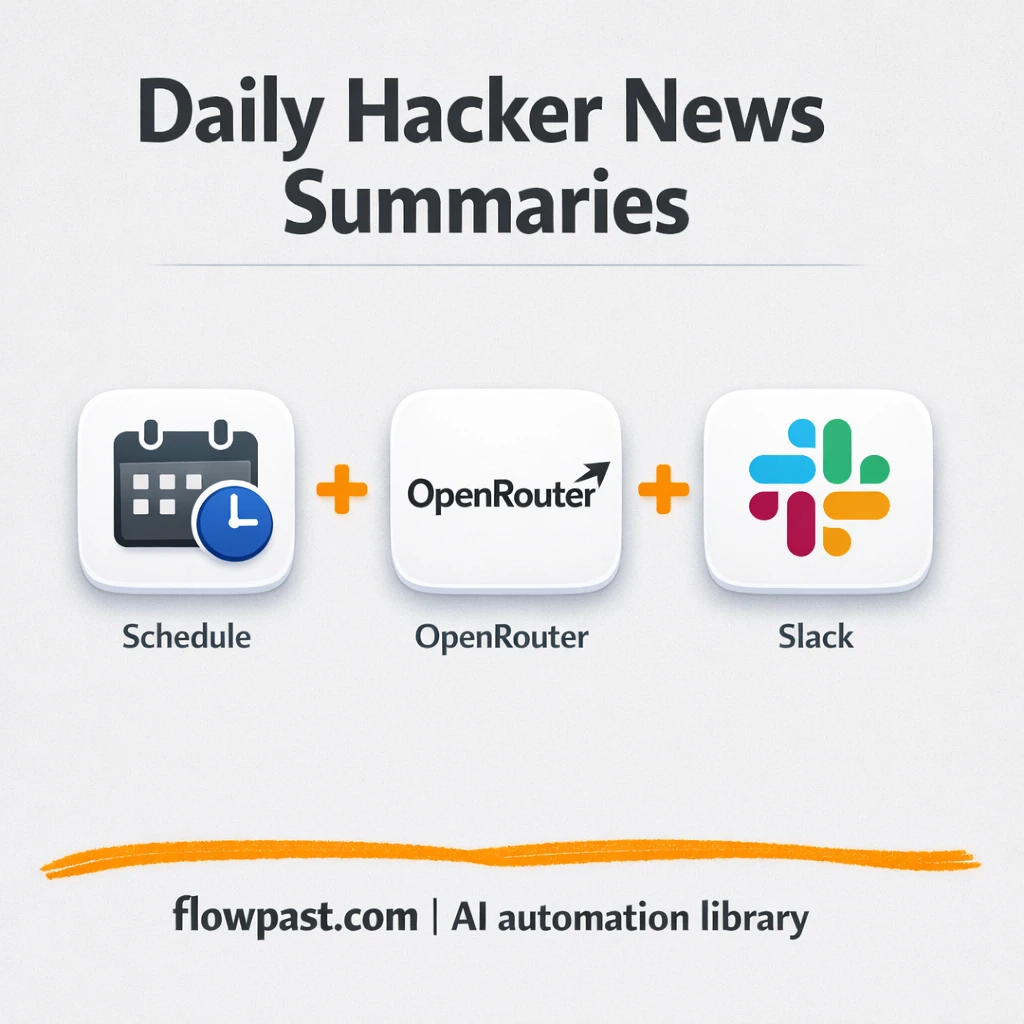

Checking Hacker News “real quick” turns into 30 tabs, half-read threads, and that nagging feeling you still missed the one story everyone’s about to talk about.
Marketing leads get pulled into trend-chasing without context. Product folks and researchers keep re-finding the same links in different channels. This HN Slack digest automation drops the day’s most relevant stories into Slack as clean bullet summaries, so your team actually reads them.
You’ll see what the workflow does, what you need, how it behaves day to day, and the common setup traps that cause “why didn’t it post?” moments.
How This Automation Works
The full n8n workflow, from trigger to final output:
n8n Workflow Template: Hacker News + Slack: daily digests your team reads
flowchart LR

    subgraph sg0["Trigger Daily at 9 AM Flow"]
        direction LR
        n0@{ icon: "mdi:play-circle", form: "rounded", label: "Trigger Daily at 9 AM", pos: "b", h: 48 }
        n1["<div style='background:#f5f5f5;padding:10px;border-radius:8px;display:inline-block;border:1px solid #e0e0e0'><img src='https://flowpast.com/wp-content/uploads/n8n-workflow-icons/slack.svg' width='40' height='40' /></div><br/>Send Summary to Slack"]
        n2@{ icon: "mdi:swap-vertical", form: "rounded", label: "Format Message for Slack", pos: "b", h: 48 }
        n3@{ icon: "mdi:robot", form: "rounded", label: "Summarize Article with AI", pos: "b", h: 48 }
        n4@{ icon: "mdi:brain", form: "rounded", label: "OpenRouter Chat Model", pos: "b", h: 48 }
        n5["<div style='background:#f5f5f5;padding:10px;border-radius:8px;display:inline-block;border:1px solid #e0e0e0'><img src='https://flowpast.com/wp-content/uploads/n8n-workflow-icons/hackernews.png' width='40' height='40' /></div><br/>Get many items"]
        n6@{ icon: "mdi:swap-vertical", form: "rounded", label: "Configure Your Settings", pos: "b", h: 48 }
        n5 --> n3
        n4 -.-> n3
        n0 --> n6
        n6 --> n5
        n2 --> n1
        n3 --> n2
    end

    %% Styling
    classDef trigger fill:#e8f5e9,stroke:#388e3c,stroke-width:2px
    classDef ai fill:#e3f2fd,stroke:#1976d2,stroke-width:2px
    classDef aiModel fill:#e8eaf6,stroke:#3f51b5,stroke-width:2px
    classDef decision fill:#fff8e1,stroke:#f9a825,stroke-width:2px
    classDef database fill:#fce4ec,stroke:#c2185b,stroke-width:2px
    classDef api fill:#fff3e0,stroke:#e65100,stroke-width:2px
    classDef code fill:#f3e5f5,stroke:#7b1fa2,stroke-width:2px
    classDef disabled stroke-dasharray: 5 5,opacity: 0.5
    class n0 trigger
    class n3 ai
    class n4 aiModel
    classDef customIcon fill:none,stroke:none
    class n1,n5 customIcon
The Problem: News Monitoring Turns Into Tab Chaos
Keeping up with tech news sounds simple until it becomes a daily tax on your attention. Someone checks Hacker News, posts a link with no context, and the thread dies because nobody has time to read the full article. Or worse, a competitor mention slips by, and you hear about it days later when it’s already everywhere. The real cost isn’t just the reading. It’s switching apps, scanning headlines, opening posts “for later,” and trying to remember what mattered by the time standup starts.
It adds up fast. Here’s where it breaks down in most teams.
- People skim headlines, which means decisions get made on half the story.
- Links get shared without summaries, so the same “what is this?” questions repeat every day.
- Keyword-based monitoring is inconsistent, especially when the person who “usually checks HN” is busy.
- When research lives in browser tabs, nothing is searchable later inside Slack.
The Solution: Daily Hacker News Summaries Posted to Slack
This workflow runs on a daily schedule (9 AM by default) and pulls top Hacker News stories that match a keyword you set, like “AI,” “Shopify,” or a competitor name. For each article, it sends the content to an AI agent using an OpenRouter chat model, which generates a tight three-bullet summary (the template is set to Japanese, but you can change that). Then it formats the result so it’s easy to scan in Slack: title first, then crisp bullets, then the link so anyone who cares can click through. The end result feels less like “news spam” and more like a short internal briefing that shows up where your team already works.
The workflow starts on a schedule, fetches matching Hacker News items, and filters for what you asked to monitor. AI summarizes each story into three bullets and the final message is posted into a Slack channel you choose. No morning tab safari required.
What You Get: Automation vs. Results
| What This Workflow Automates | Results You’ll Get |
|---|---|
|
|
Example: What This Looks Like
Say your team checks Hacker News for one topic every weekday and typically opens about 10 posts to find the “real” 3 worth sharing. If it takes roughly 3 minutes per post to scan, click, and summarize, that’s about 30 minutes a day. With this workflow, you spend maybe 2 minutes setting a keyword and picking a Slack channel, then the daily run posts three-bullet summaries automatically at 9 AM. Most days, your manual effort drops to basically zero.
What You’ll Need
- n8n instance (try n8n Cloud free)
- Self-hosting option if you prefer (Hostinger works well)
- Slack for posting digests into a channel.
- Hacker News as the news source being monitored.
- OpenRouter API key (get it from your OpenRouter dashboard).
Skill level: Beginner. You’ll connect Slack, add an API key, and change a couple settings like keyword and channel.
Don’t want to set this up yourself? Talk to an automation expert (free 15-minute consultation).
How It Works
Daily schedule kicks things off. At 9 AM (or whatever time you choose), n8n starts the run automatically so nobody has to remember to “go check HN.”
Your keyword settings shape the pull. A simple configuration step defines the topic (for example “AI”), and the workflow fetches top matching Hacker News stories using the Hacker News/HTTP request portion of the flow.
AI creates a digest people can skim. The AI agent sends each story to an OpenRouter chat model and returns three bullets in a consistent format (the template uses Japanese, but the prompt is editable).
Slack becomes the delivery layer. The workflow posts the final text into your chosen Slack channel so the team sees it alongside everything else they already check.
You can easily modify the keyword and summary language to match your needs. See the full implementation guide below for customization options.
Common Gotchas
- Slack credentials can expire or need specific permissions. If things break, check the Slack OAuth connection inside n8n Credentials first.
- If you’re using Wait nodes or external rendering, processing times vary. Bump up the wait duration if downstream nodes fail on empty responses.
- OpenRouter prompts in AI nodes are generic. Add your brand voice early or you’ll be editing outputs forever.
Frequently Asked Questions
About 20 minutes if your Slack and OpenRouter accounts are ready.
No. You’ll mainly connect credentials and edit the keyword/channel fields. If you can copy-paste an API key, you’re good.
Yes. n8n has a free self-hosted option and a free trial on n8n Cloud. Cloud plans start at $20/month for higher volume. You’ll also need to factor in OpenRouter usage, which is typically pennies per summary depending on the model you choose.
Two options: n8n Cloud (managed, easiest setup) or self-hosting on a VPS. For self-hosting, Hostinger VPS is affordable and handles n8n well. Self-hosting gives you unlimited executions but requires basic server management.
Yes, and it’s a quick win. In the “Summarize Article with AI” step, change the system message to your preferred language and tone, then keep the three-bullet structure so it stays skimmable in Slack. You can also swap the OpenRouter chat model for an OpenAI chat model if that’s what your org already uses. Many teams add a final line like “Why this matters” to make the digest more decision-friendly.
Usually it’s an expired Slack OAuth token or the wrong workspace connected in n8n Credentials. Reconnect Slack, then confirm the bot is allowed to post in the target channel (private channels often need an explicit invite). If it still fails, double-check that the channel name in your settings matches the actual Slack channel and isn’t a display name.
Plenty for a daily digest.
Often, yes, once you want the “real workflow” behavior instead of a simple two-step zap. n8n handles branching and filtering without nickel-and-diming you for every path, which matters when you start tweaking logic around keywords or skipping low-signal posts. The AI side is also more flexible, especially if you’re self-hosting and want tighter control. Zapier or Make can still be fine if you’re only posting a single headline a day with no summarization. If you want a clean recommendation for your setup, Talk to an automation expert.
Once this is running, your “news habit” becomes a dependable Slack briefing instead of a daily distraction. Honestly, it’s one of the easiest ways to get sharper conversations without adding another meeting.
Need Help Setting This Up?
Our automation experts can build and customize this workflow for your specific needs. Free 15-minute consultation—no commitment required.
