


Instagram + Google Sheets, smarter influencer lead scoring
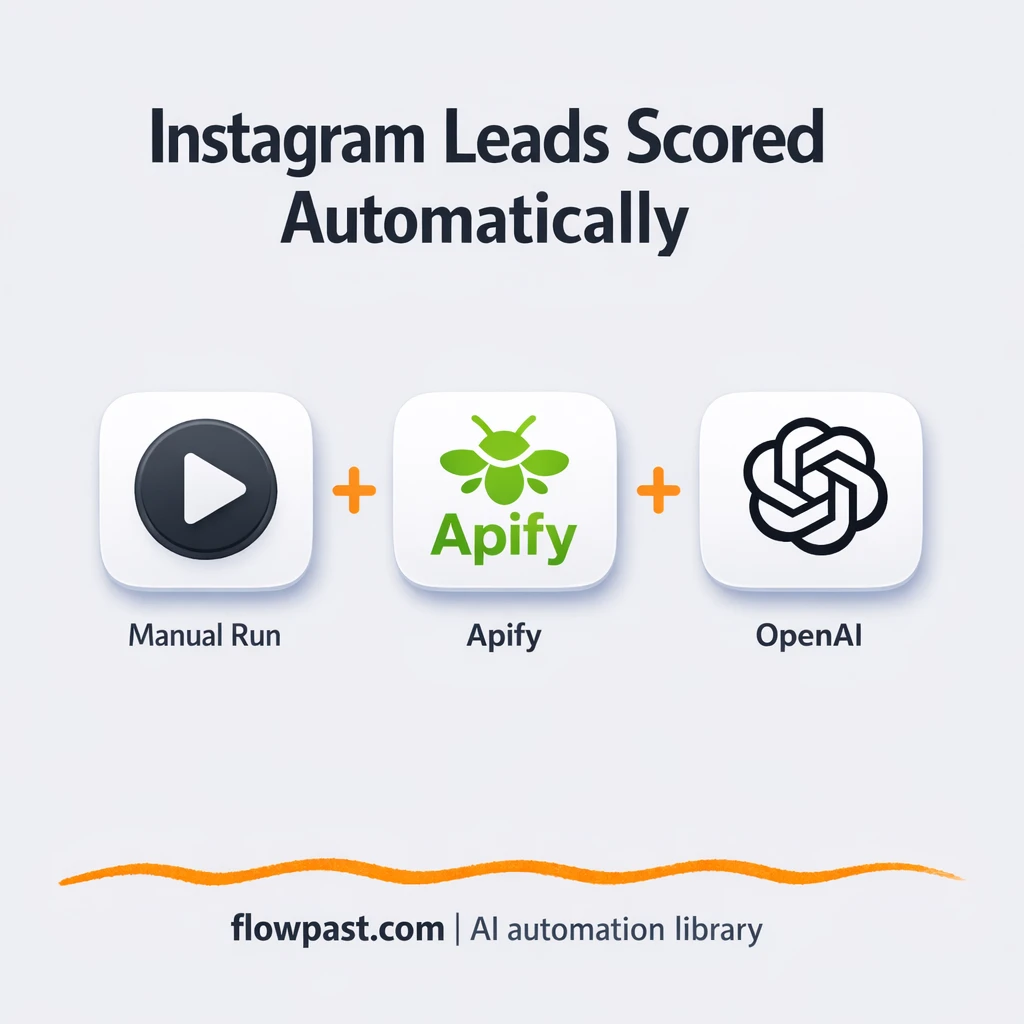

You find a promising Instagram account, open the profile, skim the bio, guess their audience, and then… do it again. And again. After 30 profiles, your standards drift, your notes get messy, and you’re not even sure which ones were “maybes.”
Marketing managers feel this when they’re trying to build a clean outreach list fast. A creator hunting collab partners runs into the same wall. So does a business development lead who needs consistent decisions. This Instagram lead scoring automation turns hashtag browsing into a simple Yes/No decision with the reasoning saved for you.
You’ll see what the workflow does, what you need to run it, and how it cuts the mental load that makes influencer prospecting so painfully slow.
How This Automation Works
See how this solves the problem:
n8n Workflow Template: Instagram + Google Sheets, smarter influencer lead scoring
flowchart LR

    subgraph sg0["When clicking ‘Execute workflow’ Flow"]
        direction LR
        n0@{ icon: "mdi:play-circle", form: "rounded", label: "When clicking ‘Execute workf..", pos: "b", h: 48 }
        n1@{ icon: "mdi:robot", form: "rounded", label: "AI Agent", pos: "b", h: 48 }
        n2@{ icon: "mdi:brain", form: "rounded", label: "OpenAI Chat Model", pos: "b", h: 48 }
        n3@{ icon: "mdi:robot", form: "rounded", label: "Structured Output Parser", pos: "b", h: 48 }
        n4["<div style='background:#f5f5f5;padding:10px;border-radius:8px;display:inline-block;border:1px solid #e0e0e0'><img src='https://flowpast.com/wp-content/uploads/n8n-workflow-icons/httprequest.dark.svg' width='40' height='40' /></div><br/>Find Recent Posts"]
        n5@{ icon: "mdi:swap-vertical", form: "rounded", label: "Create Search Term", pos: "b", h: 48 }
        n6["<div style='background:#f5f5f5;padding:10px;border-radius:8px;display:inline-block;border:1px solid #e0e0e0'><img src='https://flowpast.com/wp-content/uploads/n8n-workflow-icons/httprequest.dark.svg' width='40' height='40' /></div><br/>Scrape Accounts"]
        n7@{ icon: "mdi:swap-vertical", form: "rounded", label: "Set bio and follower count", pos: "b", h: 48 }
        n6 --> n7
        n4 --> n6
        n2 -.-> n1
        n5 --> n4
        n3 -.-> n1
        n7 --> n1
        n0 --> n5
    end

    %% Styling
    classDef trigger fill:#e8f5e9,stroke:#388e3c,stroke-width:2px
    classDef ai fill:#e3f2fd,stroke:#1976d2,stroke-width:2px
    classDef aiModel fill:#e8eaf6,stroke:#3f51b5,stroke-width:2px
    classDef decision fill:#fff8e1,stroke:#f9a825,stroke-width:2px
    classDef database fill:#fce4ec,stroke:#c2185b,stroke-width:2px
    classDef api fill:#fff3e0,stroke:#e65100,stroke-width:2px
    classDef code fill:#f3e5f5,stroke:#7b1fa2,stroke-width:2px
    classDef disabled stroke-dasharray: 5 5,opacity: 0.5
    class n0 trigger
    class n1,n3 ai
    class n2 aiModel
    class n4,n6 api
    classDef customIcon fill:none,stroke:none
    class n4,n6 customIcon
The Challenge: Hashtag Prospecting That Doesn’t Scale
Hashtags feel like a shortcut until you actually try to turn them into a partner list. You click into recent posts, open profiles one-by-one, and make fast judgments with almost no context. Some accounts look great until you notice they’re mostly giveaways. Others have real authority but a bio that reads like a mystery novel. Then you have to keep your notes somewhere, and “somewhere” becomes a spreadsheet full of inconsistent comments like “seems good?” or “maybe later.” It’s draining, and frankly, you end up outreach-ing whoever you saw last.
The friction compounds. Here’s where it breaks down.
- You spend about 5 minutes per profile just to decide if it’s worth a DM.
- Judgment gets inconsistent after the first batch, so your “Yes” pile turns into a grab bag.
- Follower count checks and bio reviews are repetitive, but you still have to do them carefully.
- Notes aren’t structured, which means your outreach message quality drops later.
The Fix: Automated Instagram Lead Scoring From a Hashtag
This workflow runs on demand in n8n. You start it with a manual click, set the hashtag you care about (like “n8n” or any niche keyword), and it pulls a batch of recent Instagram posts. From those posts, it extracts the account usernames, then uses Apify to scrape each profile for the key signals you normally check by hand: follower count and biography. Next, an AI agent (powered by OpenAI) evaluates each account against your outreach criteria and returns a clean Yes/No decision plus the reasoning. Finally, the output is ready to log to Google Sheets so you have a consistent, searchable lead list instead of a mess of tabs.
The workflow starts with a hashtag term and a pull of recent posts. It then scrapes profiles, maps the fields into a simple format, and sends them through an AI lead-evaluation step. You end up with structured JSON you can store, share, or route into your next outreach process.
What Changes: Before vs. After
| What This Eliminates | Impact You’ll See |
|---|---|
|
|
Real-World Impact
Say you review 40 accounts from a hashtag each week. Manually, you’ll spend maybe 5 minutes per profile between opening posts, checking the bio, scanning follower count, and writing a note. That’s about 3 hours for one sweep. With this workflow, you trigger the run in under a minute, wait for Apify + AI to process the batch (often around 20 minutes, depending on volume), and then you’re reviewing clean Yes/No outputs. You’re back to strategy work instead of tab-hopping.
Requirements
- n8n instance (try n8n Cloud free)
- Self-hosting option if you prefer (Hostinger works well)
- Apify for Instagram hashtag and profile scraping.
- OpenAI to score leads and write reasoning.
- Apify API token (get it from your Apify Console).
Skill level: Intermediate. You’ll connect credentials, edit a hashtag value, and run a few tests to make sure the scraped fields match what you expect.
Need help implementing this? Talk to an automation expert (free 15-minute consultation).
The Workflow Flow
Manual run to start a lead sweep. You click “Execute workflow” in n8n when you’re ready to prospect. It’s on-demand by design, so you can run it weekly or whenever a campaign needs fresh accounts.
Hashtag input and post discovery. The workflow sets your hashtag term (default is “n8n”), then uses Apify via HTTP Request to find recent posts for that hashtag.
Profile scraping and field cleanup. From the post results, it scrapes each account’s profile details through Apify, then maps follower count and biography into clean fields that won’t confuse the AI.
AI scoring and structured output. An AI Agent using the OpenAI Chat Model (gpt-4o-mini) evaluates fit and returns a structured Yes/No plus reasoning. The output is ready to log to Google Sheets and can also be routed to tools like Pipedrive, Slack, or Monday.com if you want sales-style follow-up.
You can easily modify the hashtag and the scoring criteria to match your niche. See the full implementation guide below for customization options.
Step-by-Step Implementation Guide
Step 1: Configure the Manual Trigger
This workflow starts manually so you can test and review results before running it on demand.
- Add the Manual Start Trigger node as the workflow trigger.
- Connect Manual Start Trigger to Define Hashtag Term as shown in the execution flow.
Step 2: Connect the Instagram Data Source
Define the hashtag, then call the Apify endpoints to fetch posts and profile details.
- In Define Hashtag Term, set the assignment Search_Term to
n8n. - In Retrieve Recent Posts, set URL to
=https://api.apify.com/v2/acts/apify~instagram-hashtag-scraper/run-sync-get-dataset-items. - Set Method to POST and Specify Body to JSON in Retrieve Recent Posts.
- Set JSON Body to
={ "hashtags": [ "{{ $json.Search_Term }}" ], "resultsLimit": 5, "resultsType": "posts" }. - Credential Required: Connect your httpQueryAuth credentials in Retrieve Recent Posts.
- In Fetch Profile Details, set URL to
=https://api.apify.com/v2/acts/apify~instagram-profile-scraper/run-sync-get-dataset-items. - Set JSON Body to
={ "usernames": [ "{{ $json.ownerUsername }}" ] }and keep Method as POST. - Credential Required: Connect your httpQueryAuth credentials in Fetch Profile Details.
Step 3: Map Bio and Followers for AI Review
Transform the profile response into the fields the AI agent expects.
- In Map Bio and Followers, set bio to
={{ $json.biography }}. - Set followersCount to
={{ $json.followersCount }}. - Confirm the flow is Retrieve Recent Posts → Fetch Profile Details → Map Bio and Followers.
Step 4: Set Up the AI Lead Assessment
Use the AI agent to evaluate the profile against your collaboration criteria and return structured output.
- In Assess Lead Candidate, set Text to
=followers: {{ $json.followersCount }} bio: {{ $json.bio }}. - Confirm Prompt Type is define and Has Output Parser is enabled.
- In OpenAI Chat Engine, select the Model value
gpt-4o-mini. - Credential Required: Connect your openAiApi credentials in OpenAI Chat Engine.
- In Parse Structured Reply, keep the JSON Schema Example as
{ "lead status": "Yes or No", "Reasoning": "reasoning for why they are a good or bad lead. " }. - Note: Parse Structured Reply is an AI sub-node; add credentials to OpenAI Chat Engine, not to the parser itself.
Step 5: Test and Activate Your Workflow
Run a manual test to verify the API responses and AI assessment output.
- Click Execute Workflow to run from Manual Start Trigger.
- Verify Retrieve Recent Posts returns posts for the hashtag
n8n. - Confirm Fetch Profile Details returns biography and followersCount data.
- Check Assess Lead Candidate output includes
"lead status"and"Reasoning"parsed by Parse Structured Reply. - Once validated, toggle the workflow to Active to use it for ongoing manual runs.
Watch Out For
- Apify credentials can expire or need specific permissions. If things break, check your Apify token in the n8n credential used by the HTTP Request nodes first.
- If you’re using Wait nodes or external rendering, processing times vary. Bump up the wait duration if downstream nodes fail on empty responses.
- Default prompts in AI nodes are generic. Add your brand voice early or you’ll be editing outputs forever.
Common Questions
About 30 minutes if you already have your Apify and OpenAI keys.
Yes. No code is required, but someone should be comfortable connecting credentials and running a few test executions.
Yes. n8n has a free self-hosted option and a free trial on n8n Cloud. Cloud plans start at $20/month for higher volume. You’ll also need to factor in OpenAI API usage (often just a few dollars for small batches) plus your Apify plan.
Two options: n8n Cloud (managed, easiest setup) or self-hosting on a VPS. For self-hosting, Hostinger VPS is affordable and handles n8n well. Self-hosting gives you unlimited executions but requires basic server management.
Change the “Define Hashtag Term” node to target your niche hashtag, then adjust the AI Agent’s instructions to match your idea of a qualified partner. Most customizations are simple: add follower thresholds, flag certain words in bios (like “agency” or “UGC”), or require location keywords for local campaigns. If you want to store results, you can send the structured output into Google Sheets, Pipedrive, Monday.com, or Slack based on the “lead status” field.
Usually it’s the Apify token. Regenerate it in your Apify Console, then update the HTTP Query Auth credential used by the “Retrieve Recent Posts” and “Fetch Profile Details” requests. If the token is fine, check the actor input and make sure the response still includes the expected fields (profile scrapers change sometimes). Rate limits can also show up when you pull big batches.
If you self-host n8n, there’s no execution cap (your server and API limits are the bottleneck). On n8n Cloud, capacity depends on your plan’s monthly executions. Practically, most teams score dozens of profiles per run comfortably, then scale up once their Apify limits and prompt cost look predictable.
Often, yes. This flow benefits from multi-step logic (scrape posts, scrape profiles, map fields, run an AI agent, parse structured output), and n8n handles that without turning every branch into a pricing problem. You can also self-host for high-volume prospecting and keep costs steady. Zapier or Make can still work if you want something lighter, but they get awkward once you’re chaining HTTP scrapes and structured AI outputs together. If you’re torn, Talk to an automation expert and map it to your volume.
Lead scoring should feel repeatable, not like a mood. Set this up once, run it when you need fresh accounts, and keep your outreach decisions clean.
Need Help Setting This Up?
Our automation experts can build and customize this workflow for your specific needs. Free 15-minute consultation—no commitment required.
