


Perplexity to Gmail, a daily AI news digest
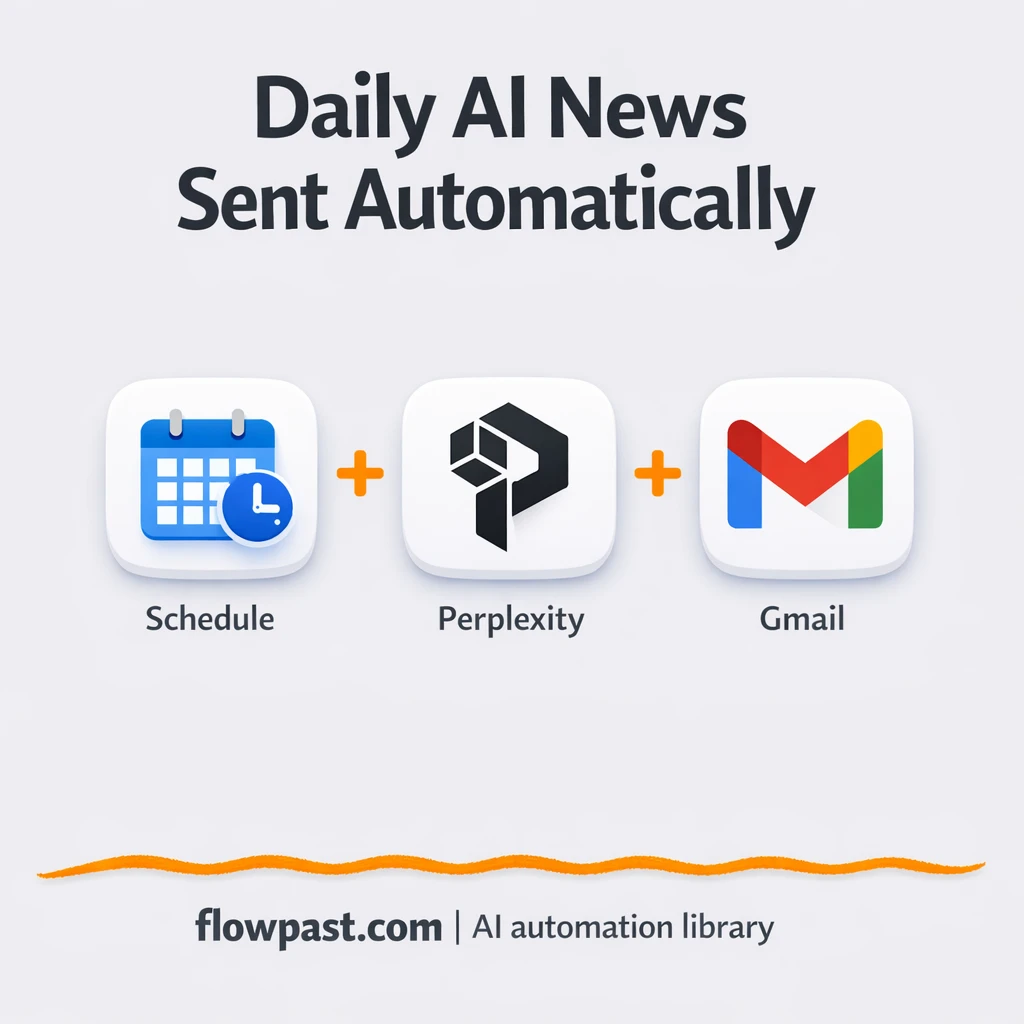

You open your browser to “quickly check AI news” and suddenly you’ve got 14 tabs, three newsletters, and no clue what’s actually new since yesterday. Then you still have to summarize it for someone else. It’s tiring, and honestly, it never ends.
Marketing leads feel it when content planning stalls. Founders feel it when they miss a competitor move. Ops folks trying to keep teams aligned feel it too. This Perplexity Gmail digest automation sends one clean email each day, so you stop chasing updates and start using them.
Below you’ll see exactly what the workflow does, what you need to run it, and what results to expect once it’s live.
How This Automation Works
The full n8n workflow, from trigger to final output:
n8n Workflow Template: Perplexity to Gmail, a daily AI news digest
flowchart LR

    subgraph sg0["Schedule Flow"]
        direction LR
        n0@{ icon: "mdi:play-circle", form: "rounded", label: "Schedule Trigger", pos: "b", h: 48 }
        n1["<div style='background:#f5f5f5;padding:10px;border-radius:8px;display:inline-block;border:1px solid #e0e0e0'><img src='https://flowpast.com/wp-content/uploads/n8n-workflow-icons/perplexity.dark.svg' width='40' height='40' /></div><br/>Message a model"]
        n2@{ icon: "mdi:message-outline", form: "rounded", label: "Send a message", pos: "b", h: 48 }
        n1 --> n2
        n0 --> n1
    end

    subgraph sg1["Flow 2"]
        direction LR
        n3["<div style='background:#f5f5f5;padding:10px;border-radius:8px;display:inline-block;border:1px solid #e0e0e0'><img src='https://flowpast.com/wp-content/uploads/n8n-workflow-icons/html.dark.svg' width='40' height='40' /></div><br/>Generate Preview of New"]
    end

    %% Styling
    classDef trigger fill:#e8f5e9,stroke:#388e3c,stroke-width:2px
    classDef ai fill:#e3f2fd,stroke:#1976d2,stroke-width:2px
    classDef aiModel fill:#e8eaf6,stroke:#3f51b5,stroke-width:2px
    classDef decision fill:#fff8e1,stroke:#f9a825,stroke-width:2px
    classDef database fill:#fce4ec,stroke:#c2185b,stroke-width:2px
    classDef api fill:#fff3e0,stroke:#e65100,stroke-width:2px
    classDef code fill:#f3e5f5,stroke:#7b1fa2,stroke-width:2px
    classDef disabled stroke-dasharray: 5 5,opacity: 0.5
    class n0 trigger
    classDef customIcon fill:none,stroke:none
    class n1,n3 customIcon
The Problem: Daily AI News Turns Into Tab Chaos
Keeping up with AI and tech news sounds simple until you do it every day. You skim headlines, open links, try to remember what you already saw, then realize half of it was “hot” three days ago. The real cost isn’t just time. It’s context switching, missed details, and the constant low-grade anxiety that you’re behind. And when you finally share an update internally, it’s often a messy Slack message with a few links and zero structure.
It adds up fast. Here’s where it breaks down in the real world.
- You spend about 30 minutes a day gathering sources, then another 15 minutes cleaning it up for someone else.
- Important items get lost because the “summary” is scattered across chats, bookmarks, and open tabs.
- Manual summaries drift in tone and format, which means people stop reading them.
- When you miss a day, you’re catching up for the next three.
The Solution: Perplexity Curates, Gmail Delivers
This workflow turns daily “news hunting” into a scheduled, reliable digest that lands in your inbox already formatted. Every morning at 10:00 AM, n8n triggers a request to Perplexity (using the sonar-pro model) asking for the latest AI and tech developments from the past 24 hours. Perplexity returns a self-contained HTML email, complete with inline styling, bold headlines, short summaries, and clickable source links. n8n then cleans and validates that HTML so it displays properly in email clients. Finally, Gmail sends the finished digest to your chosen recipients with a consistent subject line, so it’s easy to find and forward.
The workflow starts on a schedule, pulls fresh news, then converts that response into a clean HTML email. After that, Gmail delivers it automatically, and you also get an HTML preview output you can reuse for other channels later.
What You Get: Automation vs. Results
| What This Workflow Automates | Results You’ll Get |
|---|---|
|
|
Example: What This Looks Like
Say you send a daily “AI updates” message to your team with 8 headlines. Manually, that’s roughly 5 minutes to scan sources per headline plus another 10 minutes to rewrite and format, so about 50 minutes a day. With this workflow, the only “work” is receiving the email: the trigger runs automatically, Perplexity generates the HTML, and Gmail delivers it. Realistically, you’re down to a couple minutes to skim and forward, so you’re getting about 45 minutes back each weekday.
What You’ll Need
- n8n instance (try n8n Cloud free)
- Self-hosting option if you prefer (Hostinger works well)
- Perplexity API for daily AI and tech headlines.
- Gmail to deliver the digest to recipients.
- Perplexity API key (get it from your Perplexity account dashboard).
Skill level: Beginner. You’ll connect credentials and edit a prompt or recipient list.
Don’t want to set this up yourself? Talk to an automation expert (free 15-minute consultation).
How It Works
A daily schedule kicks it off. The workflow runs every day at 10:00 AM, so you’re not relying on someone remembering to “send the update.”
Perplexity compiles the last 24 hours. n8n sends a prompt to Perplexity’s sonar-pro model asking for fresh AI and tech developments, and it returns a ready-to-send HTML digest with headlines, summaries, and links.
The HTML gets cleaned for email. A dedicated HTML processing step validates the response so Gmail renders it as a styled digest instead of a weird wall of text.
Gmail sends the finished digest. The email goes out with a consistent subject line, and the workflow also produces an HTML preview output you can repurpose elsewhere.
You can easily modify the Perplexity prompt to change the sources, the number of headlines, or the writing style based on your needs. See the full implementation guide below for customization options.
Step-by-Step Implementation Guide
Step 1: Configure the Schedule Trigger
Set up the workflow to run on a daily schedule so the news digest is generated automatically.
- Add the Timed Run Trigger node as your trigger.
- In Rule → Interval, set Trigger At Hour to
10. - Connect Timed Run Trigger to AI News Query.
Step 2: Connect Perplexity AI
Configure the AI prompt that generates a formatted HTML digest of the latest AI news.
- Add the AI News Query node and keep it connected from Timed Run Trigger.
- Set Model to
sonar-pro. - Enable Simplify by setting it to
true. - Keep the existing system prompt that outputs a full HTML email layout (do not remove the HTML structure in the prompt).
- Credential Required: Connect your perplexityApi credentials.
Step 3: Configure Output Actions (Parallel)
The workflow sends the AI-generated HTML to email and renders a preview simultaneously. AI News Query outputs to both Email Dispatch and HTML Preview Render in parallel.
- In Email Dispatch, set Send To to
[YOUR_EMAIL]. - Set Message to
={{ $json.message }}so the HTML body is pulled from the AI output. - Set Subject to
Latest Tech and AI news update 🚀. - Credential Required: Connect your gmailOAuth2 credentials.
- In HTML Preview Render, set HTML to
{{ $json.message }}for the preview output.
Step 4: Test and Activate Your Workflow
Validate the AI output, email delivery, and HTML rendering before turning on scheduled runs.
- Click Execute Workflow to run Timed Run Trigger manually.
- Confirm that AI News Query returns a full HTML document in its output.
- Verify that Email Dispatch sends the email and the message renders correctly.
- Check HTML Preview Render to ensure the HTML preview shows formatted cards and links.
- Activate the workflow by toggling the status to Active for scheduled operation.
Common Gotchas
- Gmail OAuth credentials can expire or need specific permissions. If emails stop sending, check the Gmail node credentials and your Google account security settings first.
- If you’re using Wait nodes or external rendering, processing times vary. Bump up the wait duration if downstream nodes fail on empty responses.
- Default prompts in AI nodes are generic. Add your brand voice early or you’ll be editing outputs forever.
Frequently Asked Questions
About 20 minutes if your Perplexity and Gmail accounts are ready.
No. You’ll mainly paste in credentials and adjust the prompt or recipients.
Yes. n8n has a free self-hosted option and a free trial on n8n Cloud. Cloud plans start at $20/month for higher volume. You’ll also need to factor in Perplexity API usage, which depends on how long you make the digest and how many recipients you send to.
Two options: n8n Cloud (managed, easiest setup) or self-hosting on a VPS. For self-hosting, Hostinger VPS is affordable and handles n8n well. Self-hosting gives you unlimited executions but requires basic server management.
Yes, and it’s usually just a prompt change in the Perplexity “AI News Query” step. Common tweaks include “AI for marketers” headlines, “enterprise AI policy” updates, or a shorter list that fits on one screen. You can also change the Gmail subject line and the recipient list without touching anything else.
Usually it’s expired OAuth access or the wrong Google account connected. Reconnect the Gmail credential in n8n, then confirm the sending address matches the account you authorized. If you’re sending to a larger list, you can also run into Google sending limits, so try fewer recipients first to confirm the workflow is healthy.
Plenty for a typical small team.
It depends on what you mean by “better.” If you want an HTML-formatted digest generated by an AI model, cleaned up, and then delivered on a schedule, n8n is a strong fit because you can keep the logic in one workflow and you’re not forced into a strict “two-step” structure. It’s also easier to self-host, which matters if you care about execution limits and long-term cost control. Zapier or Make can be quicker for very simple automations, but they get awkward when you start shaping content and validating HTML. Talk to an automation expert if you want help choosing.
This is the kind of automation you set up once and then quietly benefit from every weekday. The workflow handles the repetitive stuff, so you can focus on what the news means for your next move.
Need Help Setting This Up?
Our automation experts can build and customize this workflow for your specific needs. Free 15-minute consultation—no commitment required.
