


RSS to Slack, one clean daily digest for your team
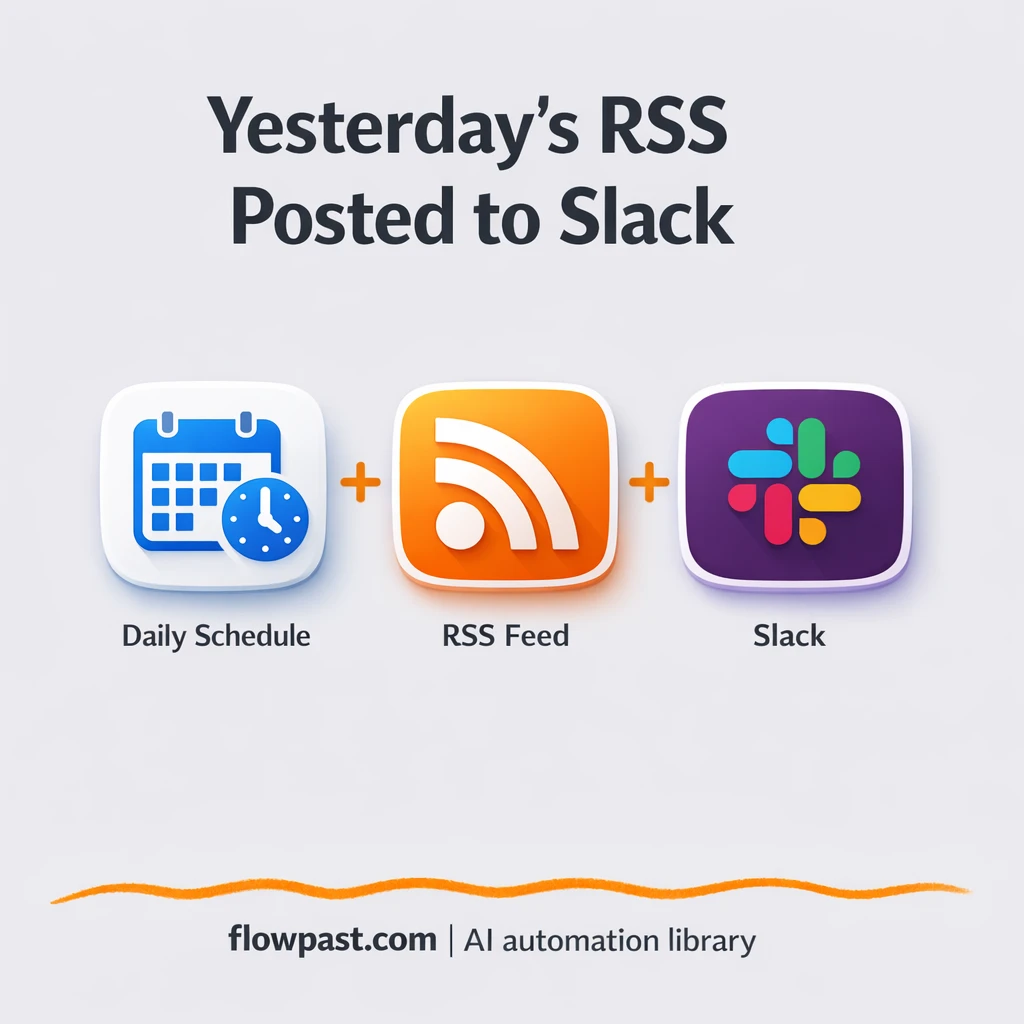

Your Slack channel wasn’t meant to be an RSS firehose. But once a few feeds get piped in, important updates get buried, people mute the channel, and “staying informed” turns into background noise.
This RSS Slack digest hits marketing managers first (launches move fast), but agency owners and ops leads feel it too. You want the team to actually read updates, not scroll past 30 separate bot posts.
This workflow collects yesterday’s RSS items, filters what’s relevant, and posts one clean daily digest to Slack. You’ll see how it works, what you need, and what to tweak so it matches your channel’s style.
How This Automation Works
The full n8n workflow, from trigger to final output:
n8n Workflow Template: RSS to Slack, one clean daily digest for your team
flowchart LR

    subgraph sg0["Flow 1"]
        direction LR
        n0@{ icon: "mdi:code-braces", form: "rounded", label: "Compose Slack Digest", pos: "b", h: 48 }
        n1@{ icon: "mdi:cog", form: "rounded", label: "Morning Schedule Trigger", pos: "b", h: 48 }
        n2@{ icon: "mdi:cog", form: "rounded", label: "Compute Prior Day", pos: "b", h: 48 }
        n3@{ icon: "mdi:cog", form: "rounded", label: "Retrieve RSS Stream", pos: "b", h: 48 }
        n4@{ icon: "mdi:swap-horizontal", form: "rounded", label: "Filter Recent Posts", pos: "b", h: 48 }
        n5["<div style='background:#f5f5f5;padding:10px;border-radius:8px;display:inline-block;border:1px solid #e0e0e0'><img src='https://flowpast.com/wp-content/uploads/n8n-workflow-icons/slack.svg' width='40' height='40' /></div><br/>Dispatch Slack Notice"]
        n1 --> n2
        n3 --> n4
        n0 --> n5
        n2 --> n3
        n4 --> n0
    end

    %% Styling
    classDef trigger fill:#e8f5e9,stroke:#388e3c,stroke-width:2px
    classDef ai fill:#e3f2fd,stroke:#1976d2,stroke-width:2px
    classDef aiModel fill:#e8eaf6,stroke:#3f51b5,stroke-width:2px
    classDef decision fill:#fff8e1,stroke:#f9a825,stroke-width:2px
    classDef database fill:#fce4ec,stroke:#c2185b,stroke-width:2px
    classDef api fill:#fff3e0,stroke:#e65100,stroke-width:2px
    classDef code fill:#f3e5f5,stroke:#7b1fa2,stroke-width:2px
    classDef disabled stroke-dasharray: 5 5,opacity: 0.5
    class n4 decision
    class n0 code
    classDef customIcon fill:none,stroke:none
    class n5 customIcon
The Problem: Slack Channels Get Spammy Fast
RSS alerts feel useful at the start. Then you add a second feed. Then a third. Pretty soon your channel is a nonstop stream of “new post published” messages, each one taking up space and attention. People skim, miss the one update that mattered, and you’re left answering “did anyone see this?” in threads. The time cost isn’t only the scrolling. It’s the repeated context switching, the quiet resentment toward noisy channels, and the fact that the best links don’t get shared because the channel has become unreadable.
It adds up fast. Here’s where it breaks down in real teams.
- Individual RSS-to-Slack posts push real conversations off-screen within an hour or two.
- People start muting the channel, which means the important update lands to silence.
- Manual “morning roundup” messages depend on someone remembering, and honestly, they won’t every day.
- When multiple feeds are involved, duplicates and near-duplicates waste attention and create confusion.
The Solution: One Daily Slack Digest From Yesterday’s RSS
This workflow flips the usual RSS automation approach. Instead of posting every time a feed updates, it waits until a scheduled time each morning, looks back at the previous day, and pulls in everything published during that window. Then it filters the items so only “recent” posts make it through, composes a single readable digest message, and sends it to the Slack channel you choose. The outcome is simple: one message a day that your team can scan in seconds, with the links neatly grouped. Less noise. More signal. And it stays consistent even when you’re busy, traveling, or buried in client work.
The workflow starts on a morning schedule (Cron). It computes the “prior day” cutoff, fetches the RSS feed, checks which items belong in that window, and formats them into a Slack-friendly digest. Finally, Slack gets one clean post instead of a stream.
What You Get: Automation vs. Results
| What This Workflow Automates | Results You’ll Get |
|---|---|
|
|
Example: What This Looks Like
Say your team follows one company blog and one industry news feed, and you normally post updates into Slack as they appear. If each feed publishes about 6 items a day, that’s roughly 12 Slack messages daily, plus the extra scroll time and the “which ones matter?” mental load. With this workflow, the “work” becomes zero: it runs once in the morning, pulls yesterday’s items, and posts one digest. Instead of 12 interruptions, your team gets one quick scan while they drink coffee.
What You’ll Need
- n8n instance (try n8n Cloud free)
- Self-hosting option if you prefer (Hostinger works well)
- Slack for posting the digest to a channel
- RSS feed URL to read updates from your source
- Slack app/token (create it in Slack API settings)
Skill level: Beginner. You’ll connect Slack, paste an RSS URL, and choose a channel.
Don’t want to set this up yourself? Talk to an automation expert (free 15-minute consultation).
How It Works
A morning schedule triggers the run. The Cron node fires at the time you choose, so the digest lands when people are actually checking Slack.
The workflow figures out “yesterday.” It computes a prior-day cutoff (using a date/time step), which becomes the rule for what counts as “recent.” No manual date edits. No drifting logic.
RSS entries are fetched and filtered. n8n reads your RSS feed and then uses an If filter to keep only the items published inside that time window. If the feed is quiet, the digest stays quiet too.
A single digest is composed and sent to Slack. A Function node formats the final message (titles and links), then the Slack node posts it into the channel you selected.
You can easily modify the schedule time to match your team’s timezone based on your needs. See the full implementation guide below for customization options.
Step-by-Step Implementation Guide
Step 1: Configure the Cron Trigger
Set the workflow to run every morning before calculating the prior day’s date.
- Add and open Morning Schedule Trigger.
- Set Trigger Times to run at
08:00(as shown by the configured hour value8).
Step 2: Connect the RSS Source
Pull posts from the target RSS feed URL.
- Add Retrieve RSS Stream and set URL to
https://n8n.io/blog/rss. - Connect Compute Prior Day to Retrieve RSS Stream to ensure the RSS fetch runs after date calculation.
Step 3: Set Up Date Calculation and Filtering
Compute yesterday’s date and filter the RSS items to only include posts after that timestamp.
- Open Compute Prior Day and set Value to
={{Date()}}. - Set Action to
calculate, Operation tosubtract, and Duration to1. - Open Filter Recent Posts and configure the date condition: Value 1 as
={{$item(0).$node["Compute Prior Day"].json.data}}and Value 2 as={{$json["pubDate"]}}with Operationbefore. - Connect Retrieve RSS Stream → Filter Recent Posts to filter feed items.
pubDate values; otherwise the filter may exclude all items.Step 4: Compose and Send the Slack Digest
Format the filtered RSS items into a Slack message and send it to your channel.
- Open Compose Slack Digest and keep the Function Code as provided to build a message list for Slack.
- Connect Filter Recent Posts → Compose Slack Digest so only recent posts are formatted.
- Open Dispatch Slack Notice and set Text to
={{$json["message"]}}. - Set Channel to your Slack channel ID in
[YOUR_ID]. - Credential Required: Connect your slackApi credentials in Dispatch Slack Notice.
Step 5: Test and Activate Your Workflow
Run a manual test to confirm the RSS digest is created and delivered to Slack, then enable the scheduled trigger.
- Click Execute Workflow and verify Filter Recent Posts outputs items from the RSS feed.
- Check that Compose Slack Digest returns a single item with a formatted
messagevalue. - Confirm a Slack message appears in the channel configured in Dispatch Slack Notice.
- Toggle the workflow to Active to enable daily runs from Morning Schedule Trigger.
Common Gotchas
- Slack credentials can expire or need specific permissions. If things break, check your Slack app scopes and the n8n Slack credential settings first.
- If you’re using Wait nodes or external rendering, processing times vary. Bump up the wait duration if downstream nodes fail on empty responses.
- Default prompts in AI nodes are generic. Add your brand voice early or you’ll be editing outputs forever.
Frequently Asked Questions
About 20 minutes if your Slack access is ready.
No. You’ll connect Slack and paste your RSS feed URL. The only “technical” part is picking the right channel and schedule time.
Yes. n8n has a free self-hosted option and a free trial on n8n Cloud. Cloud plans start at $20/month for higher volume. You’ll also need to factor in Slack costs (usually none beyond your Slack plan).
Two options: n8n Cloud (managed, easiest setup) or self-hosting on a VPS. For self-hosting, Hostinger VPS is affordable and handles n8n well. Self-hosting gives you unlimited executions but requires basic server management.
Yes, but you’ll want to be intentional about formatting. You can duplicate the “Retrieve RSS Stream” step for each feed, then merge the combined items before the “Compose Slack Digest” function runs. Common customizations include grouping by source, limiting the digest to the top 10 links, and adding a short intro line like “Today’s reading.”
Usually it’s an expired or replaced Slack token inside your n8n credentials. Update the Slack credential, then confirm the Slack app has permission to post in the target channel. If it still fails, check whether the channel is private and the app hasn’t been invited, because Slack will block posts even when the token is valid.
For most teams, dozens per day is fine.
Often, yes, because the “digest” part usually needs a bit of logic. n8n makes it easier to compute a date window, filter items, and format a clean message without paying extra for every branch. It’s also flexible if you later want to add a second output, like email or a Google Sheet log. Zapier or Make can still work if you’re doing something very simple, like “send each new item to Slack,” but that’s the noisy pattern most teams regret. Talk to an automation expert if you want help picking the right approach.
One digest a day keeps Slack useful. Set this up once, and your team gets the updates without the constant chatter.
Need Help Setting This Up?
Our automation experts can build and customize this workflow for your specific needs. Free 15-minute consultation—no commitment required.
