


Telegram to Bitly, short links without tab switching
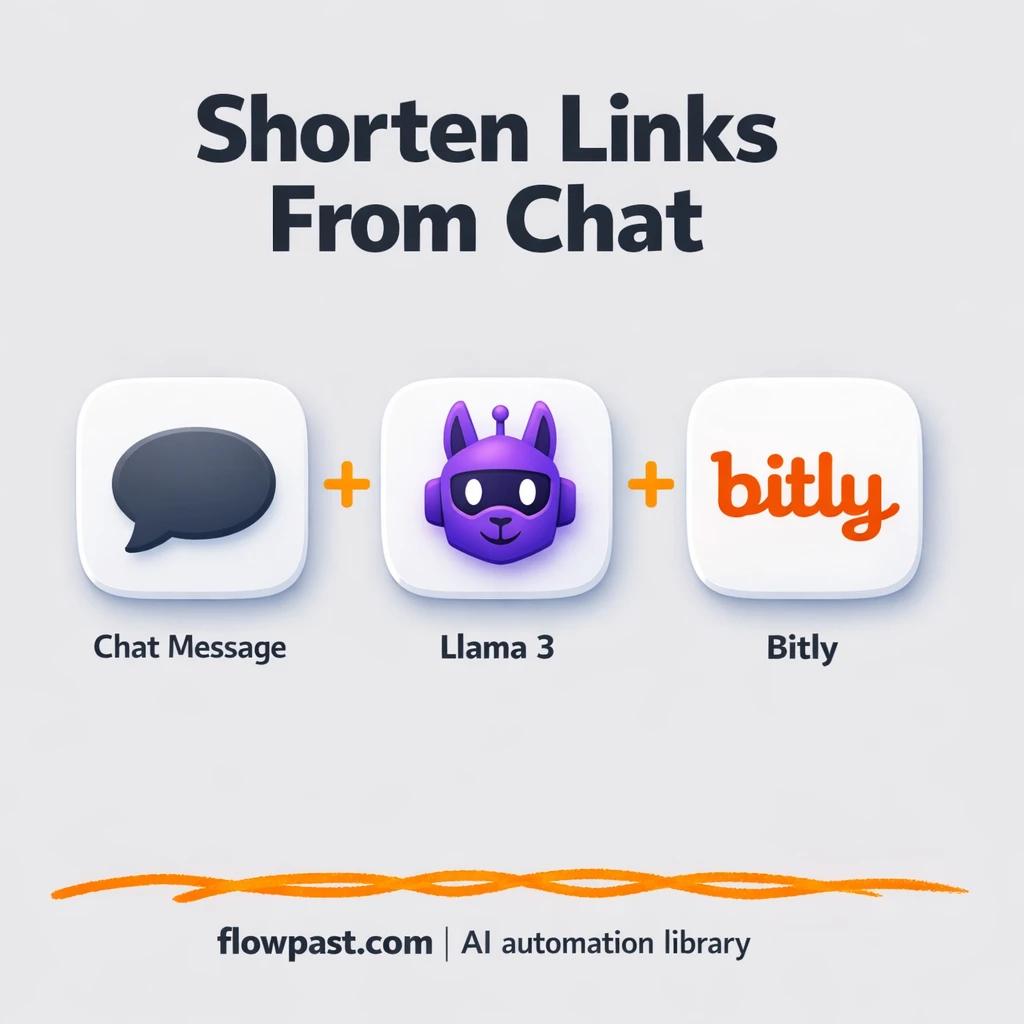

Link shortening sounds tiny. Then you do it 30 times a day, bounce between tabs, lose the “right” URL, and paste the wrong thing into a campaign at the worst possible moment.
This Telegram Bitly links setup hits marketers first, honestly. But agency folks sending client assets and small business owners replying fast in DMs feel it too. You send a URL once, get a clean Bitly short link back, and keep tracking consistent without extra effort.
Below is the exact automation you’ll set up in n8n, what it’s doing behind the scenes, and how to customize it so it fits the way you share links every day.
How This Automation Works
Here’s the complete workflow you’ll be setting up:
n8n Workflow Template: Telegram to Bitly, short links without tab switching
flowchart LR

    subgraph sg0["Chat Entry Flow"]
        direction LR
        n0@{ icon: "mdi:cog", form: "rounded", label: "Generate Short Link", pos: "b", h: 48 }
        n1@{ icon: "mdi:brain", form: "rounded", label: "Ollama Conversational Model", pos: "b", h: 48 }
        n2@{ icon: "mdi:robot", form: "rounded", label: "Intelligent Agent", pos: "b", h: 48 }
        n3@{ icon: "mdi:play-circle", form: "rounded", label: "Chat Entry Trigger", pos: "b", h: 48 }
        n3 --> n2
        n0 -.-> n2
        n1 -.-> n2
    end

    %% Styling
    classDef trigger fill:#e8f5e9,stroke:#388e3c,stroke-width:2px
    classDef ai fill:#e3f2fd,stroke:#1976d2,stroke-width:2px
    classDef aiModel fill:#e8eaf6,stroke:#3f51b5,stroke-width:2px
    classDef decision fill:#fff8e1,stroke:#f9a825,stroke-width:2px
    classDef database fill:#fce4ec,stroke:#c2185b,stroke-width:2px
    classDef api fill:#fff3e0,stroke:#e65100,stroke-width:2px
    classDef code fill:#f3e5f5,stroke:#7b1fa2,stroke-width:2px
    classDef disabled stroke-dasharray: 5 5,opacity: 0.5
    class n3 trigger
    class n2 ai
    class n1 aiModel
Why This Matters: Link Shortening Gets Messy Fast
Manual link shortening is one of those “quick tasks” that quietly wrecks your focus. You copy a URL, open Bitly, paste it, check the slug, copy the short link, then jump back to Telegram, WhatsApp, email, or a doc. Do that for a launch, a newsletter, a partner promo, and a few customer replies and you’ve spent a chunk of your day on tab switching. Worse, it’s easy to shorten the wrong URL, forget UTM parameters, or end up with different naming conventions across campaigns, so reporting turns into detective work later.
It adds up fast. Here’s where it usually breaks down.
- You end up shortening links “whenever you remember,” so tracking gets inconsistent across channels.
- Copy-paste mistakes happen, especially when you’re juggling several similar URLs for ads or partner pages.
- UTM tags get dropped or changed, which makes your analytics look cleaner than reality (and less useful).
- Each link is only a minute or two, but launches turn that into about an hour of pure busywork.
What You’ll Build: Telegram → Bitly Short Link Generator
This workflow turns Telegram into your “link desk.” You send a message that includes a URL (and optionally a quick instruction like “shorten this” or “make a clean tracking link”). The workflow is triggered the moment the chat message arrives. An AI agent (using an Ollama chat model in the template) reads your message, extracts the URL, and formats it into the exact input Bitly expects. Then the Bitly tool node creates the short link and returns it straight back to your chat so you can share it immediately. No tab switching, no remembering where you left the Bitly page, and no digging through history to find the link you created five minutes ago.
The workflow starts in Telegram chat, routes your message through the AI agent for clean parsing, then calls Bitly to generate the short URL. Finally, the short link is sent back where you asked for it, so your “output” is always in the same place you’re already working.
What You’re Building
| What Gets Automated | What You’ll Achieve |
|---|---|
|
|
Expected Results
Say you shorten 25 links in a busy week. Manually, even “quick” shortening is maybe 2 minutes per link once you include tab switching, naming, and copying the final URL, so that’s about 50 minutes. With this workflow, you drop the URL into Telegram (10 seconds), wait for Bitly to return the short link (usually under a minute), and you’re done. You still spend time deciding what to share, but the mechanical part mostly disappears.
Before You Start
- n8n instance (try n8n Cloud free)
- Self-hosting option if you prefer (Hostinger works well)
- Telegram to send the URL and receive replies.
- Bitly to generate the short link.
- Ollama (local AI model) to parse commands and URLs.
- Bitly API token (get it from your Bitly account settings)
Skill level: Beginner. You’ll connect Telegram and Bitly, then test with a few real messages.
Want someone to build this for you? Talk to an automation expert (free 15-minute consultation).
Step by Step
A Telegram chat message kicks things off. The workflow uses a chat-based trigger, so a message you send (with a link inside) starts the run immediately. No forms, no dashboards, no extra app.
The AI agent interprets your intent. Using the Ollama conversational model, the agent reads whatever you typed and focuses on the URL. This is useful because people don’t type perfectly. You might add context like “use this for the newsletter” and it still works.
Bitly creates the short link. The Bitly node takes the extracted long URL and generates a new shortened version tied to your Bitly account, so clicks are tracked where you already report from.
The short link comes back to Telegram. The “result” is delivered where you asked for it, so you can forward it, paste it into a post, or drop it into a doc right away.
You can easily modify the chat command format to support branded slugs, UTM templates, or routing the output into Google Sheets based on your needs. See the full implementation guide below for customization options.
Step-by-Step Implementation Guide
Step 1: Configure the Chat Trigger
This workflow starts when a chat message is received, then passes the message to the AI agent.
- Add Chat Entry Trigger as the workflow trigger.
- Keep the trigger settings as-is unless you need to customize chat behavior.
- Connect Chat Entry Trigger to Intelligent Agent to match the execution flow: Chat Entry Trigger → Intelligent Agent.
Step 2: Connect Bitly
The workflow uses Bitly to generate short links via an AI tool node.
- Add Generate Short Link and keep it available as an AI tool.
- Connect Generate Short Link to Intelligent Agent as an ai_tool connection.
- Credential Required: Connect your Bitly credentials to Intelligent Agent because Generate Short Link is an AI tool attached to it.
Step 3: Set Up Intelligent Agent
The AI agent coordinates responses and uses the connected model and tools.
- Add Intelligent Agent as the main processing node.
- Connect Ollama Conversational Model to Intelligent Agent as an ai_languageModel connection.
- Verify that Generate Short Link appears as an available tool in Intelligent Agent.
Step 4: Configure Supporting Nodes
Add any optional documentation or workspace notes to keep the workflow organized.
- Add Flowpast Branding as a stickyNote for internal documentation.
- Set Content to
## Flowpast.com | Automation Workflow Library\n**📖 Full tutorial & setup guide:** flowpast.comif you want the same banner text.
Step 5: Test and Activate Your Workflow
Validate the chat-to-link flow before turning it on for production use.
- Click Execute Workflow and send a test message to Chat Entry Trigger.
- Confirm that Intelligent Agent responds and invokes Generate Short Link successfully.
- Activate the workflow using the Active toggle once the test returns a valid short link.
Troubleshooting Tips
- Bitly credentials can expire or be missing permissions. If things break, check your Bitly token in n8n Credentials and confirm it still works in Bitly settings first.
- If you’re using Wait nodes or external rendering, processing times vary. Bump up the wait duration if downstream nodes fail on empty responses.
- Default prompts in AI nodes are generic. Add your brand voice early or you’ll be editing outputs forever.
Quick Answers
About 20 minutes if you already have Bitly and Telegram ready.
No. You’ll connect your accounts and paste in the right API token. The rest is configuration and testing.
Yes. n8n has a free self-hosted option and a free trial on n8n Cloud. Cloud plans start at $20/month for higher volume. You’ll also need to factor in Bitly plan/API limits and any AI costs if you switch from Ollama to OpenAI.
Two options: n8n Cloud (managed, easiest setup) or self-hosting on a VPS. For self-hosting, Hostinger VPS is affordable and handles n8n well. Self-hosting gives you unlimited executions but requires basic server management.
Yes, and it’s the main reason this approach is worth it. You can keep the Chat Entry Trigger and swap the Ollama Conversational Model for an OpenAI Chat Model if you prefer hosted AI. You can also tweak the Intelligent Agent prompt so it always appends UTMs, enforces a naming style, or rejects non-HTTPS links. Common upgrades include saving every long/short link pair to Google Sheets, sending the short link to Gmail as a draft, or routing different commands through a Switch node (for example “qr” vs “short”).
Usually it’s a permissions or credential issue in Telegram, like the bot token being wrong or the bot not being added to the chat you’re testing. It can also be a mismatch between the chat trigger type and the way you’re messaging it. Check the Telegram credentials in n8n first, then confirm you’re sending messages to the same bot/chat the trigger is listening to.
For most small teams, hundreds of links a day is realistic, but your real limit is Bitly rate limits and how fast your n8n instance runs.
Sometimes. If you want “message in, logic, message back” with room to grow, n8n is a strong fit because you can add branching, memory, and AI parsing without turning it into a pricey multi-step Zap. n8n also has a self-host option, which matters if you run a lot of automations and don’t want per-task billing surprises. Zapier or Make can still be simpler for a basic two-step “Telegram to Bitly” link creation if you never plan to expand it. Talk to an automation expert if you’re deciding between them.
Once this is running, link shortening stops being a task you “fit in.” It just happens, and you get your attention back for the work that actually moves campaigns forward.
Need Help Setting This Up?
Our automation experts can build and customize this workflow for your specific needs. Free 15-minute consultation—no commitment required.
