


Bright Data to Google Sheets, TikTok leads logged
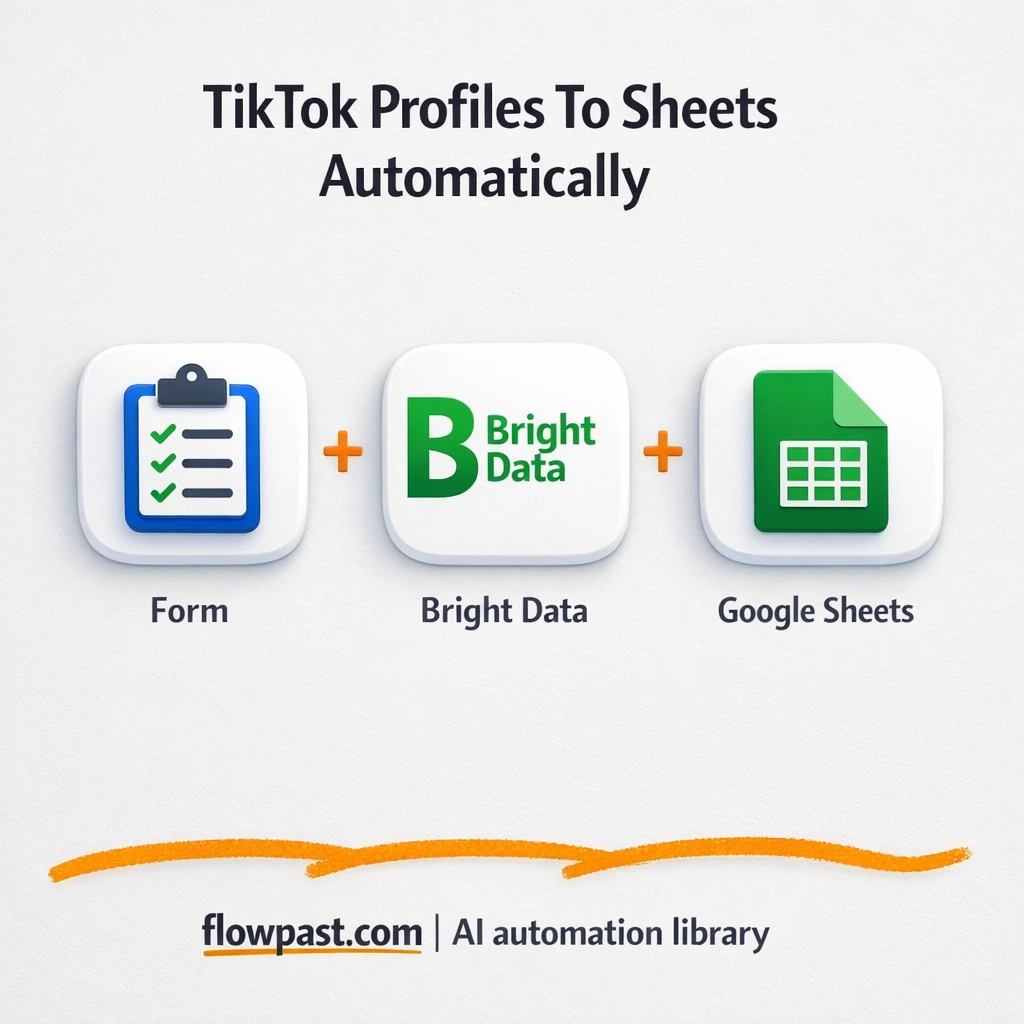

You find a promising TikTok creator, open ten tabs, copy follower counts, paste bios, then realize you grabbed the wrong handle. Again. That “quick research” turns into a messy spreadsheet and a slow leak of hours.
This TikTok leads logged automation hits marketing managers running influencer lists first, but agency operators and founders feel it too. You get a clean, sortable Google Sheet of creator stats without the manual copy-paste spiral.
Below you’ll see how the workflow runs in n8n, what results to expect, and the few setup pieces that matter so it doesn’t break mid-campaign.
How This Automation Works
The full n8n workflow, from trigger to final output:
n8n Workflow Template: Bright Data to Google Sheets, TikTok leads logged
flowchart LR

    subgraph sg0["Search by Profile URL Flow"]
        direction LR
        n0@{ icon: "mdi:database", form: "rounded", label: "Google Sheets", pos: "b", h: 48 }
        n1["<div style='background:#f5f5f5;padding:10px;border-radius:8px;display:inline-block;border:1px solid #e0e0e0'><img src='https://flowpast.com/wp-content/uploads/n8n-workflow-icons/form.svg' width='40' height='40' /></div><br/>Search by Profile URL"]
        n2["<div style='background:#f5f5f5;padding:10px;border-radius:8px;display:inline-block;border:1px solid #e0e0e0'><img src='https://flowpast.com/wp-content/uploads/n8n-workflow-icons/httprequest.dark.svg' width='40' height='40' /></div><br/>Sends profile URLs to Bright.."]
        n3["<div style='background:#f5f5f5;padding:10px;border-radius:8px;display:inline-block;border:1px solid #e0e0e0'><img src='https://flowpast.com/wp-content/uploads/n8n-workflow-icons/httprequest.dark.svg' width='40' height='40' /></div><br/>Checks scraping progress fro.."]
        n4@{ icon: "mdi:cog", form: "rounded", label: "Waits 30 seconds before retr..", pos: "b", h: 48 }
        n5@{ icon: "mdi:swap-horizontal", form: "rounded", label: "IF condition to check if Bri..", pos: "b", h: 48 }
        n6["<div style='background:#f5f5f5;padding:10px;border-radius:8px;display:inline-block;border:1px solid #e0e0e0'><img src='https://flowpast.com/wp-content/uploads/n8n-workflow-icons/httprequest.dark.svg' width='40' height='40' /></div><br/>Gets TikTok influencer detai.."]
        n1 --> n2
        n3 --> n4
        n4 --> n5
        n2 --> n3
        n5 --> n6
        n5 --> n3
        n6 --> n0
    end

    %% Styling
    classDef trigger fill:#e8f5e9,stroke:#388e3c,stroke-width:2px
    classDef ai fill:#e3f2fd,stroke:#1976d2,stroke-width:2px
    classDef aiModel fill:#e8eaf6,stroke:#3f51b5,stroke-width:2px
    classDef decision fill:#fff8e1,stroke:#f9a825,stroke-width:2px
    classDef database fill:#fce4ec,stroke:#c2185b,stroke-width:2px
    classDef api fill:#fff3e0,stroke:#e65100,stroke-width:2px
    classDef code fill:#f3e5f5,stroke:#7b1fa2,stroke-width:2px
    classDef disabled stroke-dasharray: 5 5,opacity: 0.5
    class n1 trigger
    class n5 decision
    class n0 database
    class n2,n3,n6 api
    classDef customIcon fill:none,stroke:none
    class n1,n2,n3,n6 customIcon
The Problem: TikTok influencer research is slow and error-prone
Influencer research looks simple until you do it at scale. One profile is fine. Twenty profiles turns into tab overload, inconsistent notes, and numbers you can’t trust two days later because TikTok stats move quickly. Then there’s the “where did we get this?” problem: no region, no verification status, no consistent engagement fields, and no paper trail when someone asks why a creator made the shortlist. You spend your best thinking time doing admin work, which is honestly the worst trade.
The friction compounds. Here’s where it breaks down in real life.
- Manually copying follower counts, likes, and bios across a list of creators invites small mistakes that derail outreach later.
- Different people track different fields, so your “database” is hard to sort, filter, or compare.
- Private or invalid profiles waste time because you only find out after you’ve already tried to evaluate them.
- Stats go stale fast, and re-checking the same creators every week becomes a recurring time sink.
The Solution: Submit TikTok URLs, then auto-log verified stats in Sheets
This workflow turns TikTok profile URLs into structured, decision-ready data in Google Sheets. It starts when you submit a profile URL through a simple form in n8n (no complicated front end required). n8n sends that URL to Bright Data’s TikTok dataset to trigger a scrape, then checks the job status on a timer so you’re not babysitting it. Once the snapshot is ready, the workflow fetches the full profile data and writes the key fields into your sheet as a new row or updated record. If something fails, the run still produces a status message so you know what happened and what to fix.
The workflow begins with a form submission. Bright Data handles the heavy lifting for collecting creator stats, while n8n keeps polling every 30 seconds until the data is available. Finally, Google Sheets becomes your single source of truth for outreach and analysis.
What You Get: Automation vs. Results
| What This Workflow Automates | Results You’ll Get |
|---|---|
|
|
Example: What This Looks Like
Say you’re building a list of 30 creators for a campaign. Manually, you might spend about 6 minutes per profile grabbing followers, likes, video count, bio, link-in-bio, and a quick engagement note, which is roughly 3 hours total (and that’s on a good day). With this workflow, you paste each profile URL into the form in under a minute, then the scraping runs in the background. Bright Data usually returns a snapshot in about 1–3 minutes per profile, and your Google Sheet fills as results come in.
What You’ll Need
- n8n instance (try n8n Cloud free)
- Self-hosting option if you prefer (Hostinger works well)
- Bright Data for TikTok dataset scraping.
- Google Sheets to store and sort creator stats.
- Bright Data API key (get it from your Bright Data dashboard).
Skill level: Intermediate. You’ll connect credentials, paste IDs/keys, and test a run or two in n8n.
Don’t want to set this up yourself? Talk to an automation expert (free 15-minute consultation).
How It Works
A profile URL gets submitted. The workflow starts from an n8n form where you paste a TikTok profile URL (and optionally add custom settings like country or fields to pull).
The workflow triggers Bright Data. n8n sends the URL to Bright Data’s TikTok dataset using an HTTP request, which creates a scraping job tied to that profile.
Status checks run on a loop. n8n polls Bright Data, waits 30 seconds when it’s not ready, then checks again. An “if ready” branch prevents empty results from being written into your sheet.
Results land in Google Sheets. Once the snapshot is ready, the workflow fetches the creator stats (followers, likes, video count, bio link, region, and more) and updates the spreadsheet record with a clear status message.
You can easily modify the output columns to match your outreach workflow, then keep the same trigger and polling logic. See the full implementation guide below for customization options.
Step-by-Step Implementation Guide
Step 1: Configure the Form Trigger
This workflow starts when a user submits a profile search in a form. Configure the trigger to capture the input.
- Add a Profile URL Form Trigger node and set Form Title to
TikTok Scraper. - Under Form Fields, add a field with Field Label set to
Search by Profile. - Copy the generated form URL for external use after saving the node.
Step 2: Connect Google Sheets
Configure the spreadsheet destination for storing the snapshot results.
- Open Update Spreadsheet Records and set Operation to
appendOrUpdate. - Set Document to
TikTok Dataand Sheet toTikTok profile by url. - In Columns, map the fields you expect to write (e.g.,
status,message) based on your snapshot response schema. - Credential Required: Connect your googleSheetsOAuth2Api credentials.
Step 3: Set Up the Bright Data Trigger and Progress Loop
This step triggers the Bright Data dataset run and loops until the snapshot is ready.
- Configure Dispatch Bright Data Trigger with Method
POSTand URLhttps://api.brightdata.com/datasets/v3/trigger. - Set JSON Body to the exact payload in the node, including
search_urlandcustom_output_fields. - In Query Parameters, add
dataset_idgd_l1villgoiiidt09ci,include_errorstrue,typediscover_new,discover_bysearch_url, andlimit_per_input2. - In Header Parameters, set Authorization to
Bearer [CONFIGURE_YOUR_TOKEN]. - Configure Check Bright Data Progress with URL
=https://api.brightdata.com/datasets/v3/progress/{{ $json.snapshot_id }}and the same Authorization header. - Set Delay Snapshot Recheck Amount to
30seconds. - In Ready Status Branch, add a condition: Left Value
={{ $json.status }}, Operator equals, Right Valueready.
⚠️ Common Pitfall: All three Bright Data HTTP nodes use Authorization headers with Bearer [CONFIGURE_YOUR_TOKEN]. Replace this placeholder with your actual Bright Data API token in Dispatch Bright Data Trigger, Check Bright Data Progress, and Fetch Influencer Snapshot.
Step 4: Configure Snapshot Retrieval and Output
Once the snapshot is ready, fetch the data and append it to Google Sheets.
- Set Fetch Influencer Snapshot URL to
=https://api.brightdata.com/datasets/v3/snapshot/{{ $json.snapshot_id }}. - Enable Send Query and add format
jsonin the query parameters. - Ensure Fetch Influencer Snapshot includes the same Authorization header as the other Bright Data nodes.
- Verify the flow: Ready Status Branch routes to Fetch Influencer Snapshot when the status is ready, then to Update Spreadsheet Records.
Step 5: Test and Activate Your Workflow
Run a manual test to confirm the end-to-end Bright Data scrape and Google Sheets update.
- Click Execute Workflow and submit the form from Profile URL Form Trigger.
- Watch the loop from Dispatch Bright Data Trigger → Check Bright Data Progress → Delay Snapshot Recheck → Ready Status Branch.
- Confirm a successful run when Fetch Influencer Snapshot returns data and Update Spreadsheet Records appends or updates rows in your sheet.
- Turn on the workflow using the Active toggle to enable production use.
Common Gotchas
- Bright Data credentials can expire or lack dataset access. If things break, check your Bright Data dashboard for the TikTok dataset permission and regenerate the API key first.
- If you’re using Wait nodes or external rendering, processing times vary. Bump up the wait duration if downstream nodes fail on empty responses.
- Google Sheets updates can silently fail when the sheet/tab name changes. Confirm the document ID, tab name (“TikTok profile by url”), and OAuth permissions before blaming the scraper.
Frequently Asked Questions
About 15 minutes if your Bright Data and Google credentials are ready.
No. You’ll mostly paste an API key, connect Google Sheets, and test the form once.
Yes. n8n has a free self-hosted option and a free trial on n8n Cloud. Cloud plans start at $20/month for higher volume. You’ll also need to factor in Bright Data dataset usage costs (it varies by plan and volume).
Two options: n8n Cloud (managed, easiest setup) or self-hosting on a VPS. For self-hosting, Hostinger VPS is affordable and handles n8n well. Self-hosting gives you unlimited executions but requires basic server management.
Yes, and it’s one of the best reasons to use n8n here. You adjust the Bright Data request payload to include additional custom output fields (for example language, creation time, or last post time), then map those fields into new Google Sheets columns. You can also add a country selector to the form so different team members can run geo-specific pulls. If you want to tag creators by niche automatically, add an OpenAI Chat Model step to classify the biography text before writing the row.
Usually it’s an invalid or expired API key, or your account doesn’t have permission for the TikTok dataset. Regenerate the key in Bright Data, update the credential in n8n, then re-run a single test URL. If the job triggers but never becomes “ready,” check usage limits and quotas in your Bright Data plan because polling won’t fix a blocked dataset request.
On n8n Cloud Starter, you’re typically fine for small-to-medium lists, and you can scale up by moving to a higher plan. If you self-host, there’s no execution limit (it depends on your server and how many polls you run). Bright Data plan limits matter more than n8n for big batches. Practically, teams often run 100–1,000 profiles a day if they pace requests and keep an eye on quotas.
For Bright Data polling workflows, yes, in most cases. You need looping logic (check status, wait, try again), and n8n handles that cleanly without turning it into a pile of paid “tasks.” Self-hosting is a big deal too if you’re processing lots of profiles. Zapier or Make can still work if you only run a few URLs and you’re okay with simpler error handling. Talk to an automation expert if you want a quick recommendation for your volume.
Once this is running, your influencer research stops being a weekly fire drill. The workflow logs the repetitive stuff, and you get to focus on picking the right creators and shipping the campaign.
Need Help Setting This Up?
Our automation experts can build and customize this workflow for your specific needs. Free 15-minute consultation—no commitment required.
