


E-goi + Google Sheets: subscriber data stays clean
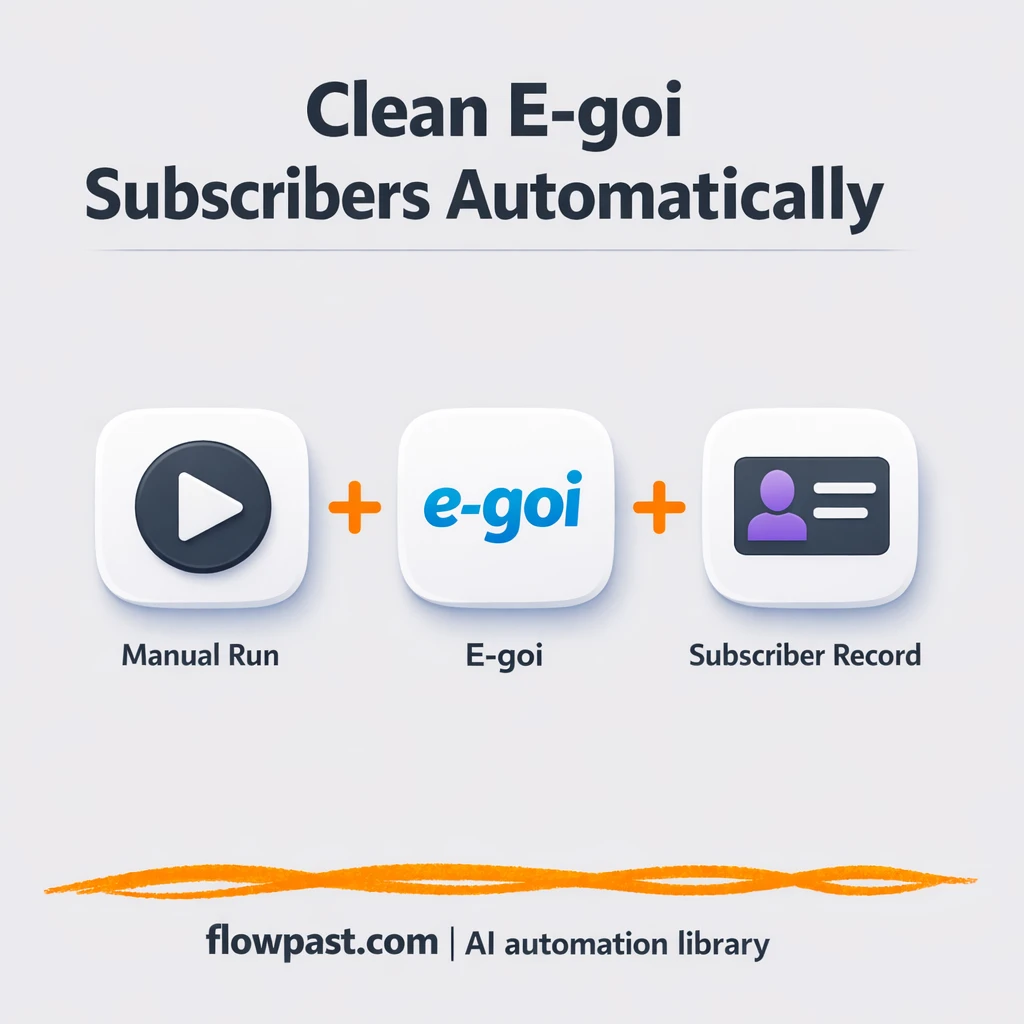

Your email list looks fine until it doesn’t. A few imports later, you’re staring at duplicates, half-filled fields, and subscribers who somehow exist twice with different tags.
This is the kind of mess that hits marketing managers first, but agency owners and ops-minded founders feel it too. With an E-goi Sheets sync, you stop guessing which record is “real” and start working from clean subscriber data you can trust.
This workflow creates or updates an E-goi subscriber, then pulls the final record back so you can log it (and verify it) in Google Sheets with far less manual cleanup.
How This Automation Works
The full n8n workflow, from trigger to final output:
n8n Workflow Template: E-goi + Google Sheets: subscriber data stays clean
flowchart LR

    subgraph sg0["On clicking 'execute' Flow"]
        direction LR
        n0@{ icon: "mdi:play-circle", form: "rounded", label: "On clicking 'execute'", pos: "b", h: 48 }
        n1["<div style='background:#f5f5f5;padding:10px;border-radius:8px;display:inline-block;border:1px solid #e0e0e0'><img src='https://flowpast.com/wp-content/uploads/n8n-workflow-icons/egoi.svg' width='40' height='40' /></div><br/>e-goi"]
        n2["<div style='background:#f5f5f5;padding:10px;border-radius:8px;display:inline-block;border:1px solid #e0e0e0'><img src='https://flowpast.com/wp-content/uploads/n8n-workflow-icons/egoi.svg' width='40' height='40' /></div><br/>e-goi1"]
        n3["<div style='background:#f5f5f5;padding:10px;border-radius:8px;display:inline-block;border:1px solid #e0e0e0'><img src='https://flowpast.com/wp-content/uploads/n8n-workflow-icons/egoi.svg' width='40' height='40' /></div><br/>e-goi2"]
        n1 --> n2
        n2 --> n3
        n0 --> n1
    end

    %% Styling
    classDef trigger fill:#e8f5e9,stroke:#388e3c,stroke-width:2px
    classDef ai fill:#e3f2fd,stroke:#1976d2,stroke-width:2px
    classDef aiModel fill:#e8eaf6,stroke:#3f51b5,stroke-width:2px
    classDef decision fill:#fff8e1,stroke:#f9a825,stroke-width:2px
    classDef database fill:#fce4ec,stroke:#c2185b,stroke-width:2px
    classDef api fill:#fff3e0,stroke:#e65100,stroke-width:2px
    classDef code fill:#f3e5f5,stroke:#7b1fa2,stroke-width:2px
    classDef disabled stroke-dasharray: 5 5,opacity: 0.5
    class n0 trigger
    classDef customIcon fill:none,stroke:none
    class n1,n2,n3 customIcon
The Problem: Subscriber data gets messy fast
Subscriber data “drift” is sneaky. A lead comes in from a form, then later the same person is imported from a webinar list, then a teammate updates the contact but only changes one field. Now segments misfire, automations trigger twice, and reporting turns into a debate about which list is correct. The worst part is the mental load: every campaign send becomes a tiny stress test because you’re never fully sure the audience is clean.
It adds up fast. Here’s where it usually breaks down.
- You end up creating “cleanup spreadsheets” that become outdated the next time someone imports contacts.
- Duplicates slip through, which means people get double emails and unsubscribe out of annoyance.
- Fields like tags, custom attributes, or consent status get overwritten or left blank during manual edits.
- No one has a reliable audit trail, so troubleshooting turns into digging through screenshots and Slack messages.
The Solution: Create, update, and verify subscribers automatically
This n8n workflow focuses on one job: keeping an E-goi subscriber record consistent from the moment you touch it. You trigger the workflow, it creates a subscriber in E-goi, then immediately applies your updates (the stuff that’s easy to forget when you’re rushing), and finally retrieves the subscriber details back from E-goi so you can confirm what actually got stored. That last step matters more than most teams realize, because it turns “we sent an update” into “we know the system saved it.” From there, you can write that verified record into Google Sheets as your clean log for QA, handoffs, and quick filtering.
The workflow starts when you manually run it in n8n (useful for testing and controlled updates). E-goi handles the create and update actions. Then the workflow pulls the subscriber back from E-goi so your sheet reflects the final, authoritative version of that contact.
What You Get: Automation vs. Results
| What This Workflow Automates | Results You’ll Get |
|---|---|
|
|
Example: What This Looks Like
Say you add or update 30 subscribers a week from partnerships, imports, or quick fixes. Manually, it’s easy to spend about 5 minutes per contact creating the record, editing fields, and double-checking details, which is roughly 2.5 hours (and that’s before fixing mistakes). With this workflow, you run one trigger per contact, let n8n apply the updates, then pull the final E-goi record back for logging. The human time drops to a quick review, often under a minute per subscriber.
What You’ll Need
- n8n instance (try n8n Cloud free)
- Self-hosting option if you prefer (Hostinger works well)
- E-goi for creating and updating subscribers
- Google Sheets to store a clean subscriber log
- E-goi API credentials (get them from your E-goi account settings)
Skill level: Beginner. You will connect E-goi, map a few fields, and run a test record end-to-end.
Don’t want to set this up yourself? Talk to an automation expert (free 15-minute consultation).
How It Works
Manual trigger to control updates. You start the workflow when you want to create or correct a subscriber, which is perfect for testing and for “fix this contact now” situations.
Create the subscriber in E-goi. n8n sends the core fields (like email and basic profile data) to E-goi so the contact exists as a record you can safely update.
Apply your standard updates. The workflow runs a second E-goi action to update the subscriber details, so tags and custom fields don’t rely on someone remembering the right checklist.
Pull the final subscriber back for verification. n8n retrieves the subscriber info from E-goi, which you can then write into Google Sheets as your clean, verified log.
You can easily modify which fields you update to match your segmentation and consent rules. See the full implementation guide below for customization options.
Step-by-Step Implementation Guide
Step 1: Configure the Manual Trigger
Start the workflow manually so you can validate the E-goi subscriber lifecycle end-to-end.
- Add the Manual Run Trigger node as your trigger.
- Keep default settings since this trigger requires no parameters.
- Connect Manual Run Trigger to Create Subscriber Record to match the execution flow.
Step 2: Connect E-goi
Set up the initial subscriber creation and ensure E-goi credentials are available.
- Open Create Subscriber Record and select the E-goi list by setting List to
1. - Set Email to
[YOUR_EMAIL]and set Additional Fields → first_name toNathan. - Credential Required: Connect your egoiApi credentials in Create Subscriber Record.
Step 3: Set Up the Subscriber Update
Update the newly created subscriber using dynamic values from the prior node.
- Add Modify Subscriber Details after Create Subscriber Record.
- Set List to
={{$node["Create Subscriber Record"].parameter["list"]}}. - Set Contact ID to
={{$node["Create Subscriber Record"].json["base"]["contact_id"]}}. - Set Operation to
updateand Update Fields → first_name toNat. - Credential Required: Connect your egoiApi credentials in Modify Subscriber Details.
Step 4: Configure the Subscriber Retrieval
Fetch the updated subscriber details to confirm changes in E-goi.
- Add Retrieve Subscriber Info after Modify Subscriber Details.
- Set List to
={{$node["Create Subscriber Record"].parameter["list"]}}. - Set Contact ID to
={{$node["Modify Subscriber Details"].json["base"]["contact_id"]}}. - Set Operation to
get. - Credential Required: Connect your egoiApi credentials in Retrieve Subscriber Info.
base.contact_id.Step 5: Test and Activate Your Workflow
Run a manual test and confirm the subscriber lifecycle is correct before activating.
- Click Execute Workflow to trigger Manual Run Trigger and run the sequence.
- Verify Create Subscriber Record returns a valid
contact_idin its output. - Confirm Modify Subscriber Details shows the updated
first_namein the result. - Check Retrieve Subscriber Info for the final subscriber profile data.
- Toggle the workflow to Active when you are ready for production use.
Common Gotchas
- E-goi credentials can expire or need specific permissions. If things break, check your E-goi API key status in account settings first.
- If you’re using Wait nodes or external rendering, processing times vary. Bump up the wait duration if downstream nodes fail on empty responses.
- Default prompts in AI nodes are generic. Add your brand voice early or you’ll be editing outputs forever.
Frequently Asked Questions
About 30 minutes if your E-goi API access is ready.
No. You’ll mostly map fields and test a subscriber record.
Yes. n8n has a free self-hosted option and a free trial on n8n Cloud. Cloud plans start at $20/month for higher volume. You’ll also need to factor in E-goi plan limits (and any API limits tied to your account).
Two options: n8n Cloud (managed, easiest setup) or self-hosting on a VPS. For self-hosting, Hostinger VPS is affordable and handles n8n well. Self-hosting gives you unlimited executions but requires basic server management.
Yes, and you should. Most teams customize the “Modify Subscriber Details” E-goi step to set consent fields, tags, and any custom attributes you use for segmentation. You can also extend the workflow by adding a Google Sheets step after “Retrieve Subscriber Info” to log the final state. If you’re pulling data from other sources later, swap the manual trigger for a form, webhook, or a scheduled run.
Usually it’s expired or incorrect API credentials in n8n. Regenerate your E-goi API key (or re-authorize, depending on your setup) and update the credential in the E-goi node. Also check that the key has permission to create and update subscribers, because read-only access will fail halfway through. If you’re testing with the same email repeatedly, make sure E-goi isn’t rejecting the update due to list rules or missing required fields.
On n8n Cloud Starter, you can typically handle a few thousand executions per month, and self-hosting depends on your server. Practically, E-goi API limits and your update frequency matter more than n8n.
Often, yes, if you care about data hygiene and verification. n8n makes it easier to run a “create → update → retrieve” chain without fighting plan limits or awkward workarounds, and self-hosting is there if you don’t want per-task pricing. Zapier and Make can be quicker for a basic two-step sync, but they get annoying when you want conditional logic, merges, or a proper audit trail. With n8n you can also keep credentials and execution data under your control. If you want help choosing, Talk to an automation expert.
Clean subscribers make everything else easier, from segmentation to deliverability. Set this up once, and stop paying the “data tax” every time you send a campaign.
Need Help Setting This Up?
Our automation experts can build and customize this workflow for your specific needs. Free 15-minute consultation—no commitment required.
