


Mautic to Google Sheets, clean contacts on demand
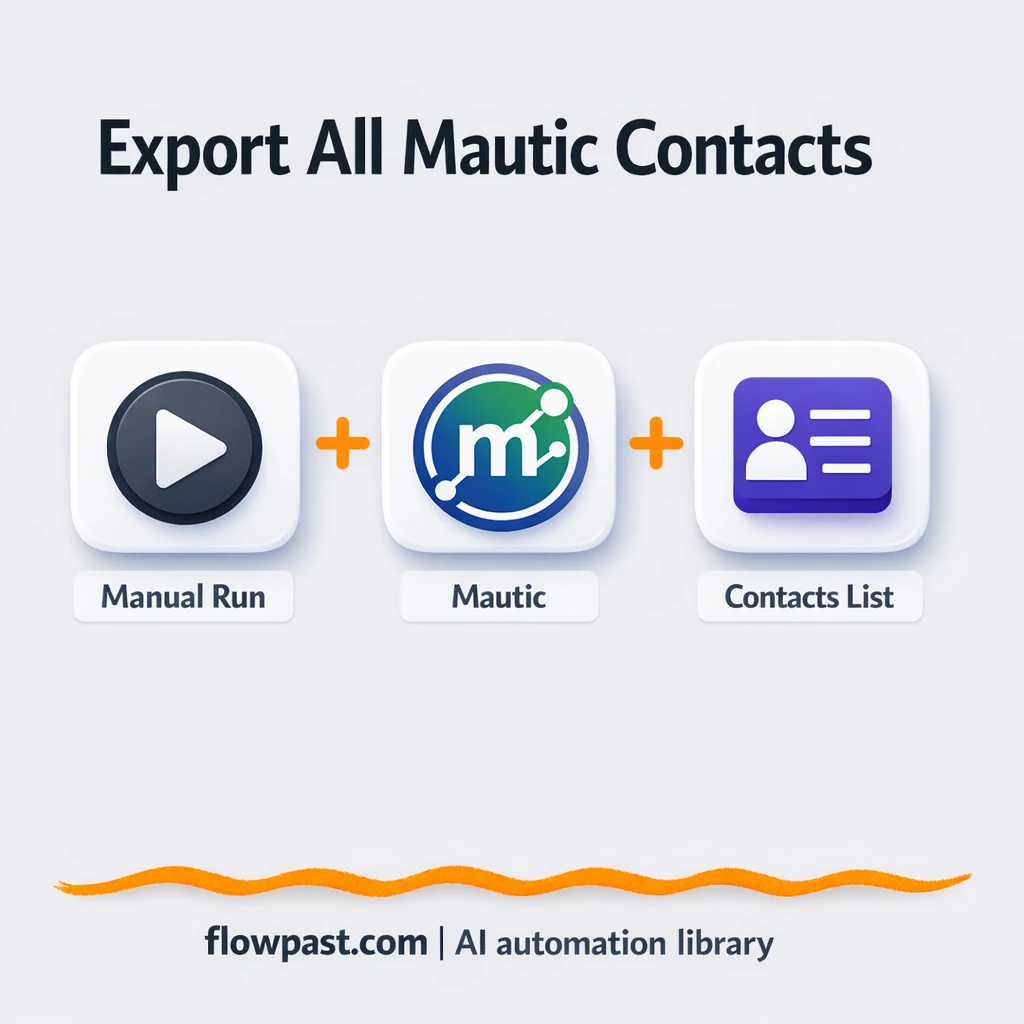

Pulling contacts out of Mautic should be simple. Instead, it turns into “Where’s the latest export?”, a half-broken CSV, and a spreadsheet you don’t fully trust.
Marketing ops teams run into this constantly. Agency owners feel it when a client asks for “the list” right before a meeting. And if you’re a solo operator, the Mautic Sheets export problem is still the same: manual work, inconsistent fields, and last-minute cleanup.
This workflow gives you an on-demand export from Mautic into Google Sheets, so the file you share is already usable. You’ll see exactly what it does, what you need, and how to adapt it to your process.
How This Automation Works
Here’s the complete workflow you’ll be setting up:
n8n Workflow Template: Mautic to Google Sheets, clean contacts on demand
flowchart LR

    subgraph sg0["Manual Launch Flow"]
        direction LR
        n0@{ icon: "mdi:play-circle", form: "rounded", label: "Manual Launch Trigger", pos: "b", h: 48 }
        n1["<div style='background:#f5f5f5;padding:10px;border-radius:8px;display:inline-block;border:1px solid #e0e0e0'><img src='https://flowpast.com/wp-content/uploads/n8n-workflow-icons/mautic.svg' width='40' height='40' /></div><br/>Retrieve Mautic Contacts"]
        n0 --> n1
    end

    %% Styling
    classDef trigger fill:#e8f5e9,stroke:#388e3c,stroke-width:2px
    classDef ai fill:#e3f2fd,stroke:#1976d2,stroke-width:2px
    classDef aiModel fill:#e8eaf6,stroke:#3f51b5,stroke-width:2px
    classDef decision fill:#fff8e1,stroke:#f9a825,stroke-width:2px
    classDef database fill:#fce4ec,stroke:#c2185b,stroke-width:2px
    classDef api fill:#fff3e0,stroke:#e65100,stroke-width:2px
    classDef code fill:#f3e5f5,stroke:#7b1fa2,stroke-width:2px
    classDef disabled stroke-dasharray: 5 5,opacity: 0.5
    class n0 trigger
    classDef customIcon fill:none,stroke:none
    class n1 customIcon
Why This Matters: Clean contact data is always “urgent”
Contact lists are the backbone of campaigns, reports, and compliance checks, but Mautic exports usually happen at the worst possible time. Someone asks for “all contacts with email, tags, and last activity” and you’re suddenly doing admin work instead of shipping a campaign. CSVs come out with odd formatting, missing columns, or duplicate rows because the segment changed after the last export. Then you spend your attention on cleanup, not decisions. Honestly, it’s the context switching that hurts most.
It adds up fast. Here’s where it breaks down in real teams.
- You export a CSV, open it, and realize the headers or encoding are off, so Google Sheets imports it oddly.
- The “latest” file is never the latest, because you’re exporting only when someone remembers to do it.
- People start copy-pasting from old spreadsheets, which quietly creates duplicates and bad segmentation decisions.
- Audits and reporting get delayed because you don’t have a consistent, repeatable way to pull contacts on demand.
What You’ll Build: An on-demand Mautic contacts export to Google Sheets
This automation is intentionally simple, because the business win is simple too: when you need an updated contact list, you should be able to generate it without hunting through menus or cleaning up files. The workflow starts with a manual launch inside n8n (you click to run it). From there, it uses the Mautic integration to retrieve contacts directly from your Mautic instance. Once you have the raw contact records, you can push them into a Google Sheet that becomes your “source of truth” for reporting, audits, or quick sharing. No CSV downloads. No re-uploads. Just a repeatable pull that you can run whenever you want.
In practice, you click “Execute”, n8n fetches the contacts, then your spreadsheet gets refreshed with consistent rows. If you later want this to run on a schedule, or export a specific segment only, you can modify the trigger and the Mautic query without rebuilding everything.
What You’re Building
| What Gets Automated | What You’ll Achieve |
|---|---|
|
|
Expected Results
Say you pull an updated contacts list three times a week for reporting, partner uploads, and a quick internal check. Manually, it’s often 15 minutes to export, 15 minutes to clean it up, and another 10 minutes to reformat or fix imports in Sheets, so about 40 minutes per run. That’s roughly 2 hours a week. With this workflow, the “work” becomes a 1-minute manual run in n8n plus a short wait while it fetches contacts, and your sheet is ready.
Before You Start
- n8n instance (try n8n Cloud free)
- Self-hosting option if you prefer (Hostinger works well)
- Mautic for your CRM/contact database source.
- Google Sheets to store and share the exported contacts.
- Mautic API credentials (get them from your Mautic settings under API/OAuth).
Skill level: Beginner. You’ll connect accounts and confirm which fields you want exported.
Want someone to build this for you? Talk to an automation expert (free 15-minute consultation).
Step by Step
Manual launch from n8n. You run the workflow when you actually need fresh data, like right before a report or a list handoff.
Pull contacts from Mautic. The Mautic node retrieves contact records from your instance. This is where you decide what “contacts” means for you (all contacts, a segment, recently updated, and so on).
Shape the data for a spreadsheet. You map contact properties into consistent columns, so the sheet stays readable and usable. If you want “First name” and “Last name” separated, this is where that happens.
Send rows into Google Sheets. The end result is a sheet that can be shared, filtered, and used for reporting without re-importing files every time.
You can easily modify the export scope to target a segment, or switch the trigger from manual to scheduled based on your needs. See the full implementation guide below for customization options.
Step-by-Step Implementation Guide
Step 1: Configure the Manual Trigger
This workflow starts manually so you can test contact retrieval on demand.
- Add the Manual Launch Trigger node as the workflow trigger.
- Leave all default settings as-is (no parameters are required for this node).
- Optionally keep Flowpast Branding as a sticky note for documentation.
Step 2: Connect Mautic
Retrieve all contacts from your Mautic instance using OAuth2.
- Add the Retrieve Mautic Contacts node and connect it to Manual Launch Trigger.
- Set Authentication to
oAuth2. - Set Operation to
getAll. - Credential Required: Connect your mauticOAuth2Api credentials.
Step 3: Test and Activate Your Workflow
Validate that your Mautic contacts are retrieved successfully before activating the workflow.
- Click Execute Workflow to run the Manual Launch Trigger.
- Confirm Retrieve Mautic Contacts returns a list of contacts in the output panel.
- When successful, toggle the workflow Active for production use.
Troubleshooting Tips
- Mautic credentials can expire or need specific permissions. If things break, check your Mautic API settings (and any OAuth client you created) first.
- If you’re exporting a lot of contacts, the retrieval can take longer than you expect. When downstream steps run on empty or partial data, add a small wait or increase pagination limits in the Mautic node.
- Google Sheets errors are often about sharing and access. Confirm the connected Google account can edit the target spreadsheet and that the sheet/tab name matches exactly.
Quick Answers
About 20 minutes if your Mautic and Google accounts are ready.
No. You’ll authenticate Mautic and Google Sheets, then pick which contact fields become columns.
Yes. n8n has a free self-hosted option and a free trial on n8n Cloud. Cloud plans start at $20/month for higher volume. You’ll also need to factor in any Mautic hosting costs you already pay (the workflow itself doesn’t add per-request AI fees).
Two options: n8n Cloud (managed, easiest setup) or self-hosting on a VPS. For self-hosting, Hostinger VPS is affordable and handles n8n well. Self-hosting gives you unlimited executions but requires basic server management.
Yes, and it’s usually just a small change in the “Retrieve Mautic Contacts” node. Common tweaks include exporting only a specific segment, limiting to “recently updated” contacts, adding custom fields (like lifecycle stage), or writing to a different tab per campaign. If you want it to run automatically, swap the Manual Launch Trigger for a Schedule trigger. Keep the rest of the workflow the same.
Usually it’s an API auth issue: the key is wrong, the OAuth client is misconfigured, or the user doesn’t have permission to access contacts. Double-check the base URL (self-hosted Mautic URLs are easy to mistype) and confirm API access is enabled in Mautic. If it fails only on large exports, you may be hitting rate limits or pagination settings. Re-run with a smaller subset to confirm, then scale up.
On n8n Cloud Starter, you can typically handle a few thousand manual exports or scheduled runs per month, depending on how often you execute it. If you self-host, there’s no execution limit (it mainly depends on your server and how big your contact list is). For large databases, use pagination in the Mautic node and write rows in batches so Sheets doesn’t choke.
Sometimes, yes. n8n is a better fit when you want control over filtering, batching, and data shaping without paying extra for multi-step logic, and self-hosting is a real advantage if you run exports often. Zapier or Make can be quicker for very small automations, but contact exports tend to grow into “one more field” and “one more condition” fast. If your exports need repeatability and consistent formatting, n8n usually wins. If you want help choosing, Talk to an automation expert.
Once this is in place, exporting contacts stops being a mini-project. You run it, get clean data in Sheets, and get back to the work that actually moves revenue.
Need Help Setting This Up?
Our automation experts can build and customize this workflow for your specific needs. Free 15-minute consultation—no commitment required.
